GPT Image 2.6 vs Flux 2 Pro: Which Model Wins for Your Project?
Both engines are frontier leaders, yet they excel at completely different visual tasks. Here is the clear, benchmark-backed breakdown so you pick the right engine in seconds.
Quick Verdict: Choose Based on Your Deliverable
GPT Image 2.6 (Flare / Sunburst)
Pick GPT Image 2.6 whenever your design includes brand names, headlines, badge curves, transparent cutouts, scalable SVG vectors, or animated looping GIFs. It renders 50% faster than 2.5 and follows multi-part layout briefs accurately.
Flux 2 Pro
Pick Flux 2 Pro when your goal is indistinguishable camera realism — skincare bottles, luxury watches, editorial portraits, architectural sunlight, and natural optical bokeh without any synthetic AI sheen.
GPT Image 2.6 vs Flux 2 Pro: Side-by-Side Capability Matrix
Evaluated across typography accuracy, photographic realism, generation speed, and production formats.
| Capability | GPT Image 2.6 (Flare / Sunburst) | Flux 2 Pro |
|---|---|---|
| Typography & Spelling | Industry-leading: crisp headlines, curved logo badges, bilingual posters | Good for short words, less reliable on dense multi-line poster copy |
| Photorealistic Skin & Optics | Very strong editorial polish, slightly stylized on close-up macro skin | Cinema-grade pores, natural fabric drape, physically accurate reflections |
| Generation Speed | 5–6s (Flare) / 7–10s (Sunburst) | 10–15s per high-detail render |
| Vector SVG & Animated GIF | Native SVG vector tracing + 2–16 frame looping GIFs | Raster PNG / JPG / WebP only |
| Transparent Cutouts | Native clean alpha cutouts for e-commerce and UI stickers | Requires separate background removal step |
| Lighting & Camera Depth | Excellent commercial lighting and crisp graphic contrast | Unmatched lens bokeh, glass refraction, and natural ambient falloff |
| Best Commercial Use Cases | Coffee shop logos, fitness posters, SaaS hero graphics, brand kits | E-commerce product photography, lookbooks, architectural visualization |
Why Comparing GPT Image 2.6 and Flux 2 Pro Saves Hours of Trial and Error
Most creators waste time forcing a single AI generator to handle every stage of a campaign. If you ask a photography-first diffusion engine to design a fitness bootcamp poster with five lines of promotional text, you often get warped letters or awkward hierarchy.
Conversely, if you ask a graphic-layout engine to shoot a macro luxury perfume bottle with realistic glass refraction and soft window caustics, the result can look slightly over-polished compared to a true optical lens simulation.
Understanding the boundary between GPT Image 2.6 and Flux 2 Pro lets you combine both strengths on one infinite canvas in Lovart: shoot the hero product photo with Flux 2 Pro, then generate the matching vector logo, promotional poster, and animated social GIF with GPT Image 2.6.
Real Output Examples: Where Each Engine Shines
Artisan Bakery & Coffee Shop Vector Logo
GPT Image 2.6 Flare
Prompt: “Minimalist vector bakery emblem for 'Field & Flour', warm artisan serif typography, clean scalable lines”
GPT Image 2.6 Flare locks letter spacing cleanly along curved paths and exports directly as a crisp vector SVG ready for storefronts and packaging.
Natural Light Editorial Portrait
Flux 2 Pro
Prompt: “Close-up editorial portrait with weathered natural skin texture, soft overcast coastal light, 85mm lens bokeh”
Flux 2 Pro excels at micro-contrast, natural skin tones, and realistic depth of field that looks captured on medium-format camera hardware.
Clean E-Commerce Transparent Cutout
GPT Image 2.6 Flare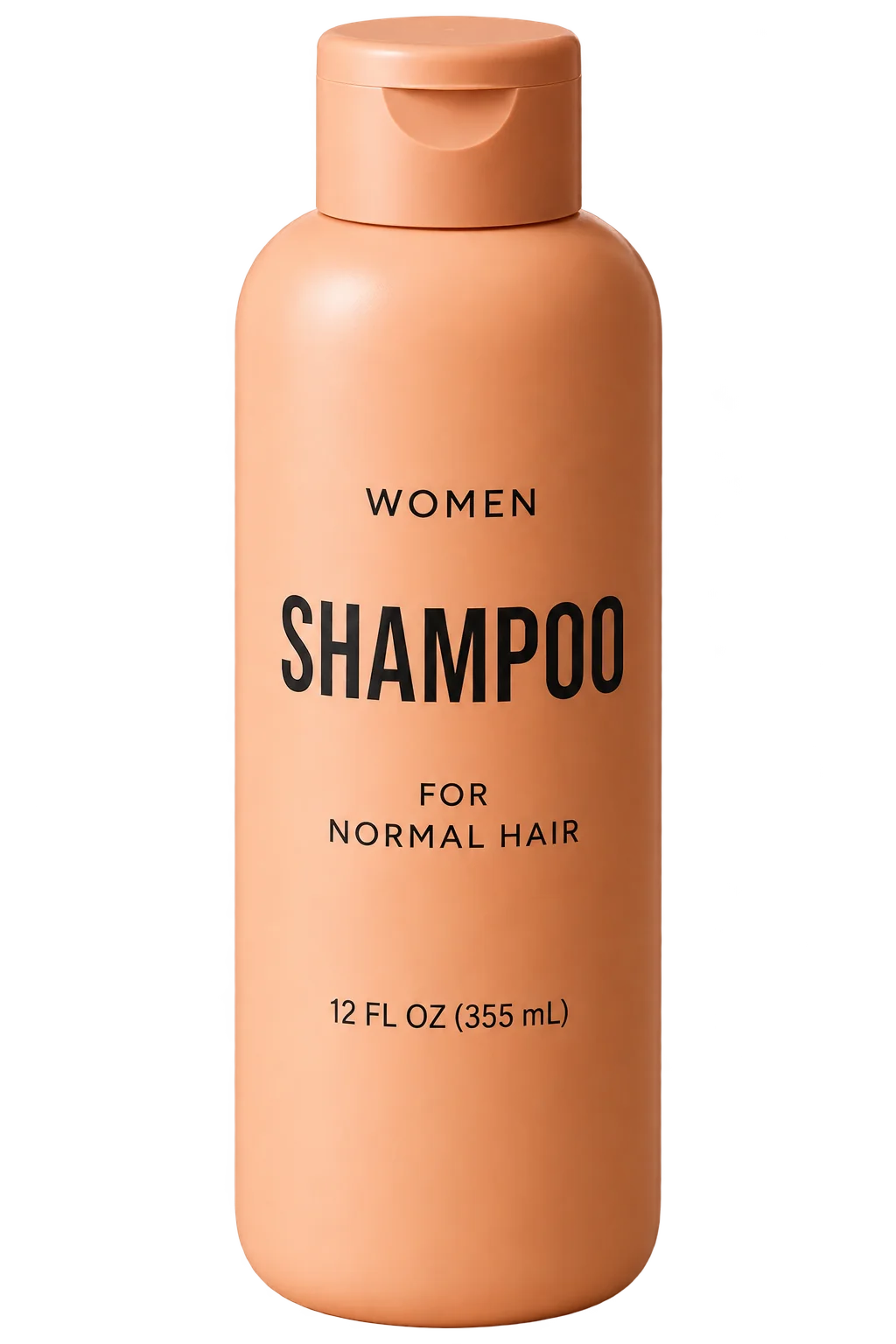
Prompt: “Studio product cutout on transparent background with crisp edges ready for Shopify ad banners”
Instead of spending 15 minutes masking edges in Photoshop, GPT Image 2.6 produces drop-in transparent assets ready for landing pages.
Luxury Product Packaging Campaign Shot
Flux 2 Pro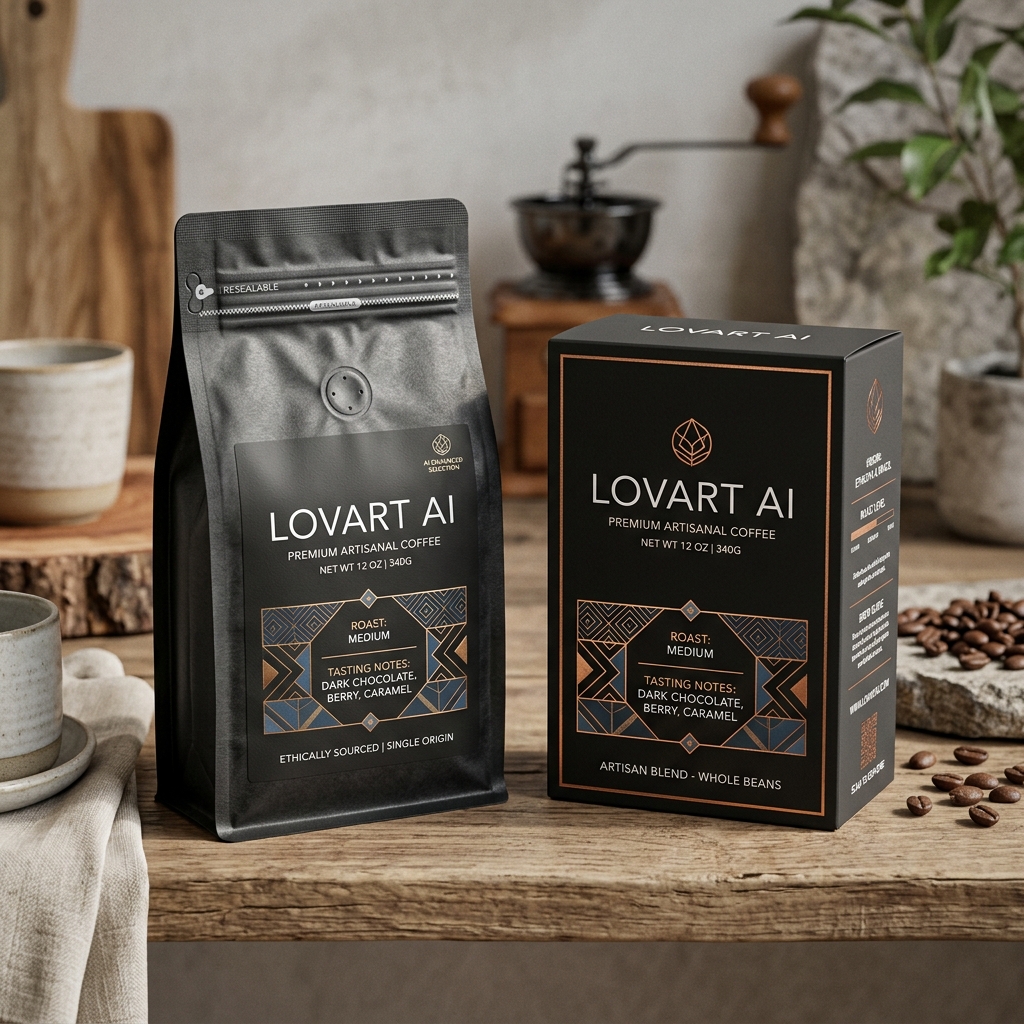
Prompt: “Luxury skincare packaging on warm stone plinth with architectural sunlit shadows, commercial studio photography”
Flux 2 Pro renders subtle surface grain, soft shadow gradients, and realistic packaging materials ideal for paid social ads and Amazon A+ listings.
1. Typography, Posters & Brand Kits: Why GPT Image 2.6 Takes the Lead
For startups, local businesses, and marketing teams, readable typography is non-negotiable. Whether you are designing a coffee shop logo, a grand opening flyer, or a 9:16 fitness poster, a single misspelled word makes an AI image unusable.
GPT Image 2.6 uses deeper scene-hierarchy planning before rendering pixels. In Flare mode, it delivers crisp headline hierarchy in 5–6 seconds; in Sunburst mode, it handles dense multi-element compositions and multi-round text edits without drifting the background.
- Use GPT Image 2.6 Flare for rapid poster iterations, brand marks, and SVG vector exports.
- Use GPT Image 2.6 Sunburst when a graphic contains 4+ distinct visual layers or needs animated looping GIF output.
- Use GPT Image 2.6 Economy when brainstorming dozens of 1K layout directions quickly.
2. Commercial Photography & Realism: Where Flux 2 Pro Still Dominates
When your creative brief has zero or minimal embedded text — such as lifestyle brand photography, fashion lookbooks, cosmetic macro shots, or real estate interiors — Flux 2 Pro remains the gold standard for photographic authenticity.
Its optical simulation reproduces authentic highlights on glass, brushed metal, fabric weaves, and human skin without the overly smooth airbrushed look that gives away generic AI imagery.
- Ideal for Shopify product hero images, Amazon listing lifestyle photos, and editorial portraits.
- Maintains natural depth-of-field falloff across wide 16:9 banners and vertical 9:16 story frames.
- Pairs seamlessly with GPT Image 2.6 on Lovart’s canvas when you want to add clean campaign typography or brand marks afterward.
3. The Smartest Workflow: Use Both Together on One Canvas
You do not have to commit to only one model. Inside Lovart Design Studio, you can switch between GPT Image 2.6 and Flux 2 Pro in the same project thread without exporting files between platforms.
A proven agency workflow is to generate your photorealistic product scene in Flux 2 Pro, then switch the dropdown to GPT Image 2.6 Flare to produce matching vector logos, promotional banners, and social variations with consistent brand styling.
How Creators Switch Models Inside Lovart
“We used to pay for two separate AI tools — one for clean poster text and another for realistic product photography. Switching between GPT Image 2.6 and Flux 2 Pro on the same Lovart canvas cut our campaign turnaround in half.”
“Flux 2 Pro gives our skincare bottles real studio glass reflections, while GPT Image 2.6 Flare nails our promotional headlines and SVG icons in 5 seconds flat.”
Frequently Asked Questions
Is GPT Image 2.6 better than Flux 2 Pro for logos?
Yes. GPT Image 2.6 Flare is significantly stronger for logo design because it renders crisp vector shapes, accurate brand spelling, curved badge text, and native SVG exports.
When should I choose Flux 2 Pro over GPT Image 2.6?
Choose Flux 2 Pro for photorealistic portraits, luxury product photography, architectural interiors, and lifestyle brand shoots where natural lens optics and realistic skin or material textures matter most.
Which model is faster: GPT Image 2.6 or Flux 2 Pro?
GPT Image 2.6 is faster. Economy renders in 4–5 seconds and Flare renders in 5–6 seconds, whereas Flux 2 Pro typically takes 10–15 seconds for full optical detail.
Can I use both GPT Image 2.6 and Flux 2 Pro in Lovart?
Yes. Both models are built directly into Lovart Design Studio so you can switch engines mid-project on one infinite canvas with full commercial copyright on paid plans.
Explore More Model Comparisons
Stop Paying for Separate AI Subscriptions
Generate logos with GPT Image 2.6, switch to Flux 2 Pro for studio photography, and compare every asset side by side inside Lovart — no design skills needed.