AI Design Agent for Logos, Brand Kits, Posters and Videos
Generate, edit, organize, and export professional visual assets in one infinite canvas workspace — from logos and brand kits to social media graphics and brand videos.
Lovart AI is an independent design platform that provides access to leading third-party AI models (including Veo 3, Gemini, GPT Image 2, and others) through our proprietary interface. We are not affiliated with any model creators.
What is Lovart?
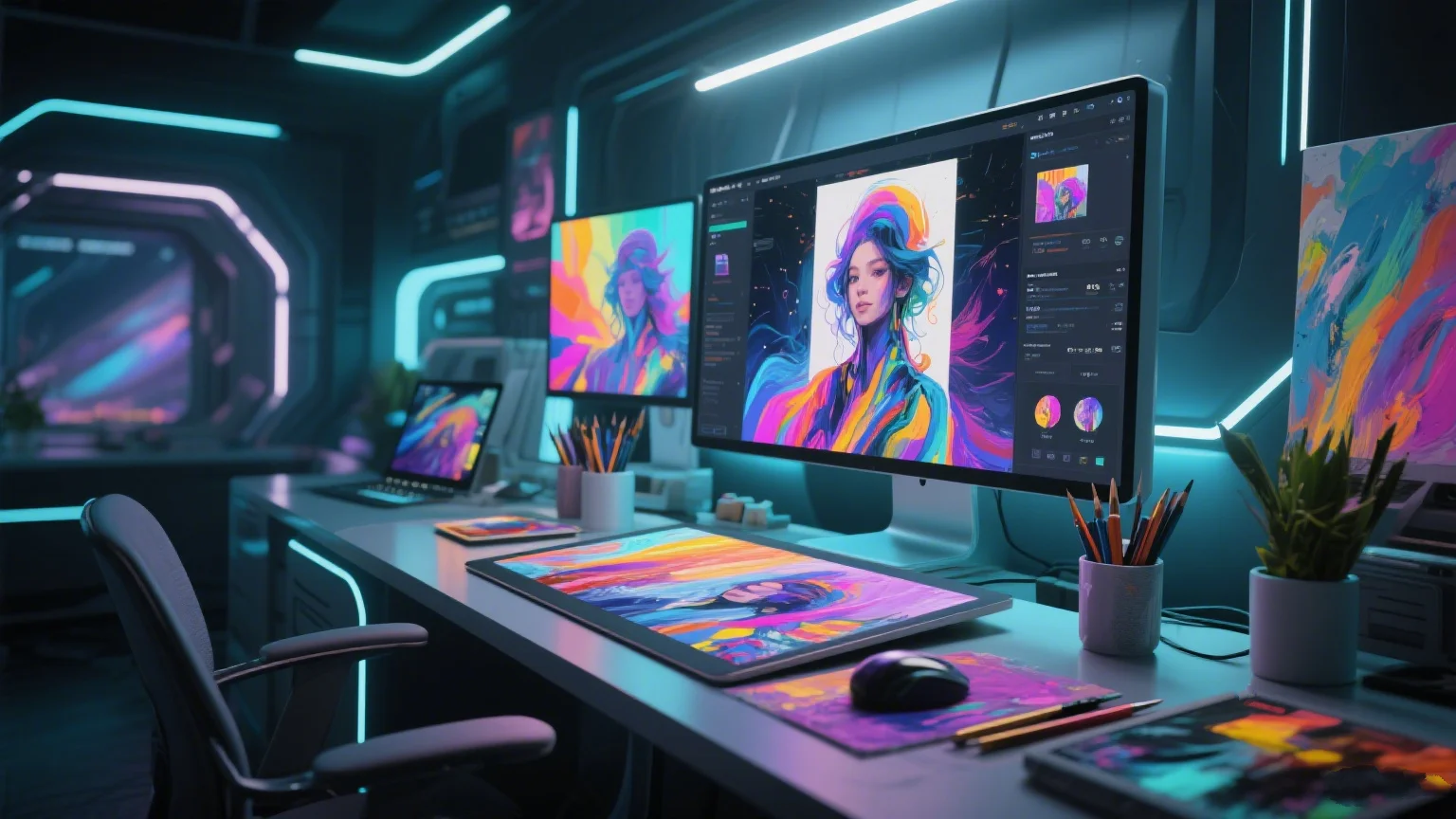
Lovart is an AI design agent that helps users create logos, posters, brand kits, social media visuals, product ads, and videos from a single prompt. It combines generative AI models with an infinite canvas workspace, allowing creators to generate, compare, organize, refine, and export visual assets in one project. Learn more about AI design agents →
Design shouldn't take weeks:
Our AI Design Tool delivers in seconds.
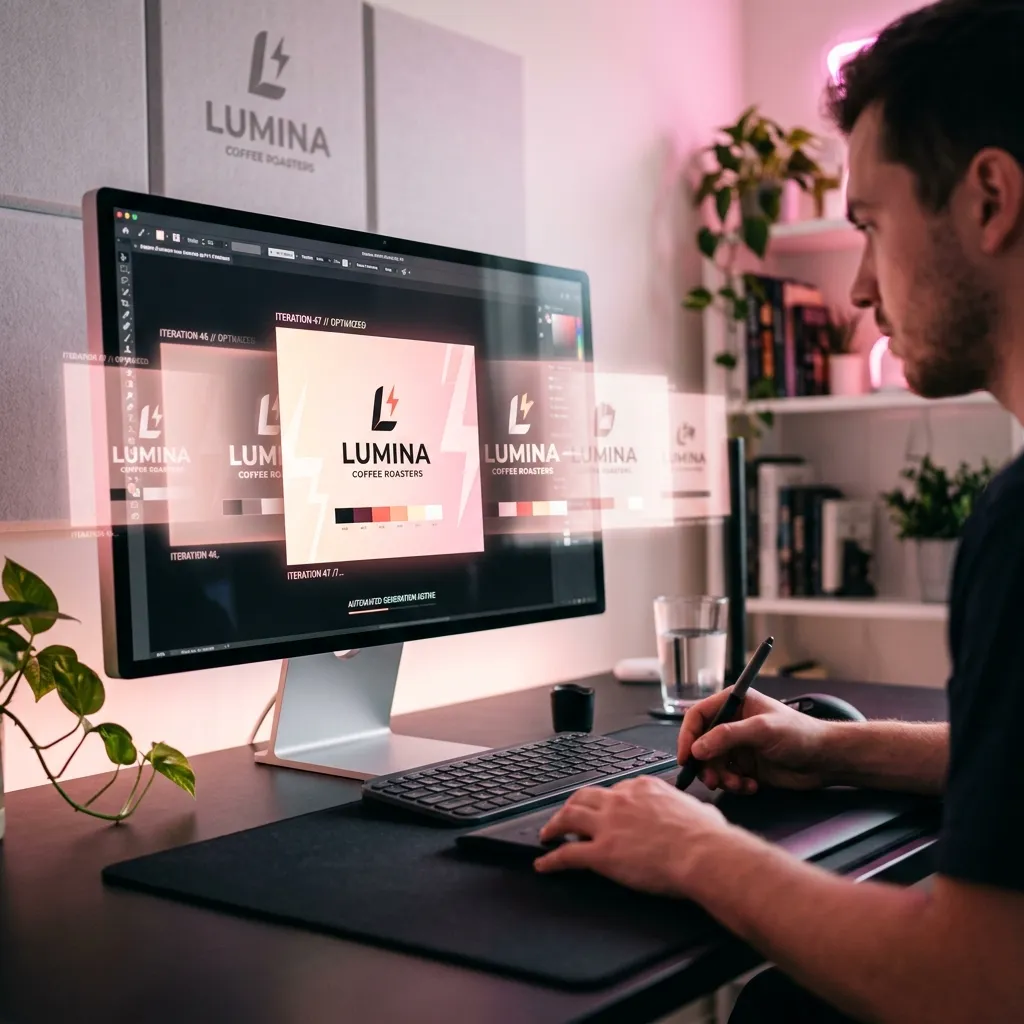
Most founders and digital marketers face the same "Blank Canvas" paralysis. For instance, a gourmet coffee shop owner preparing to launch in a week needs a cohesive brand identity. Instead of paying thousands of dollars and waiting weeks, they use Lovart AI to enter a description of their rustic aesthetic, test ten color palettes, and place the shop name inside a vector coffee cup icon. Within 60 seconds, they have a production-ready coffee shop logo and store front signage layout, skipping the back-and-forth email cycle.
The same speed applies to launching a new marketing campaign, like creating a high-energy fitness poster or a promotional banner. Translating a brand vision into polished, high-resolution assets no longer requires a graphic design degree or weeks of delay.
Lovart AI changes the economics of design. By integrating a sophisticated AI design tool directly into your workflow, we eliminate the friction between inspiration and execution. Lovart helps teams explore logo, poster, brand kit, and video concepts faster through an AI-assisted design workflow.
This isn't just another library of tired templates. Lovart is a generative powerhouse. Whether you're building a logo generator AI workflow for your next startup or need an ai brand kit generator that actually understands composition, Lovart AI acts as your lead creative director. Check out our product tutorial to see it in action.
The secret lies in the Infinite Canvas. Unlike Photoshop or Canva,Lovart AI doesn't confine you to a single resolution. As an AI infinite canvas design tool, you can generate hundreds of variations, drag them into clusters, and watch as the AI maintains brand consistency across your entire workspace. It's the most fluid way to build a brand in 2026.
What You Can Create with Lovart
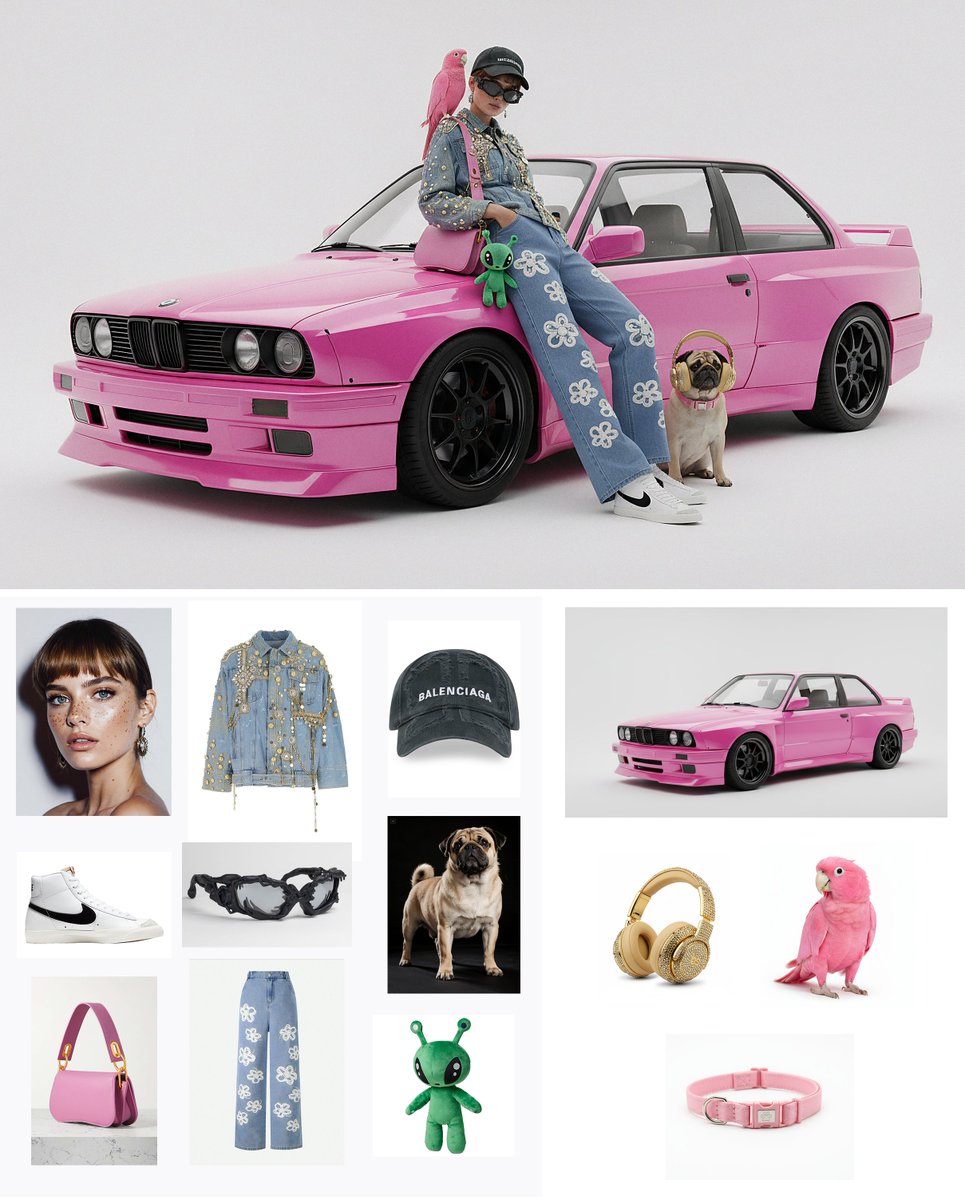
With Lovart, you can create logo concepts, brand kits, posters, social media graphics, product ads, image variations, visual moodboards, and brand videos — all organized on an infinite canvas in one project. Lovart integrates multiple AI models through a single workflow interface.
Scientific Design Precision
Traditional AI image generators often struggle with typography and logical layout.Lovart AI solves this by using a dual-engine approach. While our diffusion models handle the "soul" of the design, our geometric layout engine ensures that every fitness poster or business card adheres to the Golden Ratio and professional kerning standards.
Our logo generator, poster maker, and brand kit tools are designed to minimize manual cleanup compared to standard image-only generators, because Lovart understands professional brand constraints and layout principles.
AI Logo Generator
More than just a logo generator AI. Lovart uses customized diffusion models finetuned for brand identity. It understands vectors, negative space, and modern minimalism.
Complete Poster Maker
Create high-impact fitness posters, event flyers, or shop advertisements. The AI manages typography hierarchy and visual balance automatically.
Cinematic Video Creation
Turn text into motion. Lovart integrates Veo 3 technology to generate cinematic B-roll, product advertisements, and animated logos in 4K resolution.
SVG Vector Scaling
Convert standard AI images into mathematically defined SVG vectors. Scale branding assets with zero quality loss.
Lovart vs Canva:
Different tools for different jobs.
Canva is a great tool for manually editing pre-built templates. If you already know what you want and need to adjust text, colors, or layouts on a fixed canvas, Canva handles that workflow well.
Lovart is built for a different starting point. When you have a creative brief but no design yet, Lovart's AI design agent generates original visual directions from your prompt — logos, posters, brand kits, product ads, and videos — without requiring templates. Users then organize, compare, and refine results on an infinite canvas before exporting.
For generating original assets from prompts and exploring multiple brand directions quickly, Lovart is a practical choice. For editing and fine-tuning an existing design system, Canva remains a solid option. Many teams use both for different stages of a project.
Transparent Pricing for Every Stage
Start with a credit plan and upgrade as your business grows. No hidden fees, cancel anytime.
Starter
1,500 credits/month
- 1,500 Monthly Credits
- AI Logo & Poster Generator
- Infinite Canvas Access
Basic
4,600 credits/month
- 4,600 Monthly Credits
- Unlimited Infinite Canvas
- High-Res Logo Exports (SVG)
- Full Commercial License
Pro
10,990 credits/month
- 10,990 Monthly Credits
- 4K Video Generation
- Priority GPU Rendering
How Lovart Works
From prompt to production-ready asset in five steps.
Describe your idea
Enter a prompt for a logo, poster, brand kit, product visual, or video. Be as specific or as open-ended as you like.
Generate visual directions
Lovart creates multiple design options using advanced image and video generation models, giving you a range of creative directions to explore.
Organize on the infinite canvas
Compare variations, group related assets, and keep your creative directions in one workspace without jumping between tools.
Refine with AI
Edit selected images, create variations, adjust style, and continue iterating from previous results until the output matches your vision.
Export for use
Download production-ready assets for social media, branding, campaigns, or commercial projects. Paid plans include commercial use rights.
Frequently Requested Information
Quick answers based on our Lovart AI Breakdown.
What is an AI design agent?+
How is Lovart different from an AI image generator?+
Can Lovart create a full brand kit from one prompt?+
Does Lovart support an infinite canvas?+
Can I use Lovart to make logos for my business?+
Can Lovart generate product videos?+
Why is Lovart AI considered superior to Midjourney for branding?+
Does Lovart AI support export for print like billboards?+
How do the monthly credits work on the Lovart platform?+
Can I use my own brand images as a reference?+
Is the video generation commercial-ready?+
What models power the lovart ai engine?+
Does Lovart offer a commercial license for startups?+
How does lovart handle complex typography?+
Experience the Future of Design Today.
Join creators and teams who use Lovart as their primary AI design agent. Don't let design bottlenecks slow your business down. Start generating yourcoffee shop logo, fitness poster, or brand video for free with Lovart AI and experience the power of generative design.