Unlocking Nano Banana Pro’s Hidden Camera Controls
Discovered hidden camera settings in Nano Banana Pro API—controlling focal length and aperture transformed my AI portraits with true cinematic depth.
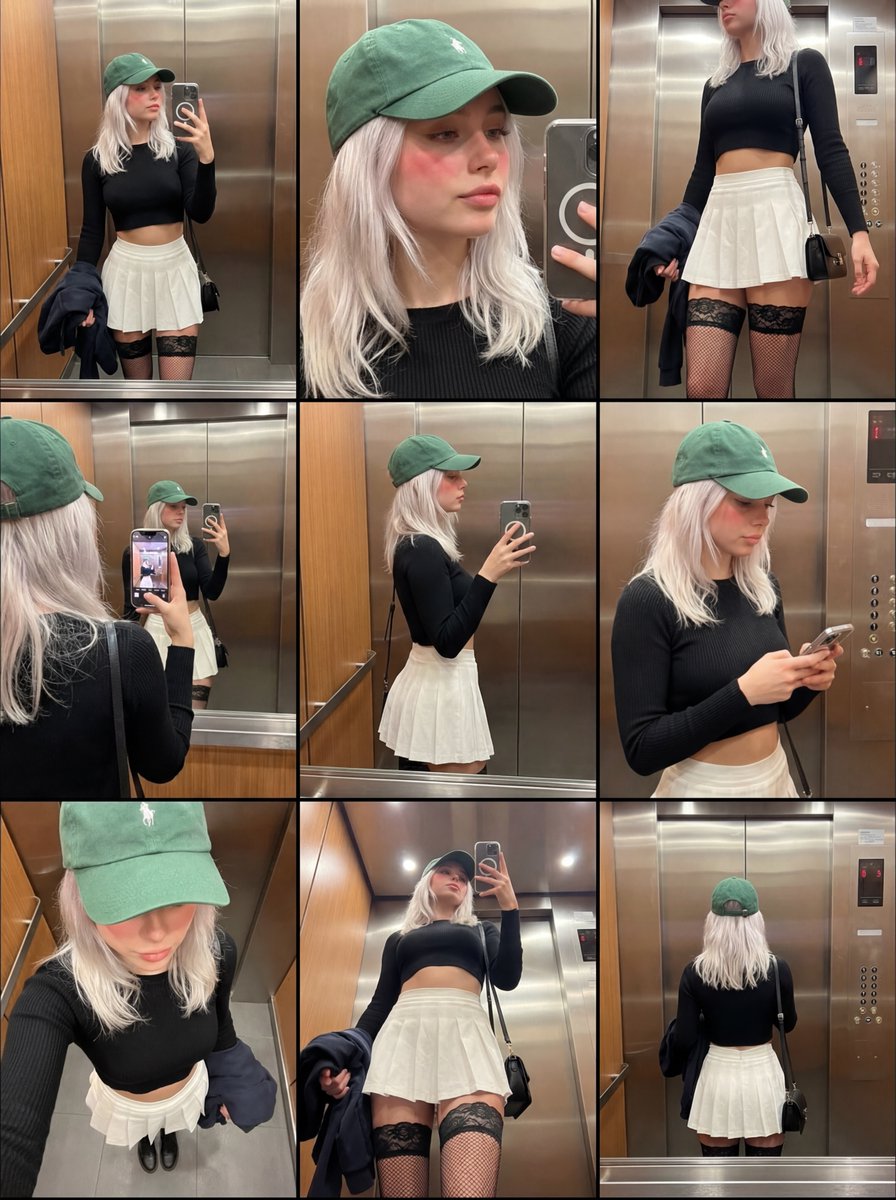
Lovart Prompt
nobody is talking about the hidden camera controls in nano banana pro.
digging through the api docs, i found parameters that aren't in the main ui. you can control focal length and aperture values with mathematical precision if you use the json input mode. most users are stuck with the default medium shot look.
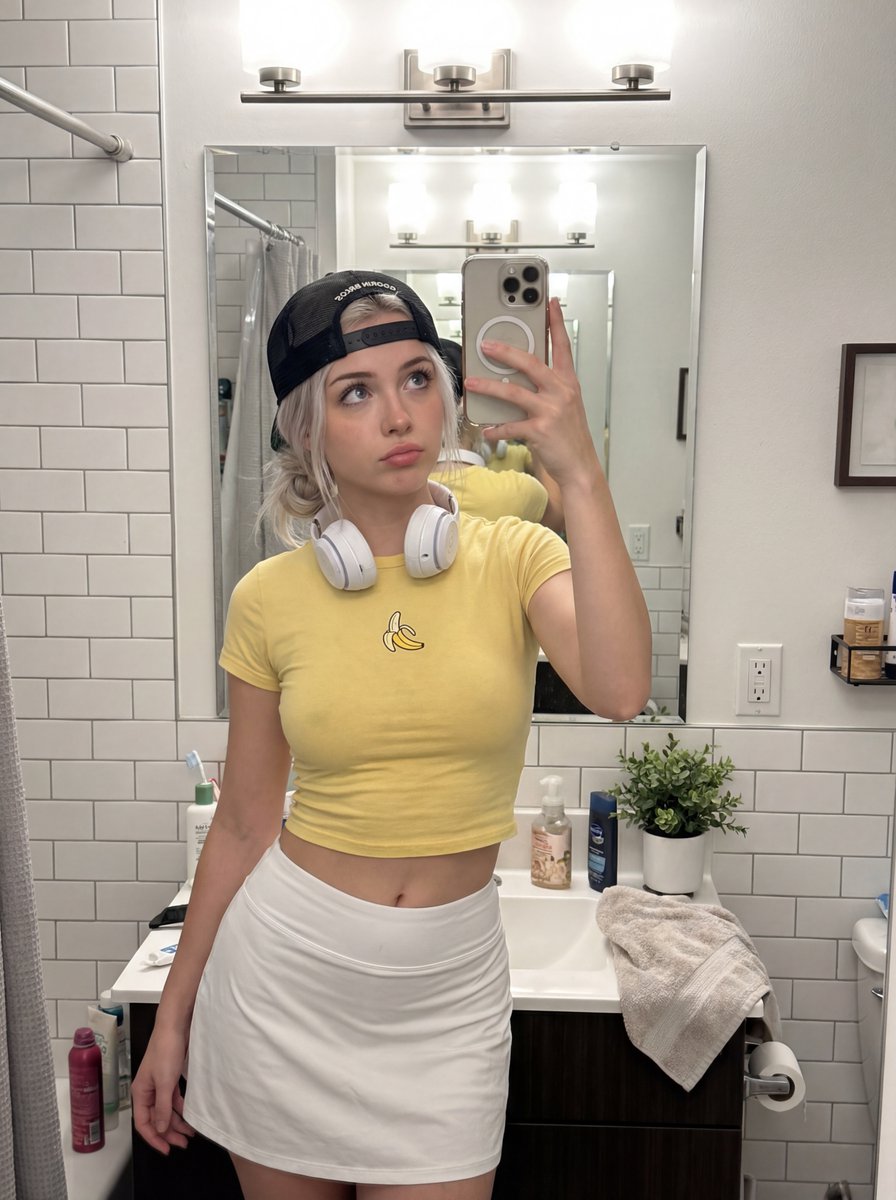
i set the lens_focal_length to 85mm and f_stop to 1.2 in the code. the bokeh effect is physically accurate. standard prompts just blur the background randomly. this calculates depth based on the subject distance. it changes the compression of the face completely.
a 35mm lens makes the face look wider. an 85mm lens flattens it out. artists know this. photographers know this. but prompters are ignoring it. if you want your generations to look like cinema, you need to stop thinking in words and start thinking in optics.
manual mode for ai.
About This Lovart Prompt
This Lovart prompt is designed to help you create stunning AI-generated artwork. Simply copy the prompt above and paste it into Lovart Design Studio to generate your own unique creation. Customize the parameters to match your creative vision and explore endless possibilities with Lovart AI.