Inside a Gravity-Defying Color Box: My High-Fashion AI Shoot
I stepped into a surreal color box using AI image generation and discovered how bold hues and anti-gravity poses transformed my editorial style.
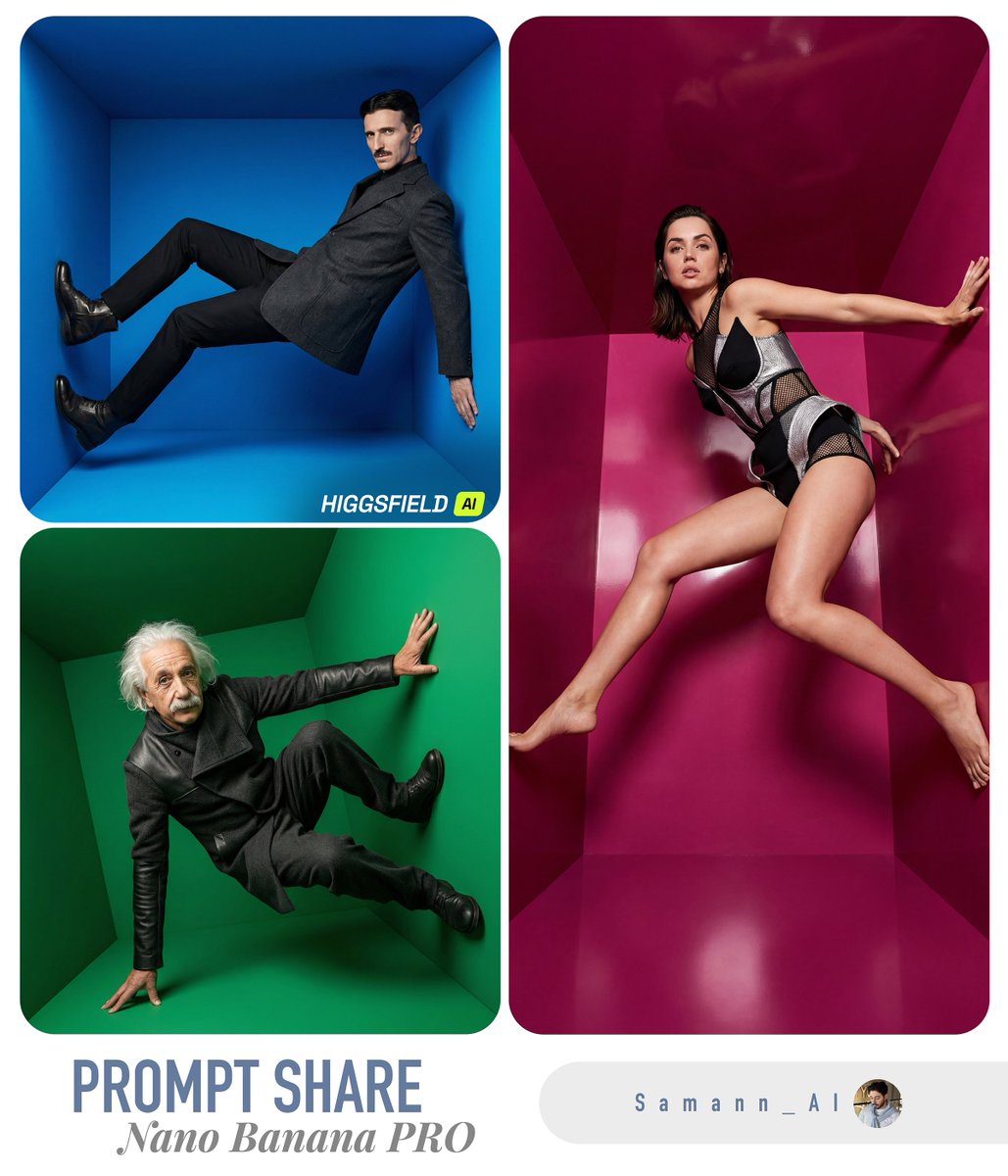
Lovart Prompt
put yourself in a color box. Anti-gravity edition! 📦
▫️Tools: ChatGPT image 1.5 or Nano banana PRO on @higgsfield_ai
Prompt :
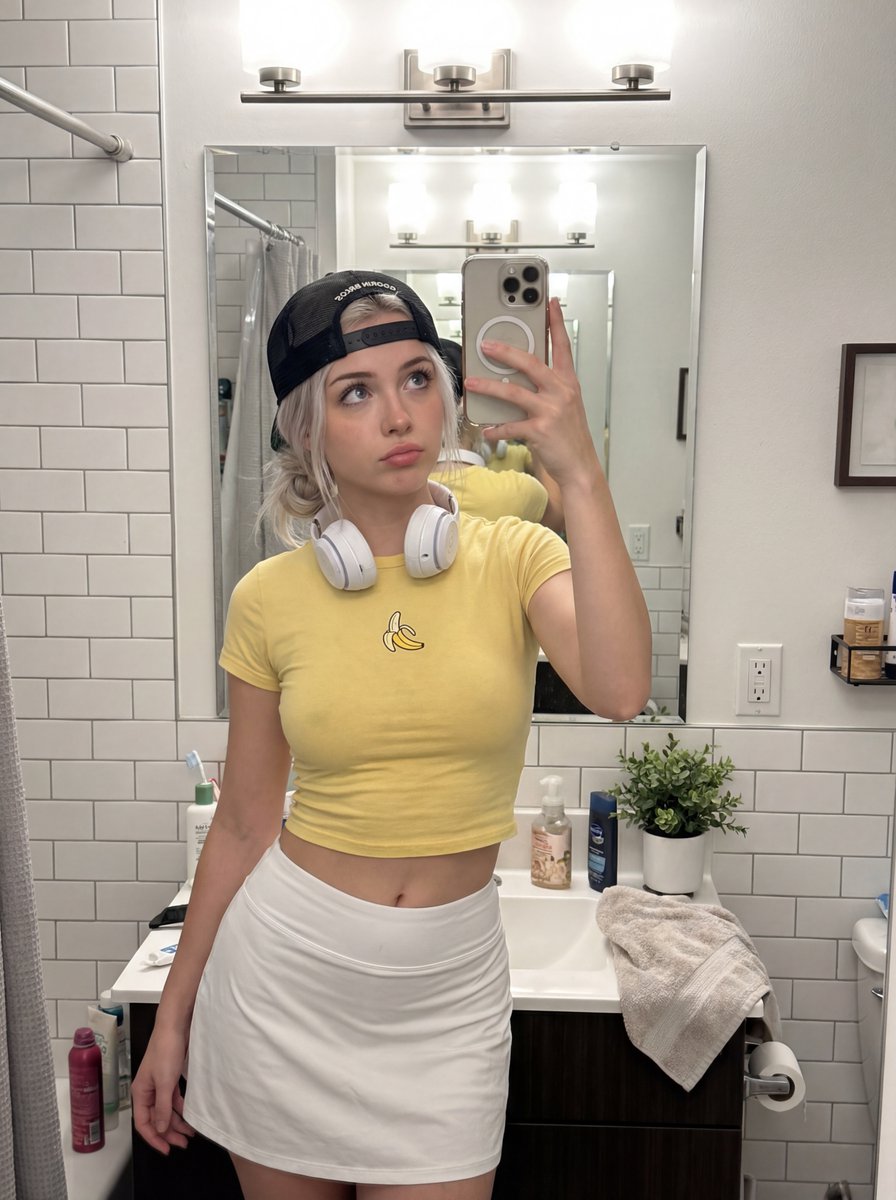
[INPUT IMAGE: USER_PHOTO] Use the person in the input image as the ONLY subject. Preserve their identity and facial features clearly.
Create a hyper-realistic high-fashion editorial photo inside a surreal 3D geometric “color box” room (a hollow cube / tilted cube set). Each render MUST randomly choose:
1) a bold single-color box (monochrome environment, vivid and saturated),
2) a dynamic “cool” fashion pose (gravity-defying or extreme stretch / leap / sideways bracing against the walls),
3) a dramatic camera angle (wide-angle 24–35mm equivalent, tilted horizon, strong perspective).
The subject appears full-body and sharp, wearing an avant-garde fashion styling that feels modern and editorial (clean silhouette, stylish layering, premium fabric texture). Keep clothing tasteful and fashion-forward. The subject’s pose should feel athletic, stylish, and unusual—like a magazine campaign shot.
Lighting: studio quality, crisp and cinematic; strong key light with controlled soft shadows, subtle rim light; realistic reflections and bounce light from the colored walls. Ultra-detailed skin texture, natural pores, realistic fabric weave, clean edges, high dynamic range.
Composition: subject centered with plenty of negative space and strong geometric lines; the box perspective frames the subject.
Color: the box color is a SINGLE bold color and MUST be different each run (random vivid hue). The subject’s outfit contrasts well with the box color.
Output: hyper-real, photorealistic, 8k detail, editorial campaign quality, sharp focus on subject, no motion blur, no distortion of face, natural proportions.
About This Lovart Prompt
This Lovart prompt is designed to help you create stunning AI-generated artwork. Simply copy the prompt above and paste it into Lovart Design Studio to generate your own unique creation. Customize the parameters to match your creative vision and explore endless possibilities with Lovart AI.