How I Fixed AI’s ‘Plasticy’ Look with Skin Texture Keywords
I struggled with AI’s plasticy vibe ruining my visuals until I used detailed skin texture keywords—now my AI videos look stunningly real.

Lovart Prompt
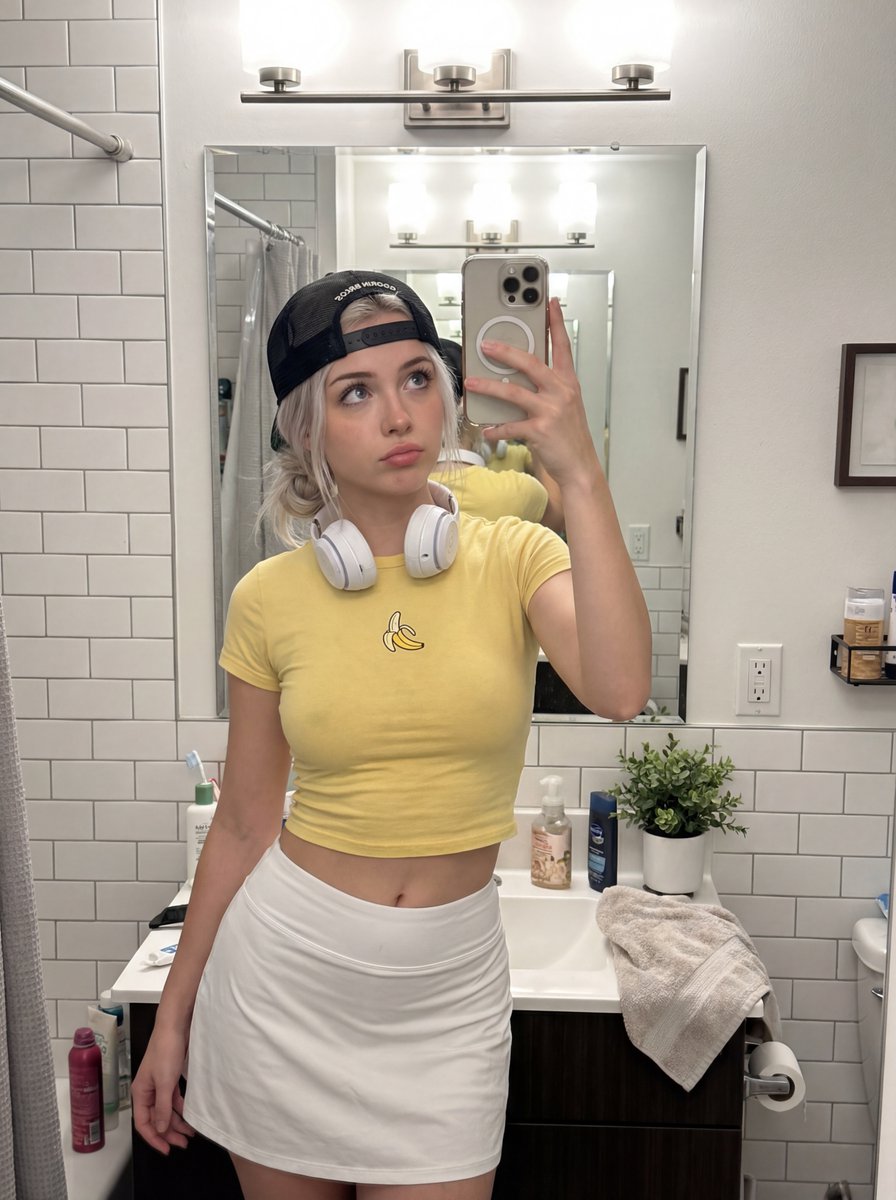
that 'plasticy' look you see in AI videos will instantly turn anything cool to AI slop
thanks to nano banana pro, you can now completely bypass this by using detailed keywords
here are some i've found success with:
- vellus hair
- cracked/chapped lip texture
- iris striations
- wet waterline
- capillary visibility
- subdermal vascularity
- melanin variance
to take it a step further, i made a JSON prompt that you can attach to any of your usual prompts to ensure 10/10 skin texture
reply "skin" + RT and i'll send it over
(must be following so i can dm)
About This Lovart Prompt
This Lovart prompt is designed to help you create stunning AI-generated artwork. Simply copy the prompt above and paste it into Lovart Design Studio to generate your own unique creation. Customize the parameters to match your creative vision and explore endless possibilities with Lovart AI.