How I Created Ultra-Modern Glossy Black Objects with AI
I experimented with ultra-modern transparent black hyperrealism to craft sleek, floating designs that glow with high-gloss reflections.
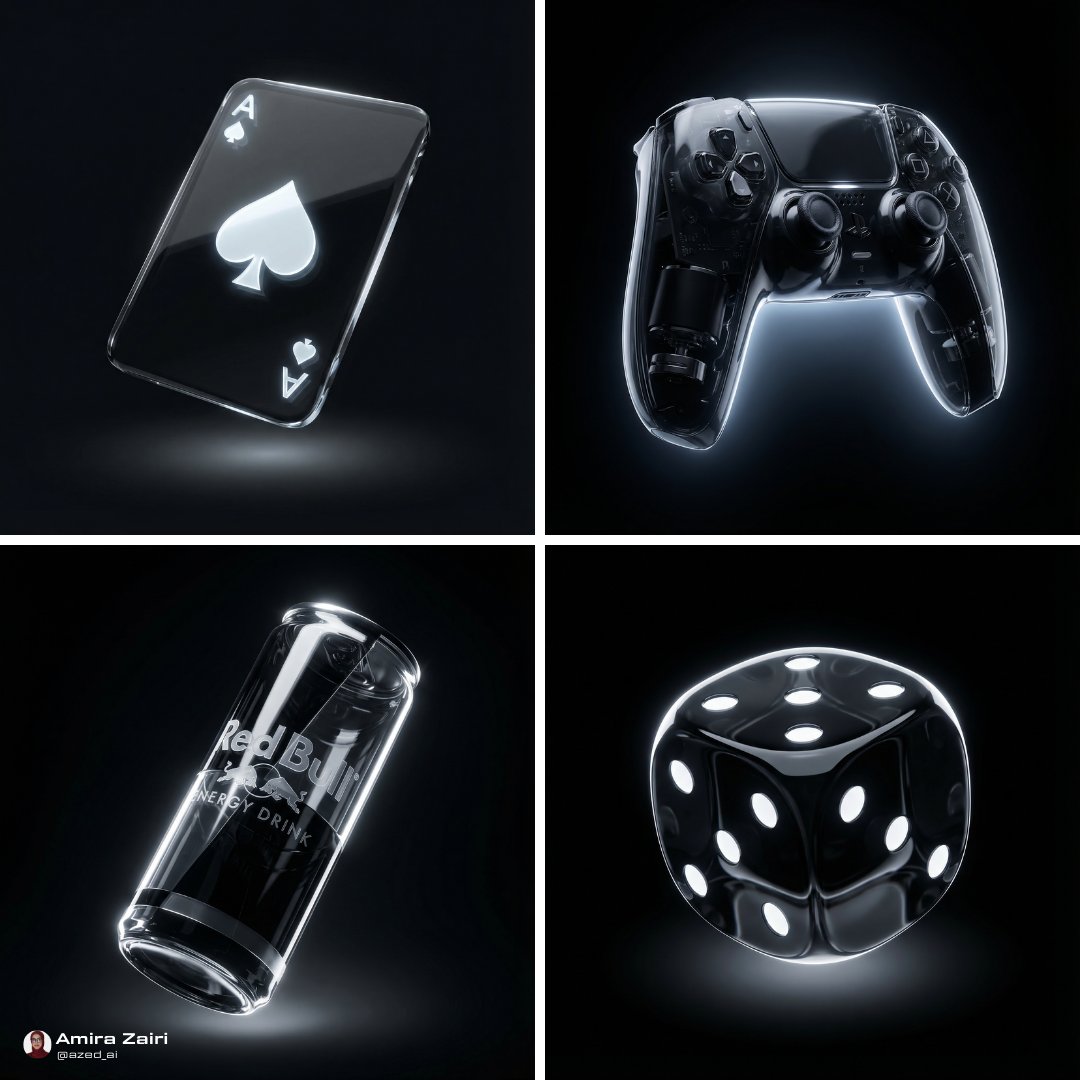
Lovart Prompt
Create glossy black objects using Nano Banana Pro On @freepik
Prompt:
{
"subject":
"target_style": {
"style_name": "ultra-modern transparent black hyperrealism",
"visual_language": [
"sleek",
"futuristic",
"minimalistic",
"floating design",
"high-gloss transparency"
],
"material_appearance": {
"base_material": "transparent black glass or polymer",
"texture_quality": "smooth and curved",
"finish": "high-gloss with partial internal reflections"
},
"lighting_style": {
"source_type": "rim light and directional top light",
"intensity": "high",
"shadows": "soft and diffuse glow underneath",
"highlight_behavior": "sharp specular highlights and reflections across transparent surfaces"
},
"color_palette": {
"dominant_colors": ["#000000", "#0d0d0d", "#1a1a1a"],
"accent_colors": ["#ffffff", "#333333"],
"contrast_level": "very high",
"overall_tone": "dark, glossy, and luminous."
},
"rendering_style": {
"dimensionality": "3D hyperrealistic",
"resolution_quality": "ultra high",
"depth_effects": "floating volumetric space with layered reflections"
}
},
"output_settings": {
"aspect_ratio": "1:1",
"background_handling": "pure dark void",
"object_focus": "centered floating form with emphasis on transparency and lighting"
}
}
About This Lovart Prompt
This Lovart prompt is designed to help you create stunning AI-generated artwork. Simply copy the prompt above and paste it into Lovart Design Studio to generate your own unique creation. Customize the parameters to match your creative vision and explore endless possibilities with Lovart AI.