What is Lovart AI? A Complete Beginner’s Guide to Lovart Features and Benefits
Introduction
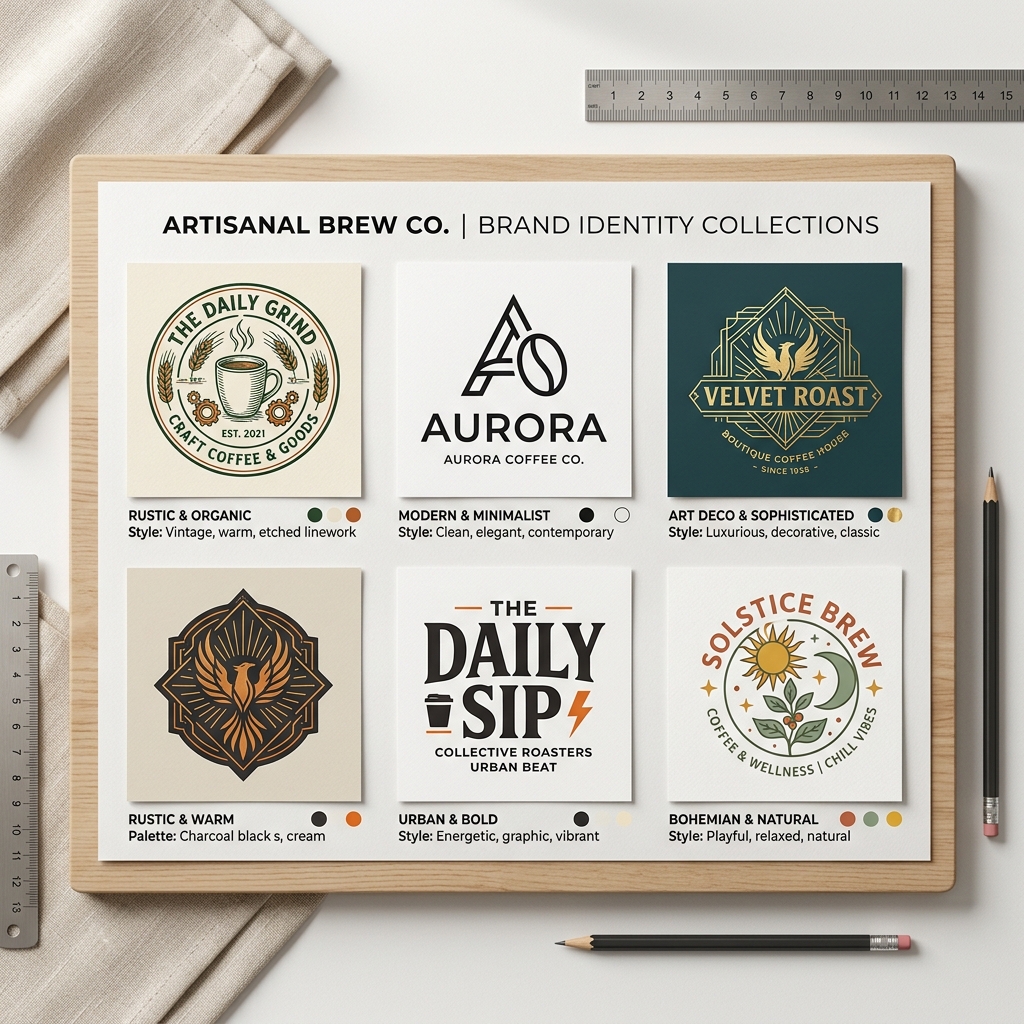
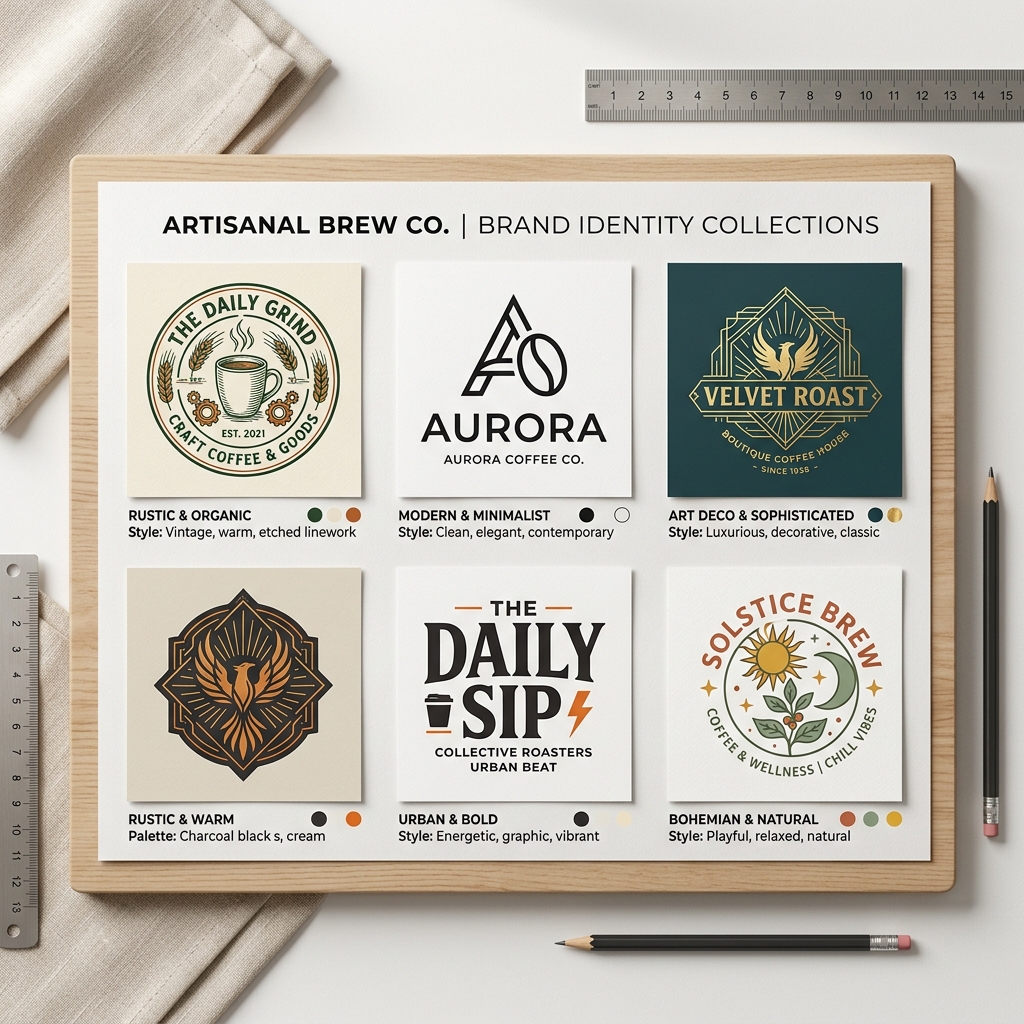
Imagine you’re opening a new coffee shop and need a logo, posters, and social media graphics—but you have no design skills, limited budget, and very little time. This situation is common for many small business owners and entrepreneurs. This is exactly where Lovart AI shines.
Lovart AI is a smart design assistant that helps you create professional visuals quickly and easily, even if you’ve never designed before.
What is Lovart AI?
Lovart AI is an online design platform powered by artificial intelligence. It helps users generate custom graphics, logos, posters, and other marketing materials by simply entering a few descriptive words. Instead of manually crafting designs, you get AI-generated options tailored to your input.
Lovart AI explained simply: it’s like having a graphic designer who works instantly based on your instructions.
Why Lovart Matters
Many people struggle with design because of three main pain points:
- •No design skills: Not everyone knows how to use complex design software.
- •No time: Running a business or project leaves little time for creating visuals.
- •Low budget: Hiring a professional designer can be expensive.
Lovart solves these issues by providing a fast, affordable, and user-friendly tool that anyone can use.
Step-by-Step Guide to Using Lovart AI
Step 1: Input Your Prompt
Start by typing a clear description of what you want. For example, “modern coffee shop logo minimalist.” The AI understands your words and begins creating relevant designs.
Step 2: Choose Your Style
Lovart offers various design styles—minimalist, vintage, bold, playful, and more. You pick the style that best fits your brand or project.
Step 3: Generate and Download
With a click, Lovart generates multiple design options. You can preview them, select your favorite, and download it instantly for use in your marketing.
Real Example: Designing a Logo for a Coffee Shop
Input: “modern coffee shop logo minimalist.”
Output: Lovart produces a clean, sleek logo featuring a simple coffee cup icon with smooth lines and neutral colors like brown and cream. The font is sans-serif, easy to read, and modern, perfectly matching a trendy urban coffee shop vibe.
This logo looks professional, balanced, and ready to use on signage, menus, and social media.

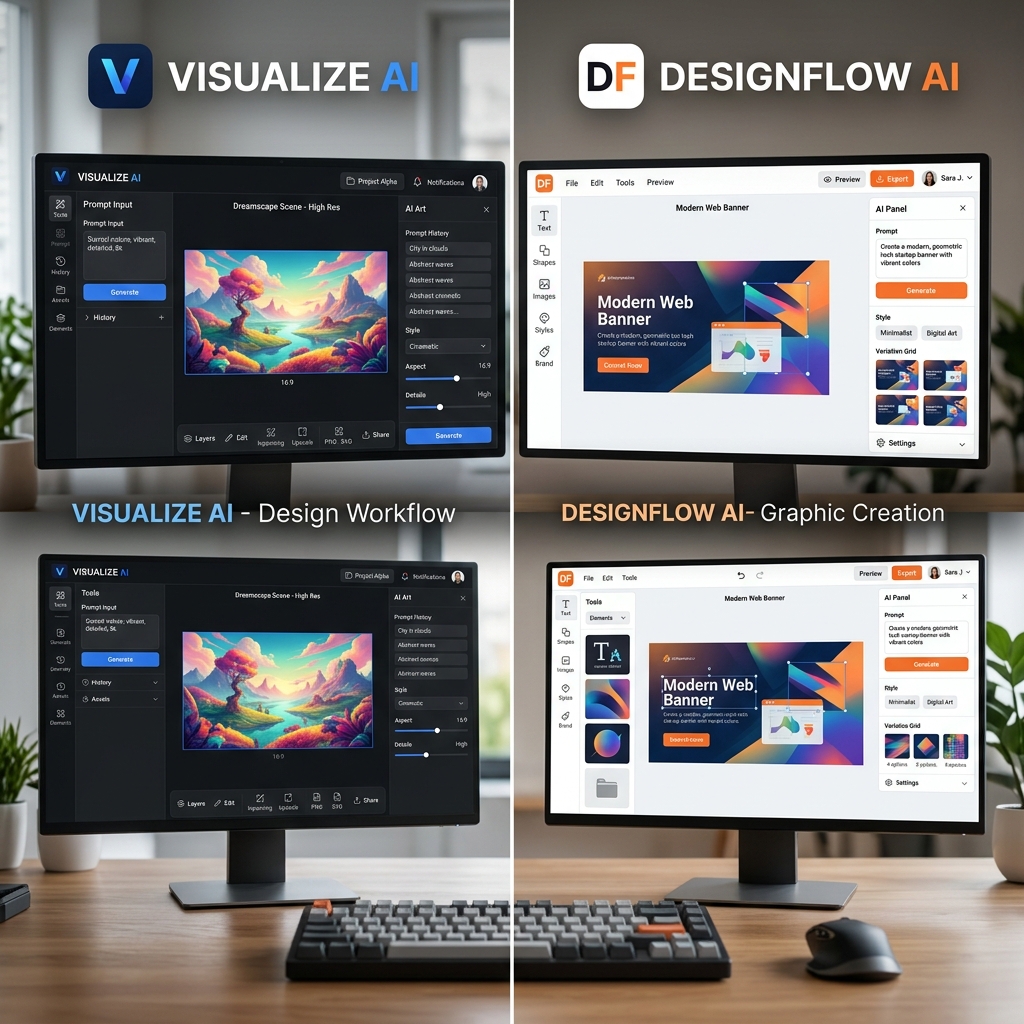
Comparison: Lovart AI vs Canva
Canva is well-known for its drag-and-drop interface and templates, but it requires some design sense to customize effectively. Lovart AI, on the other hand, automates much of the creative process by generating original designs from text prompts.
- •Ease of Use: Lovart is faster for beginners—just type and get designs.
- •Customization: Canva offers more manual control but needs design skills.
- •Speed: Lovart generates designs instantly.
- •Cost: Both have free and paid options, but Lovart’s AI features add unique value.
If you want quick, professional designs without learning software, Lovart is a great choice.
Tips & Common Mistakes When Using Lovart AI
Tips:
- Be specific in your prompt. The more details you provide, the better the AI can tailor designs.
- Experiment with styles. Try different design styles to find what fits your brand.
- Use high-contrast colors for logos and posters. This improves visibility.
- Save multiple versions. Having options helps in choosing the best fit.
Mistakes to Avoid:
- •Don’t use vague prompts like “nice logo.” Be descriptive.
- •Avoid overloading the prompt with too many ideas—it confuses the AI.
- •Don’t skip reviewing generated options carefully before downloading.
FAQ
1. What is Lovart used for?
Lovart is used to create logos, posters, and other digital designs quickly by generating AI-based graphics from simple text prompts.
2. Do I need design skills to use Lovart?
No, Lovart is designed for beginners and non-designers who want professional results without prior experience.
3. Can I customize the designs?
Yes, you can select different styles and download multiple options to suit your needs.
4. How fast can I get a design?
You can generate and download a design in seconds after entering your prompt.
5. Is Lovart free to use?
Lovart offers free trials and paid plans depending on your usage and needs. Check the pricing page for details.
Ready to Create Stunning Designs?
Save time and effort with Lovart AI—no design skills needed. Create your design in seconds and start impressing your customers today.
Try Lovart Now View PricingFor more insights, read our Lovart review, explore tutorials, or learn about Lovart alternatives.