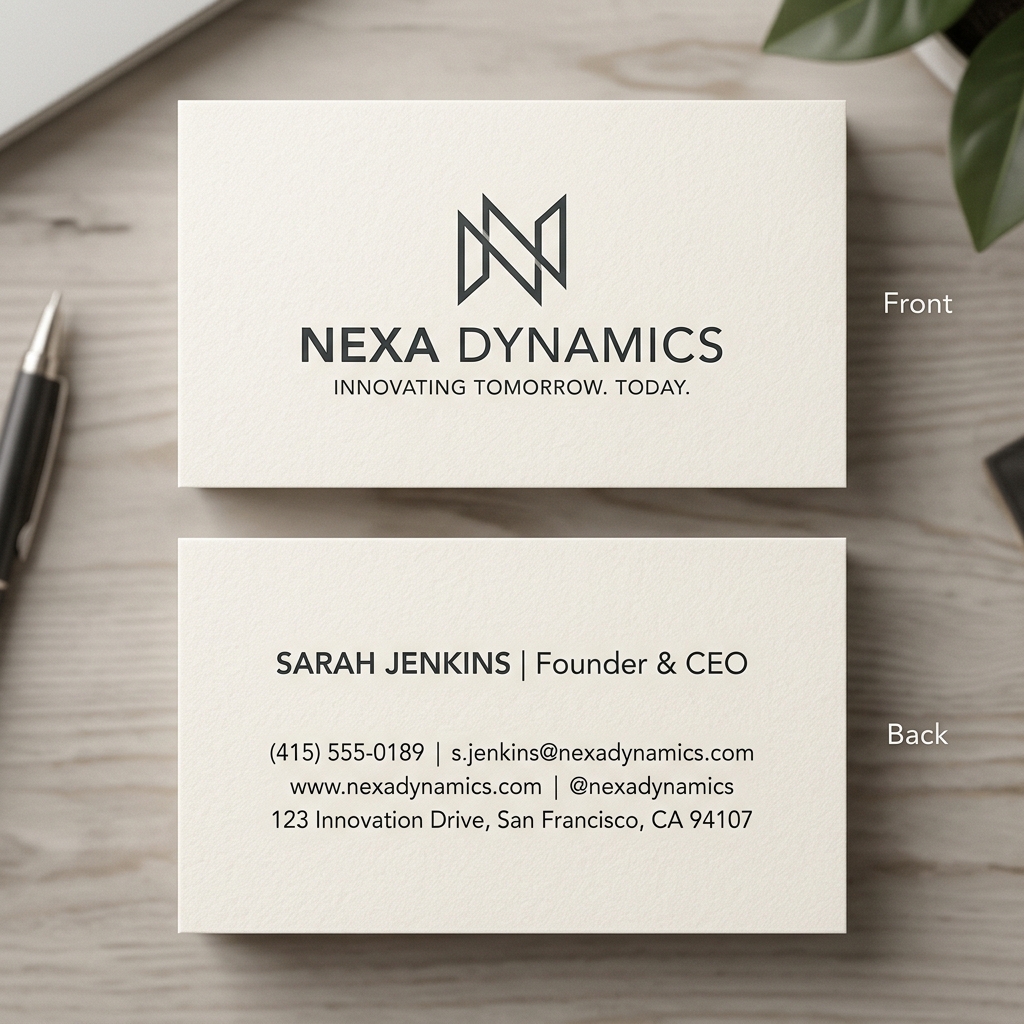
Using AI to Design Professional Business Cards Without Design Skills
Introduction
Imagine you’ve just started a small coffee shop and need a professional business card to share your contact details and build your brand. But you don’t have graphic design skills, and hiring a designer feels expensive and time-consuming. This is where AI business card design tools come in handy — offering an easy way to create stunning, professional cards without any experience.
What is an AI Business Card Maker?
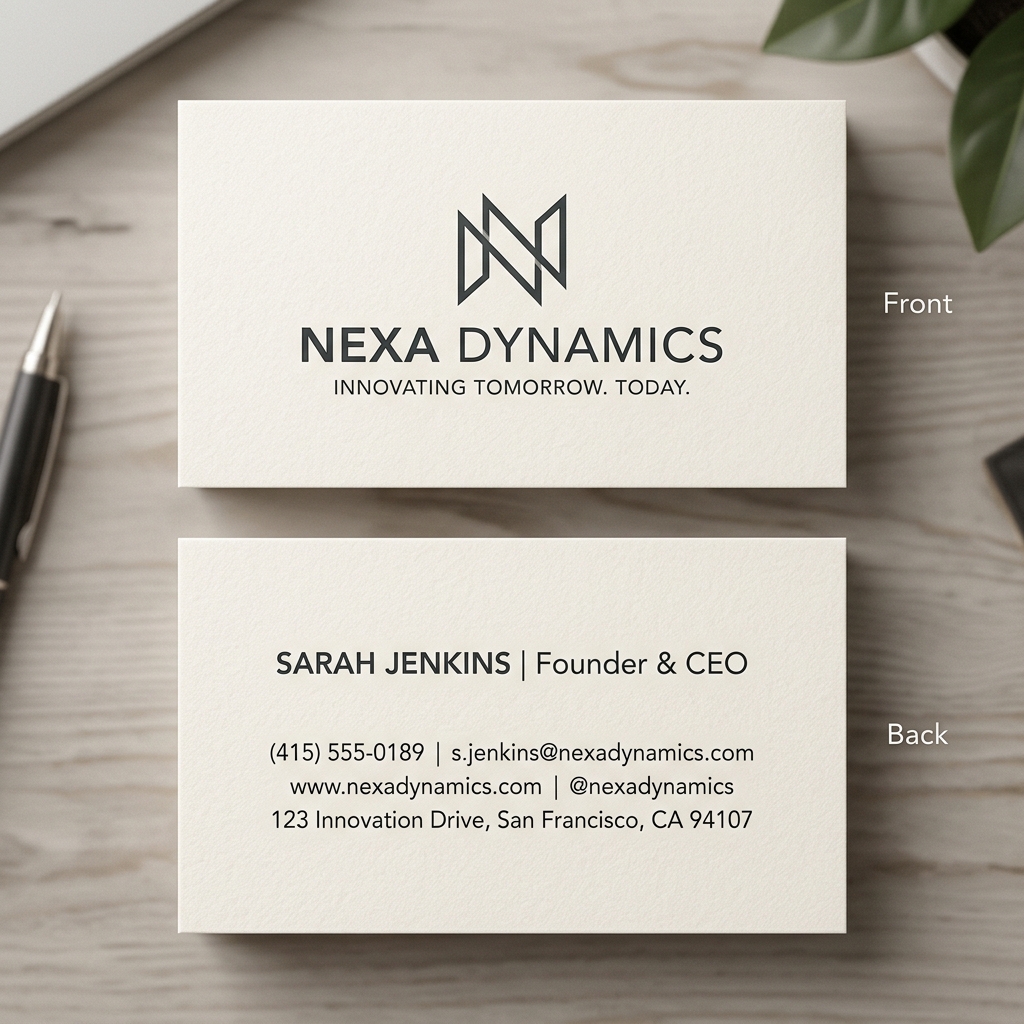
AI business card maker tools are software platforms powered by artificial intelligence to help you design business cards quickly and effortlessly. Instead of manually creating layouts and choosing fonts, these tools use smart algorithms to generate designs based on your inputs like business type, style preferences, and color schemes.
With AI, even beginners can produce polished and unique business cards that reflect their brand identity.
Why AI Business Card Design Tools Matter
Many small business owners face common challenges:
- •No design skills: Not everyone knows graphic design or software like Photoshop.
- •Limited time: Running a business leaves little time to create marketing materials.
- •Budget constraints: Hiring a professional designer or agency can be costly.
AI business card maker no skills tools solve these problems by offering an intuitive, affordable solution. They save time and money while producing high-quality results.
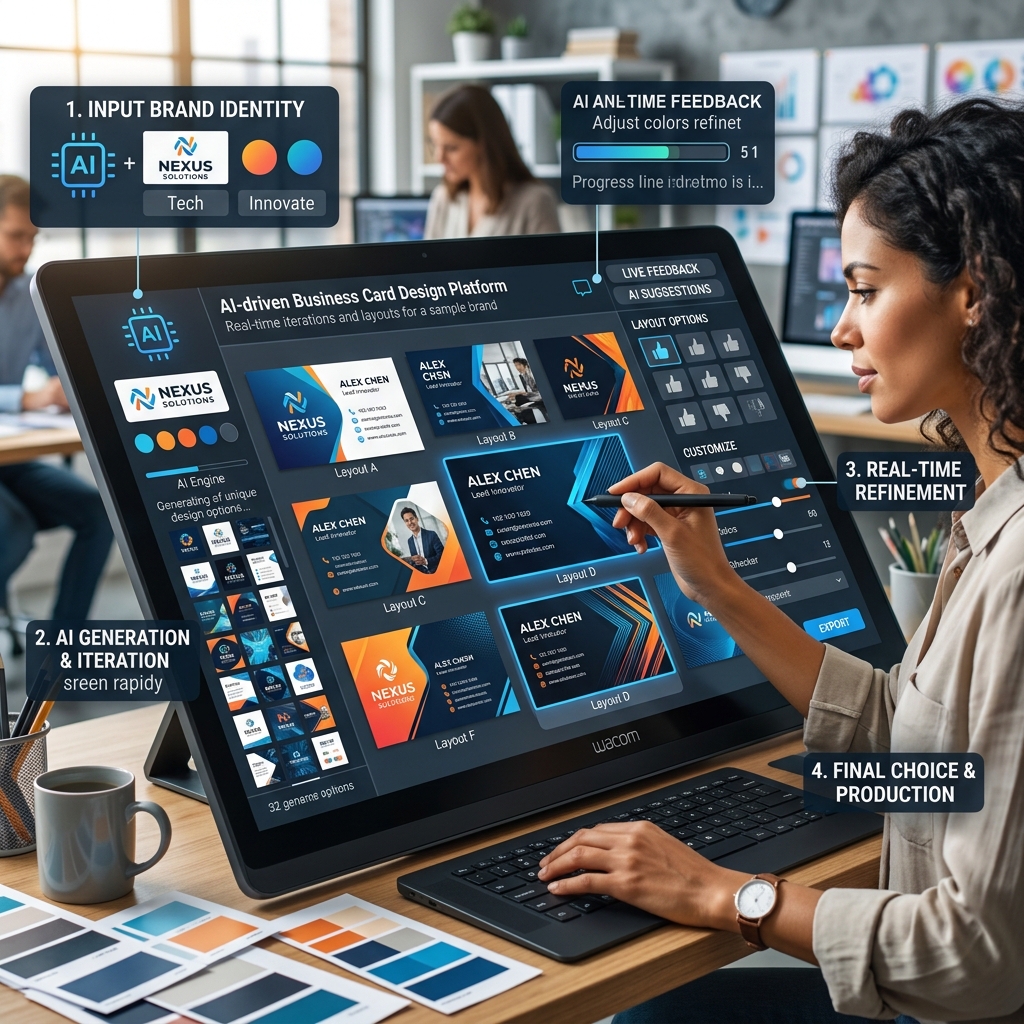
Step-by-Step Guide to Using AI for Business Card Design
Step 1: Input Your Prompt
Start by entering key details such as your business name, industry (e.g., coffee shop), and style preferences like "modern," "minimalist," or "vintage."
Step 2: Choose a Style
Select from suggested templates or design styles generated by the AI. For example, you might pick a clean, minimalist look with bold fonts or a colorful, creative theme.
Step 3: Generate and Download
The AI creates multiple design options based on your inputs. Review the options, make any tweaks if needed, and download your final business card files ready for printing or sharing digitally.
Real Example: Modern Coffee Shop Business Card
Input prompt: "modern coffee shop business card minimalist"
Output description: The AI generated a sleek card featuring a simple coffee cup icon on the left, with the shop’s name in a clean sans-serif font. The color palette uses warm browns and cream tones, evoking a cozy atmosphere. Contact details are neatly aligned on the right with ample white space for clarity.
This design is perfect for a local coffee shop looking to convey professionalism and warmth without clutter.
["modern coffee shop business card AI design"]
Comparison: AI Business Card Maker vs. Canva
While Canva offers many templates and drag-and-drop customization, it requires more manual effort and design knowledge to create truly unique cards. AI business card design tools automate much of the creative process, delivering ready-to-use designs faster.
AI tools also suggest styles and layouts based on your inputs, reducing guesswork. Canva is great for users wanting full control, but AI tools are ideal for quick, professional results without the learning curve.
["comparison AI design tools interface"]
Tips & Common Mistakes to Avoid
- •Tip 1: Be specific with your input prompts to get designs that match your brand.
- •Tip 2: Choose styles that align with your industry and target audience.
- •Tip 3: Use high-contrast colors for readability, especially for contact info.
- •Tip 4: Review generated options carefully to pick the best fit.
- •Tip 5: Download multiple formats (PDF, PNG) for versatile use.
- •Using vague or generic prompts leading to irrelevant designs.
- •Overloading the card with too much text or graphics.
- •Ignoring readability and contrast, making info hard to read.
FAQ
What are the best AI business card design tools?
Popular options include Lovart, Looka, and Tailor Brands. They offer easy interfaces and professional outputs.
Can I create a business card without any design skills?
Yes. AI business card maker no skills tools are specifically designed to help beginners create professional cards without prior experience.
How much do AI business card design tools cost?
Many offer free trials or basic free versions. Premium features or high-resolution downloads may require payment, usually affordable compared to hiring a designer.
Can I customize the AI-generated business card?
Most AI tools allow you to tweak fonts, colors, and layouts after generation to better fit your needs.
Are AI-designed business cards print-ready?
Yes, these tools typically provide print-ready files in standard formats accepted by professional printers.
Ready to Design Your Business Card?
Creating professional business cards has never been easier. Save time, skip design frustration, and get impressive results with AI.
Try Lovart Now to create your design in seconds and see how effortless business card design can be. View Pricing to start your professional branding journey today.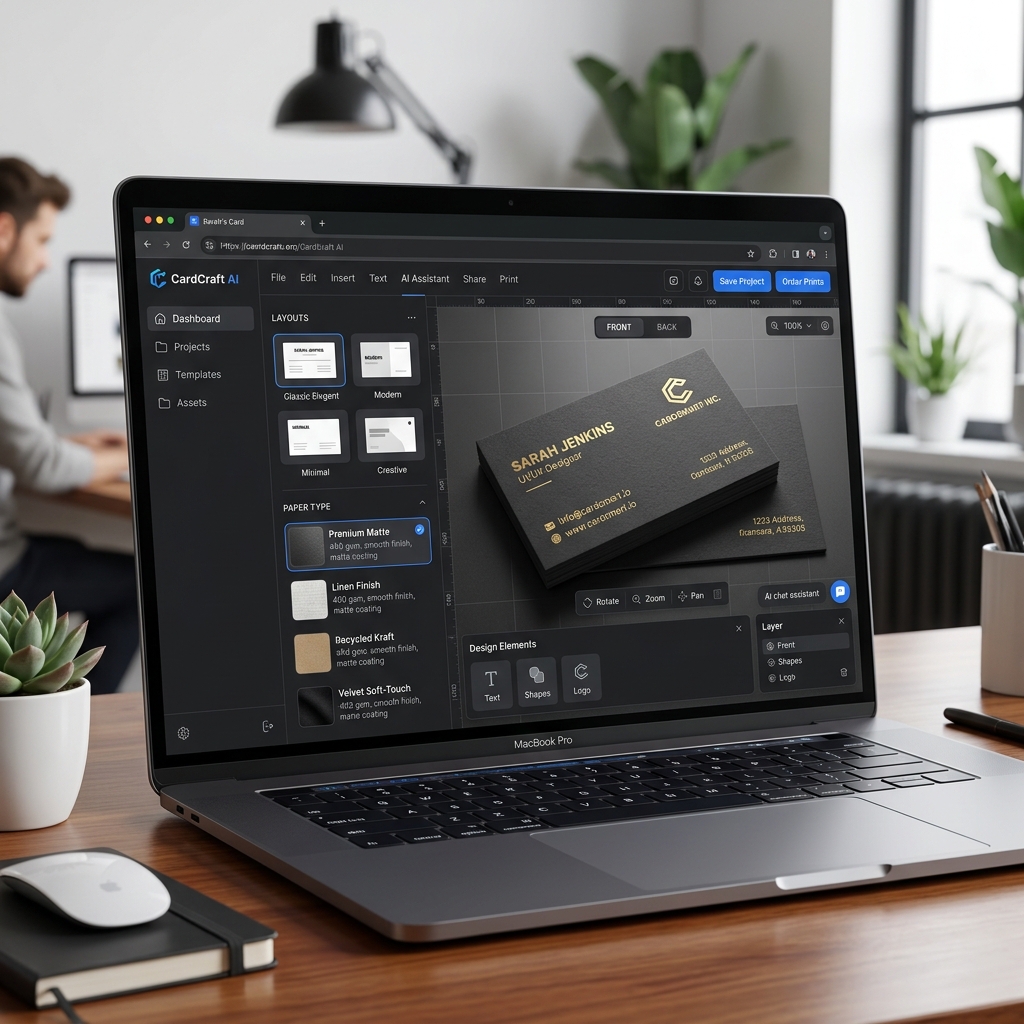
This guide covers everything you need to know about using AI to design professional business cards without design skills. Whether you're a coffee shop owner, fitness trainer, or freelancer, AI tools make it simple and affordable to create a standout card.