Top 10 Lovart AI Use Cases: From Social Media Posts to Product Packaging
Introduction
Imagine running a small online boutique with no design experience but needing eye-catching visuals. You want to post consistently on Instagram, create attractive product packaging, and design promotional flyers — all without hiring a costly designer. This is where Lovart AI comes in as a game changer.
Lovart offers powerful AI-driven design tools that help creators, marketers, and business owners craft professional-quality designs quickly and easily.
What Is Lovart?
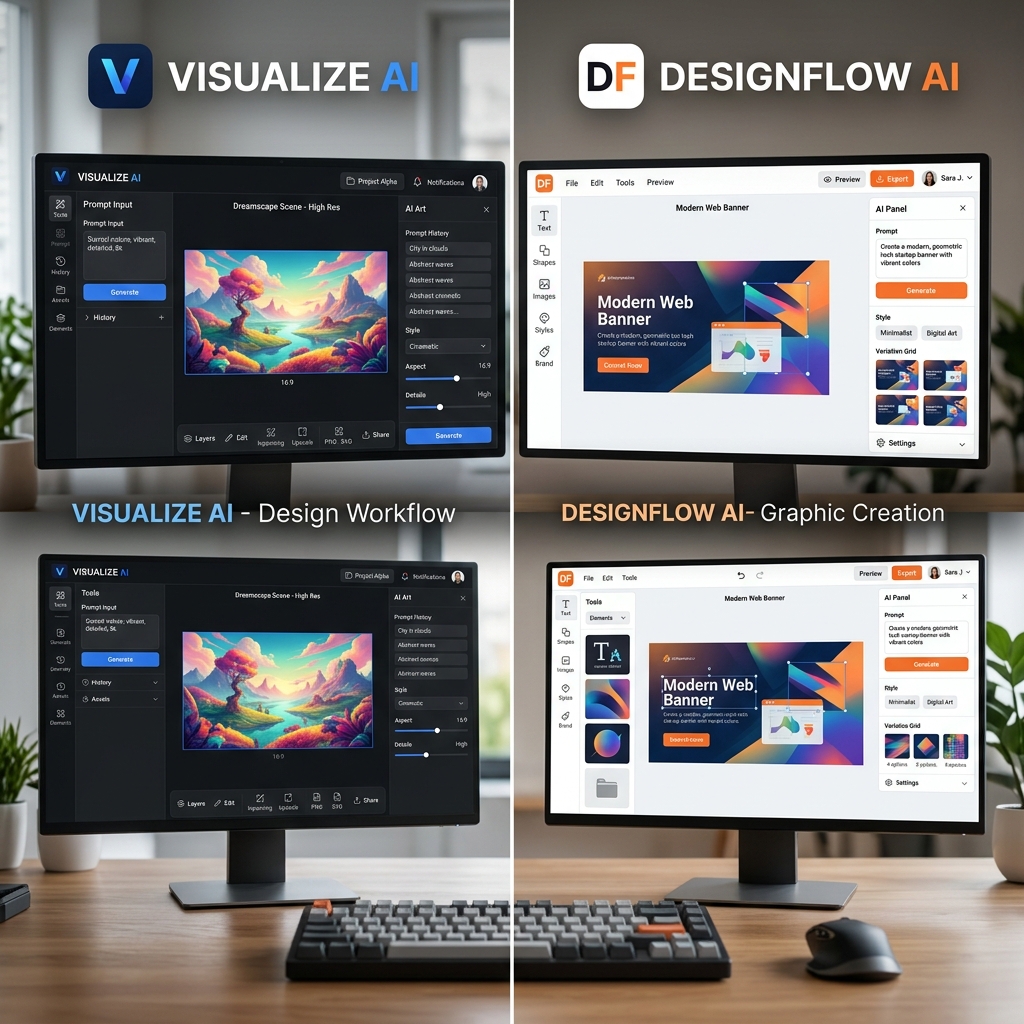
Lovart is an AI design platform that generates custom visual content based on simple text prompts. Whether you need logos, social media graphics, product packaging, or marketing materials, Lovart uses advanced AI to transform your ideas into polished designs.
No complex software or design skills are required — just input your concept, select a style, and download your design.
Why Lovart Matters
Many small businesses and creators face three main challenges:
- •No design skills: Hiring a designer or learning complex tools can be expensive and time-consuming.
- •No time: Creating quality visuals from scratch slows down marketing efforts.
- •Low budget: Professional design services often exceed small budgets.
Lovart solves these problems by automating the design process, allowing users to produce stunning visuals in minutes without any prior experience.
Step-by-Step Guide to Using Lovart
Step 1: Input Your Prompt
Start by describing your design need clearly, for example, "modern fitness poster with bold colors" or "minimalist coffee shop logo."
Step 2: Choose a Style
Select from various design styles such as minimalist, vintage, futuristic, or hand-drawn to match your brand's personality.
Step 3: Generate & Download
Click generate and watch Lovart create multiple design options. Pick your favorite and download high-resolution files instantly.
Real Example: Creating a Modern Coffee Shop Logo
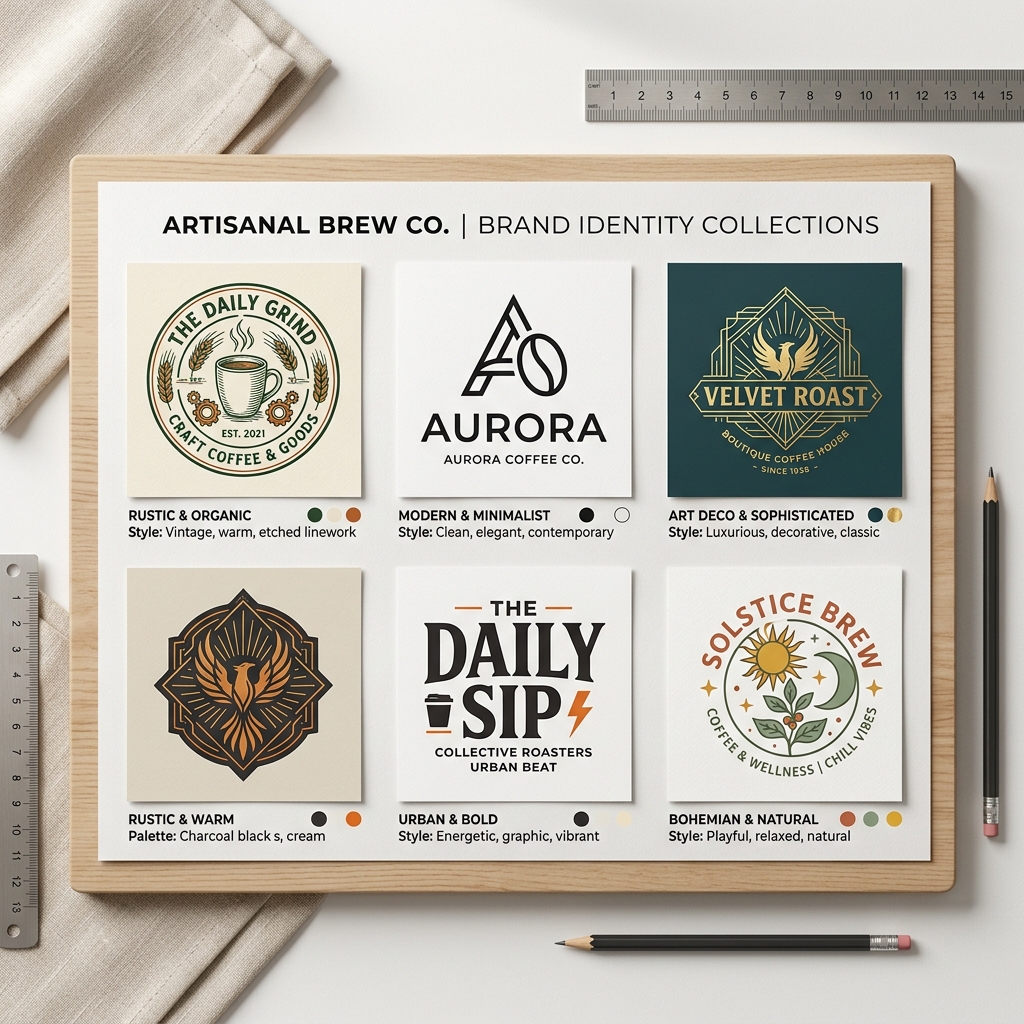
Input: "modern coffee shop logo minimalist with warm tones"
Output: Lovart generated a sleek circular logo featuring a stylized coffee cup with steam rising in simple lines. The warm brown and cream color palette evokes comfort and coziness, perfect for a trendy café wanting a clean, modern look.
This logo can be used on social media, menus, and storefront signage without needing extra editing.
Top 10 Lovart AI Use Cases
- Social Media Posts: Create engaging Instagram stories, Facebook banners, or Twitter headers tailored to your brand.
- Logo Design: Generate unique logos for startups, personal brands, or events.
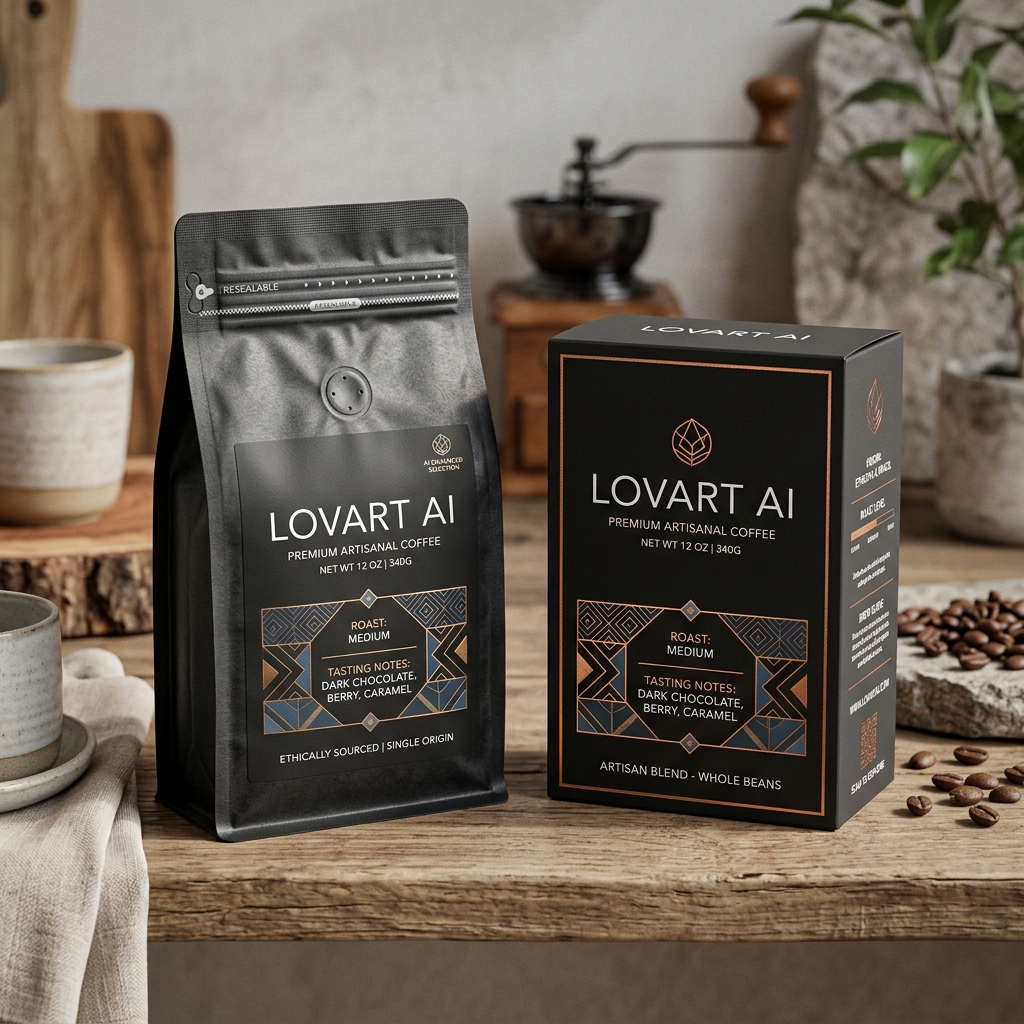
- Product Packaging: Design labels and packaging artwork for food, cosmetics, or tech products.
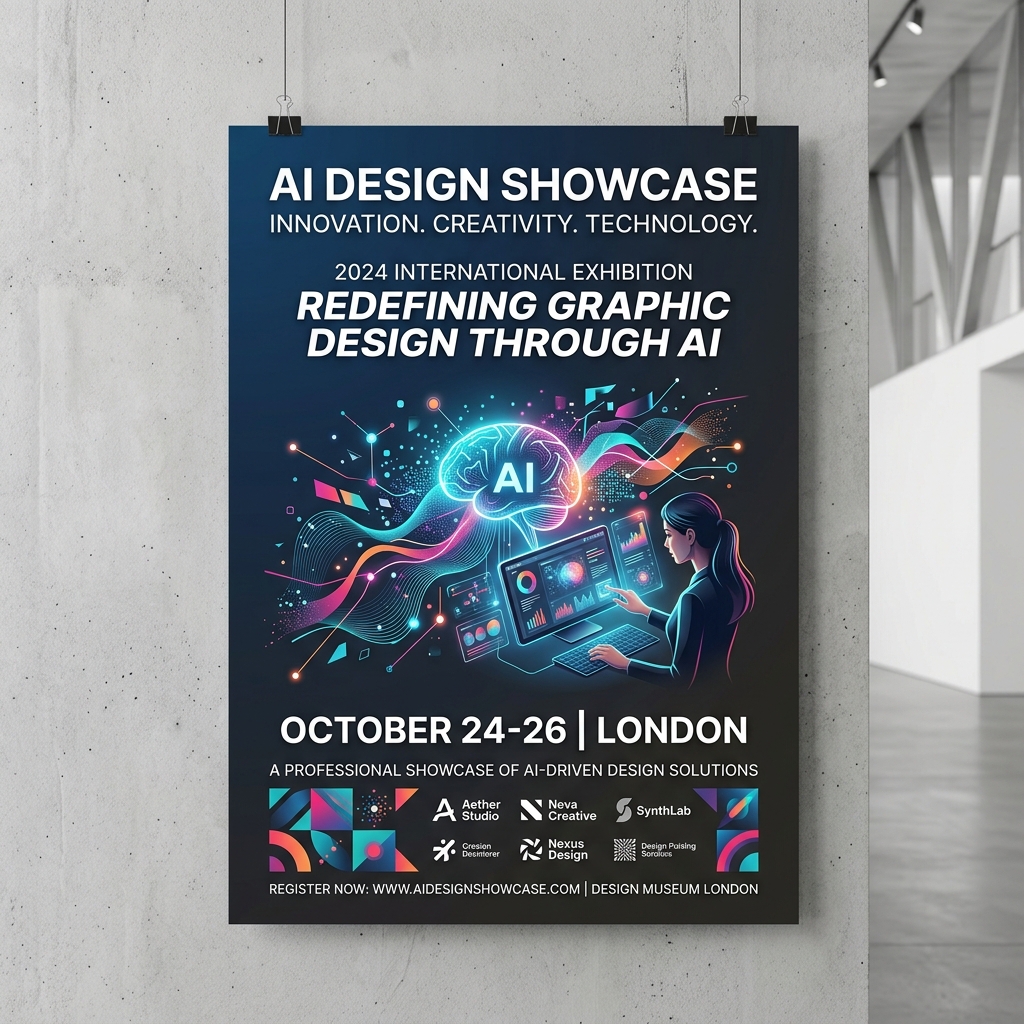
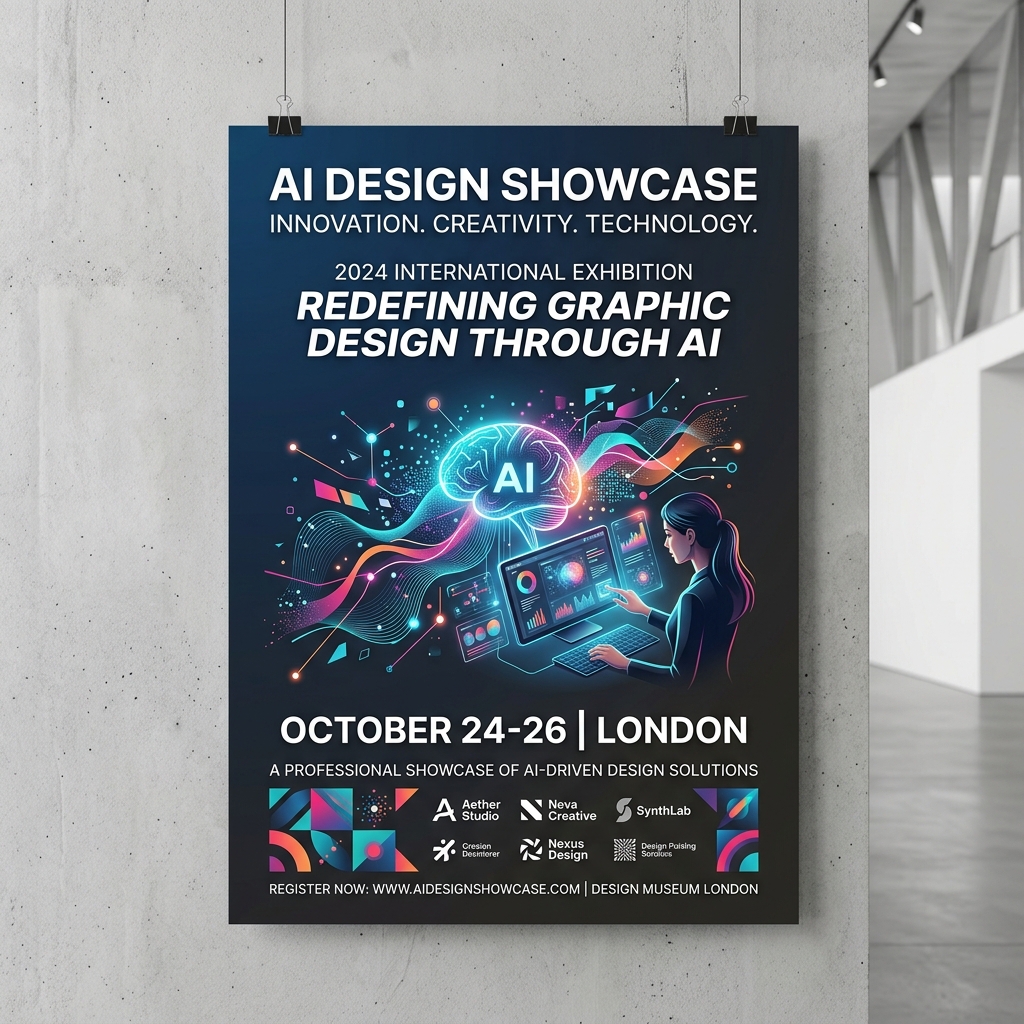
- Marketing Flyers: Produce promotional flyers for local events, sales, or workshops.
- Branding Materials: Develop cohesive business cards, letterheads, and brochures.
- Event Invitations: Craft personalized invites for weddings, parties, or corporate events.
- Website Graphics: Enhance your website with custom banners and icons.
- Book Covers: Design eye-catching covers for self-published authors.
- Merchandise Design: Create artwork for T-shirts, mugs, or tote bags.
- Presentation Slides: Build professional and visually appealing slide decks.
Comparison: Lovart vs. Canva
Both Lovart and Canva allow non-designers to create visuals quickly. However, Lovart stands out by generating unique designs automatically from text prompts, whereas Canva relies more on manual drag-and-drop and pre-made templates.
Lovart is ideal for users who want original, AI-created designs with minimal effort. Canva is better suited for users who prefer more hands-on customization.
Tips & Common Mistakes
- •Tip 1: Be specific in your prompt for better results (e.g., "vintage bakery logo with pastel colors").
- •Tip 2: Experiment with different styles to find the best match.
- •Tip 3: Use Lovart-generated designs as a base and customize further if needed.
- •Mistake 1: Using vague prompts leads to generic results.
- •Mistake 2: Ignoring brand consistency when selecting styles.
- •Mistake 3: Overloading designs with too many elements.
FAQ
1. Can I use Lovart without any design experience?
Absolutely. Lovart is made for users with no design skills to create professional visuals easily.
2. What types of files does Lovart provide?
You can download designs in popular formats like PNG, JPG, and sometimes vector files depending on the design.
3. Is Lovart suitable for product packaging design?
Yes, Lovart AI can generate packaging artwork that meets branding needs and industry standards.
4. How fast can I get my design?
Most designs generate within seconds to a few minutes.
5. Are there any limitations on design usage?
Check Lovart’s licensing policy, but typically you have full rights to use your generated designs commercially.
Ready to Create Stunning Designs?
Save time and skip the learning curve with Lovart’s AI-powered design platform. Whether you need social media graphics, product packaging, or logos, Lovart makes it fast and simple.
Try Lovart Now | View PricingCreate your design in seconds and elevate your brand effortlessly.