Lovart vs Canva: Which AI Design Tool Is Better for Small Business Branding?
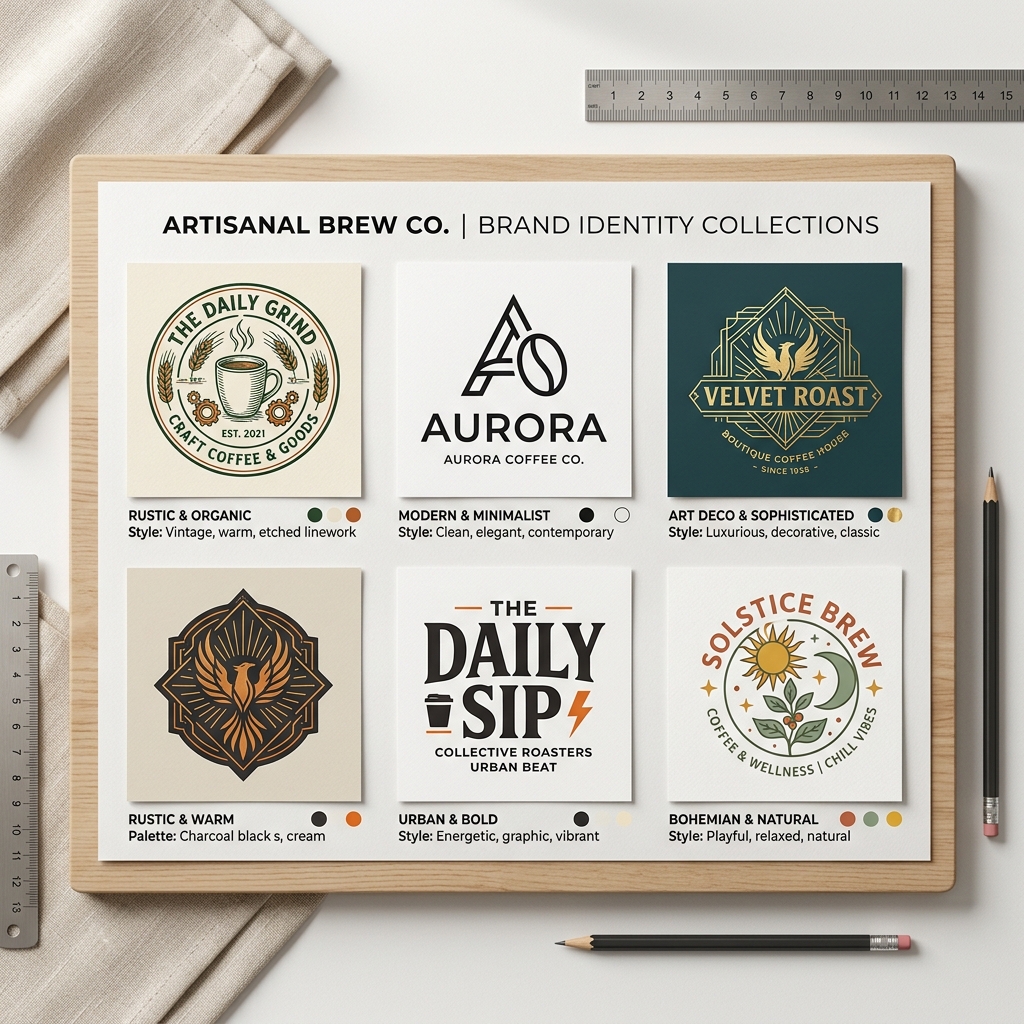
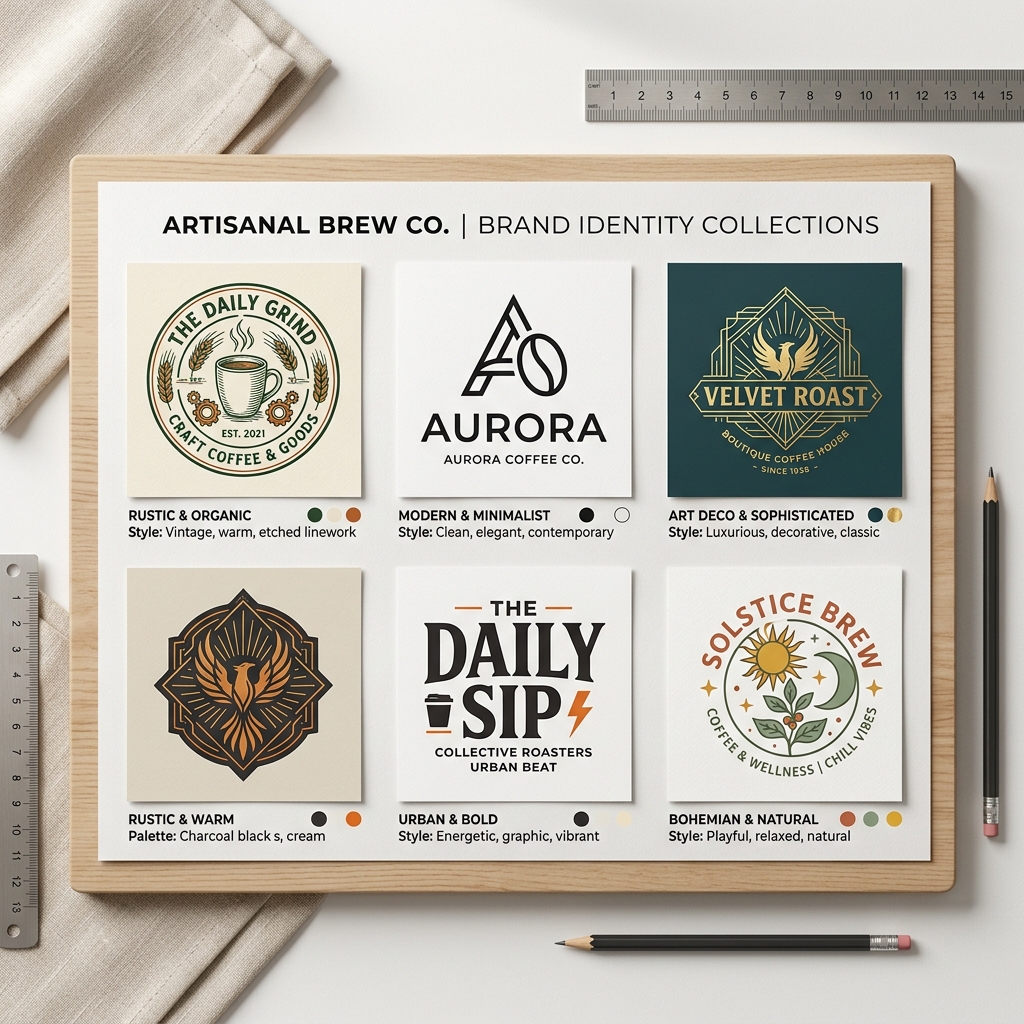
Starting a small business, like a cozy coffee shop or a local fitness studio, means juggling many tasks—branding is often one of the toughest. Without design skills or a big budget, creating a professional logo or marketing materials can feel overwhelming. This is where AI design tools come in handy. In this article, we’ll explore Lovart vs Canva and help you decide which tool fits your small business branding needs best.
What Are Lovart and Canva?
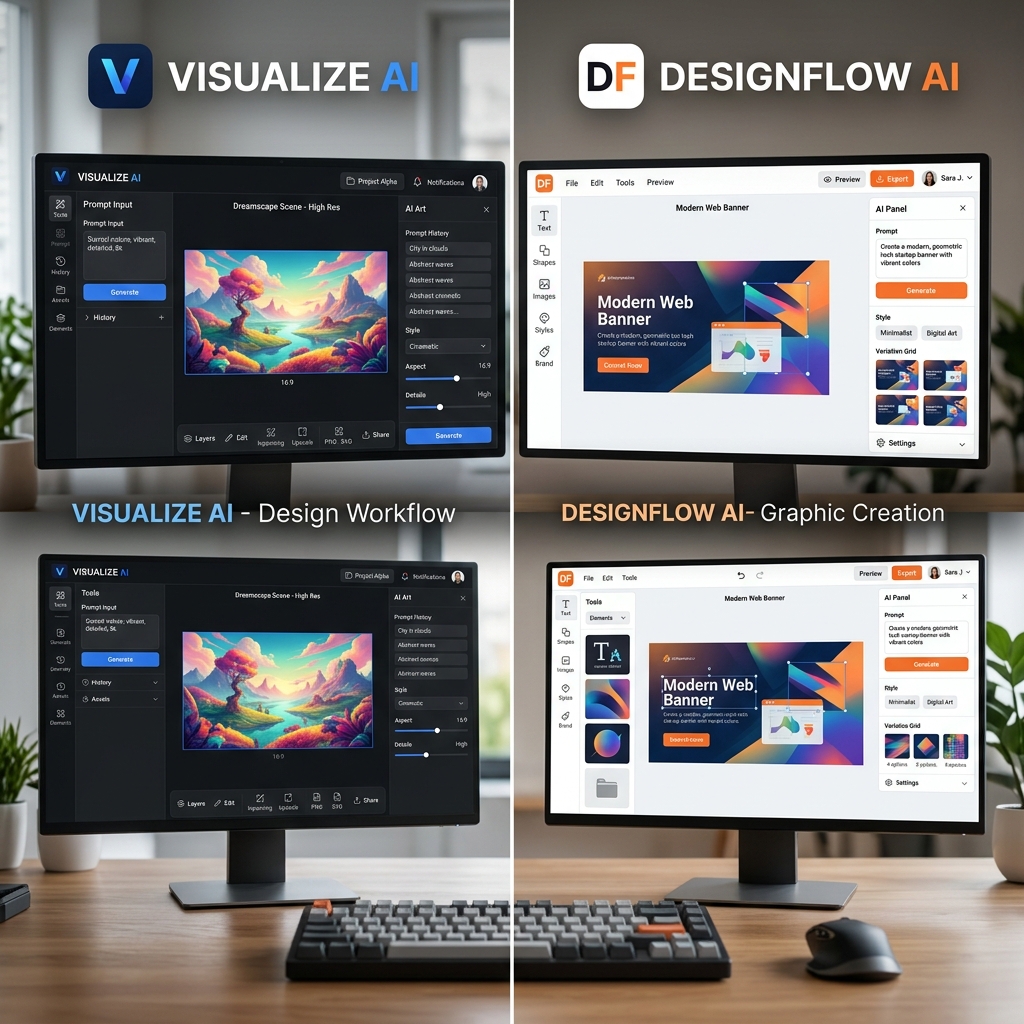
Lovart and Canva are AI-powered design platforms that simplify creating visuals for non-designers. Lovart focuses on AI-generated logos and branding assets, using smart prompts to create unique designs fast. Canva offers a broader design suite, including templates for social media, presentations, and print materials, combining AI features with manual customization.
Why AI Design Tools Matter for Small Businesses
Small business owners face common challenges:
- •No design skills: Hiring a designer can be expensive.
- •Limited time: You need designs quickly to launch campaigns.
- •Tight budgets: Affordable tools are essential.
AI design tools like Lovart and Canva address these pain points by automating design creation, letting you produce professional-quality visuals without learning complex software.
Step-by-Step Guide to Using Lovart for Branding
Step 1: Input your promptStart by describing your business and style preferences. For example, "modern coffee shop logo minimalist".
Step 2: Choose your styleSelect from Lovart’s curated design styles that match your brand identity.
Step 3: Generate and downloadLovart quickly creates multiple logo options. Pick your favorite, customize if needed, and download your files.

Real Example: Creating a Modern Fitness Studio Logo with Lovart
Input: "modern fitness studio logo sleek and minimalist"
Output: Lovart generated a clean logo featuring a stylized dumbbell icon integrated with smooth, geometric lines. The color palette used bold navy and bright orange, conveying energy and professionalism. The font was sans-serif, clear and readable for signage and digital use.
This design was ready within minutes and required no manual tweaking, perfect for a busy gym owner launching a new brand.
Lovart vs Canva: A Practical Comparison
| Feature | Lovart | Canva |
|---|---|---|
| Focus | AI-generated logos & branding | Broad design templates & manual tools |
| Ease of Use | Simple prompt-based generation | Drag-and-drop with templates |
| Customization | Limited manual edits, AI-driven | Extensive manual customization |
| Pricing | Competitive, focused on branding | Free tier plus paid plans |
| Best For | Quick, unique logo creation | Multi-purpose design needs |
For example, if you want to quickly generate a unique logo for a boutique bakery, Lovart’s AI prompt system can deliver results faster. Canva, however, shines if you want to design social media posts, flyers, and presentations all in one place.
Tips for Getting the Most Out of Lovart
- •Use clear, descriptive prompts to guide AI results.
- •Experiment with different style options before finalizing.
- •Download multiple variations to compare designs.
- •Leverage Lovart branding features to maintain consistency.
- •Avoid vague prompts like "nice logo" to prevent generic outputs.
Common Mistakes to Avoid
- •Relying solely on AI without reviewing designs critically.
- •Ignoring brand colors and fonts in final adjustments.
- •Skipping user feedback on generated logos.
- •Overcomplicating prompts, which can confuse AI.
- •Neglecting to explore pricing plans to fit your needs.
Frequently Asked Questions
1. Can I use Lovart for all my branding materials?Lovart specializes in logo and branding asset creation but is less suited for multi-format designs like social media posts. For broader needs, consider combining Lovart with tools like Canva.
2. Is Lovart easier for beginners compared to Canva?Yes. Lovart’s AI-driven prompt system requires less manual design skill, making it ideal for users seeking quick, professional logos.
3. How affordable is Lovart for small businesses?Lovart offers competitive pricing tailored for startups and small businesses. You can check detailed plans on their View Pricing page.
4. Can I customize Lovart designs after generation?Lovart allows some customization but focuses on AI-generated options. For deeper edits, tools like Canva provide more manual control.
5. Where can I find tutorials for using Lovart effectively?Visit the Lovart tutorial page for step-by-step guides and tips.
Ready to Build Your Brand?
Small business branding doesn’t have to be complicated or expensive. Whether you choose Lovart for its AI-powered logo creation or Canva for its versatile design options, both tools can empower you to create professional visuals quickly.
Try Lovart Now to create your unique logo in seconds and see how AI can simplify your branding process. Try Lovart Now | View PricingCreate your design in seconds with Lovart and take your small business branding to the next level.
Explore more about Lovart through our Lovart comparison and read real user feedback on the Lovart review page.