Lovart Pricing Explained: How Much Does Lovart AI Cost and Which Plan Is Best?
Imagine you're launching a new coffee shop and need a sleek, modern logo fast. You don't have graphic design skills or time to hire a designer. This is where Lovart AI shines — an intuitive design tool powered by AI that helps you create professional graphics instantly. But how much does Lovart cost, and which subscription plan suits your needs best? This guide breaks down all you need to know about Lovart pricing and subscription plans.
What is Lovart?
Lovart is an AI-powered design platform that generates custom graphics like logos, posters, and social media visuals based on simple text prompts. It’s perfect for entrepreneurs, small businesses, and marketers who want quality designs without the hassle or expense of hiring professionals.
Users input a design prompt, select a style, and get multiple AI-generated options in minutes. Lovart also manages design credits, which you spend to generate or download images.
Why Lovart Pricing Matters
Many users struggle with three main pain points:
- •No design skills: Creating polished visuals feels overwhelming without experience.
- •No time: Busy schedules leave little room for graphic design work.
- •Low budget: Hiring designers or expensive software isn’t feasible.
Lovart’s pricing plans are designed to solve these problems by offering affordable, flexible subscriptions that give you access to quality designs on demand.
Lovart Pricing and Subscription Plans: Step-by-Step Guide
Step 1: Input your prompt
Start by typing a clear description of the design you want. For example, "modern coffee shop logo minimalist".
Step 2: Choose your style
Pick from various art styles like minimalist, vintage, or futuristic to match your brand’s vibe.
Step 3: Generate and download
Lovart creates multiple design options. You can preview, tweak, and download your favorite using your available credits.

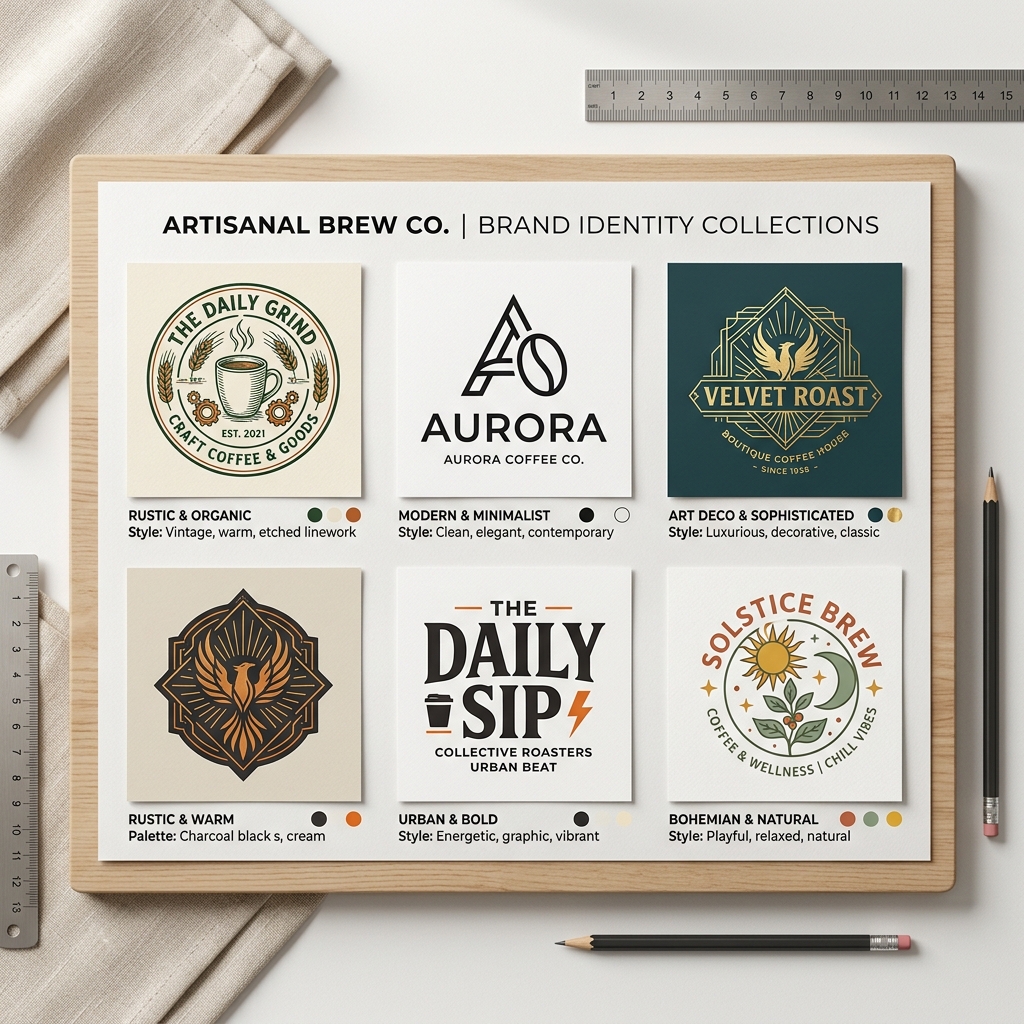
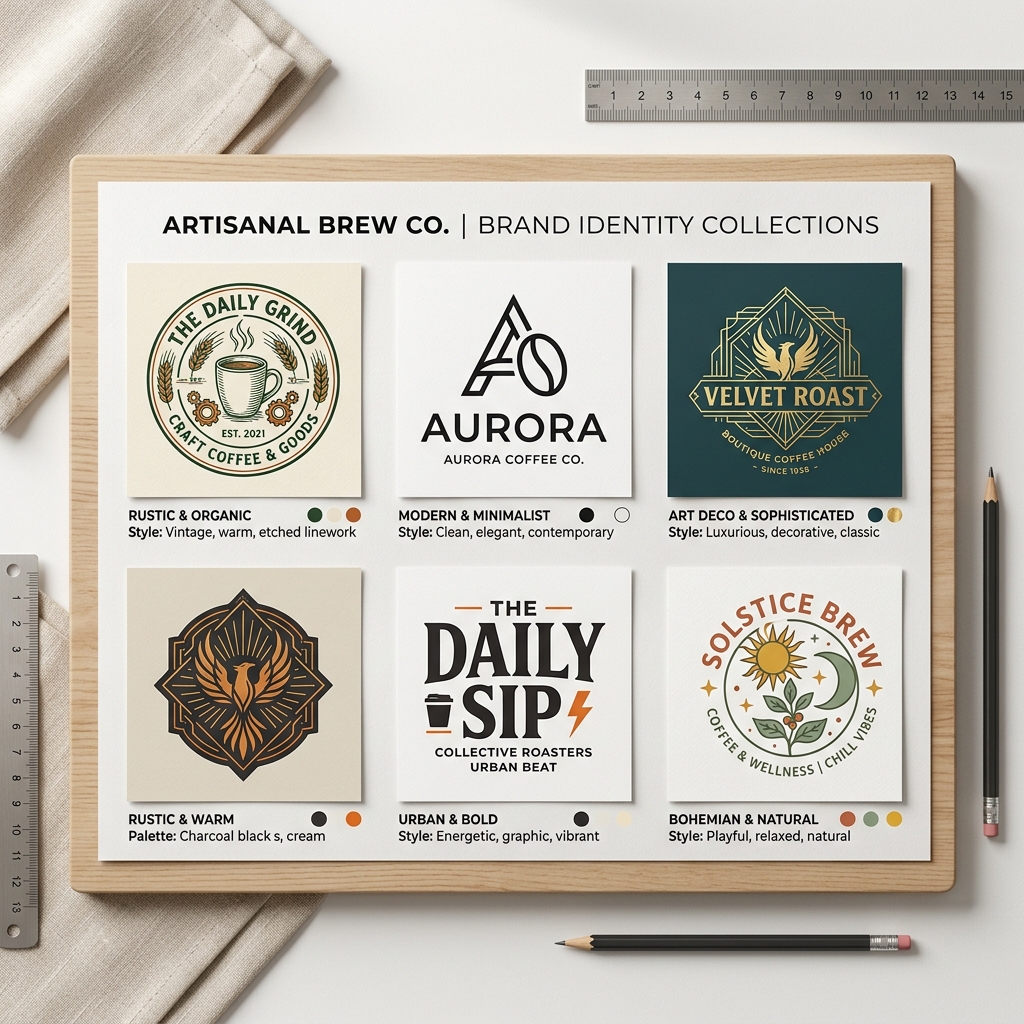
Real Example: Creating a Modern Minimalist Coffee Shop Logo
Input: "modern coffee shop logo minimalist" Output: Lovart generates sleek logos featuring clean lines, muted earth-tone color palettes, and simple coffee cup icons. One design shows a stylized coffee cup with steam shaped like leaves, perfect for an eco-friendly cafe. The fonts are thin and sans-serif, conveying a contemporary, approachable look.This example shows how Lovart transforms a straightforward prompt into multiple professional-grade options instantly — saving hours and design costs.
Comparing Lovart Pricing to Canva and Other Tools
| Feature | Lovart | Canva |
|---|---|---|
| Pricing Model | Subscription + credits | Subscription + pay-per-element |
| AI-Generated Designs | Yes, based on text prompts | Limited AI, more templates |
| Ease of Use | Very simple, no design skills needed | User-friendly but manual design |
| Cost Efficiency | Pay only for designs you download | Pay for premium elements |
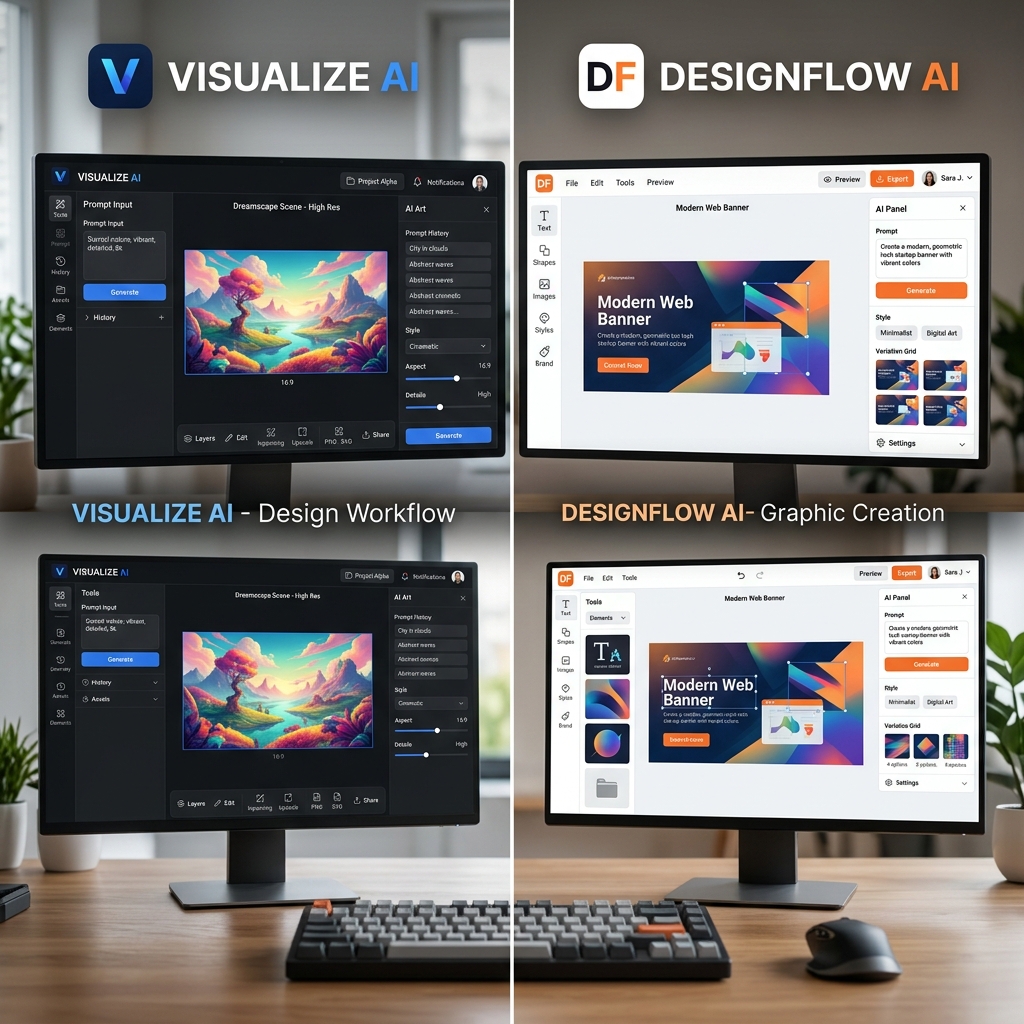
Lovart focuses on AI-powered creation, ideal when you want fast, unique designs without manual editing. Canva offers more control but requires more time and design knowledge.
Tips for Maximizing Lovart Subscription Value
- Plan your credits: Understand how many credits each design or download costs to avoid surprises.
- Use precise prompts: Clear, detailed prompts yield better, more relevant designs.
- Experiment with styles: Try different art styles to find what fits your brand best.
- Download only needed designs: Preview before spending credits to save costs.
- Check for promotions: Lovart occasionally offers discounts or bonus credits.
Common Mistakes to Avoid
- •Using vague prompts that produce generic results.
- •Overspending credits on multiple similar designs.
- •Ignoring style options that could enhance your brand image.
- •Not reviewing Lovart’s pricing page regularly for plan updates.
Frequently Asked Questions (FAQ)
1. How much does Lovart cost per month?
Lovart offers several subscription plans starting from a basic monthly fee with varying credit allowances. Visit the Lovart pricing page for detailed current rates.
2. What are Lovart credits and how do they work?
Credits are used to generate or download AI designs. Each design consumes a specific number of credits depending on the resolution and usage rights.
3. Can I upgrade or downgrade my Lovart subscription plan?
Yes, Lovart allows flexible plan changes anytime to fit your design needs and budget.
4. Is there a free trial or demo available?
Lovart often provides free trials with limited credits so you can test the tool before committing.
5. How does Lovart compare to hiring a graphic designer?
Lovart is faster and more affordable for simple to medium complexity designs. For highly customized or branding projects, professional designers might be better.
Ready to Create Stunning Designs?
Lovart makes professional graphic creation easy, affordable, and fast — no design skills needed. Whether you’re launching a coffee shop logo or crafting marketing posters, Lovart’s subscription plans and credits system give you flexibility and control.
Try Lovart Now to create your design in seconds.Check out the detailed Lovart pricing to pick the best plan for your needs.
Explore more about Lovart’s features and user experiences in our reviews and tutorials.
Learn how Lovart stacks up against other options in our alternatives page.