Lovart AI Credit System Explained: How to Manage and Use Your Credits Effectively
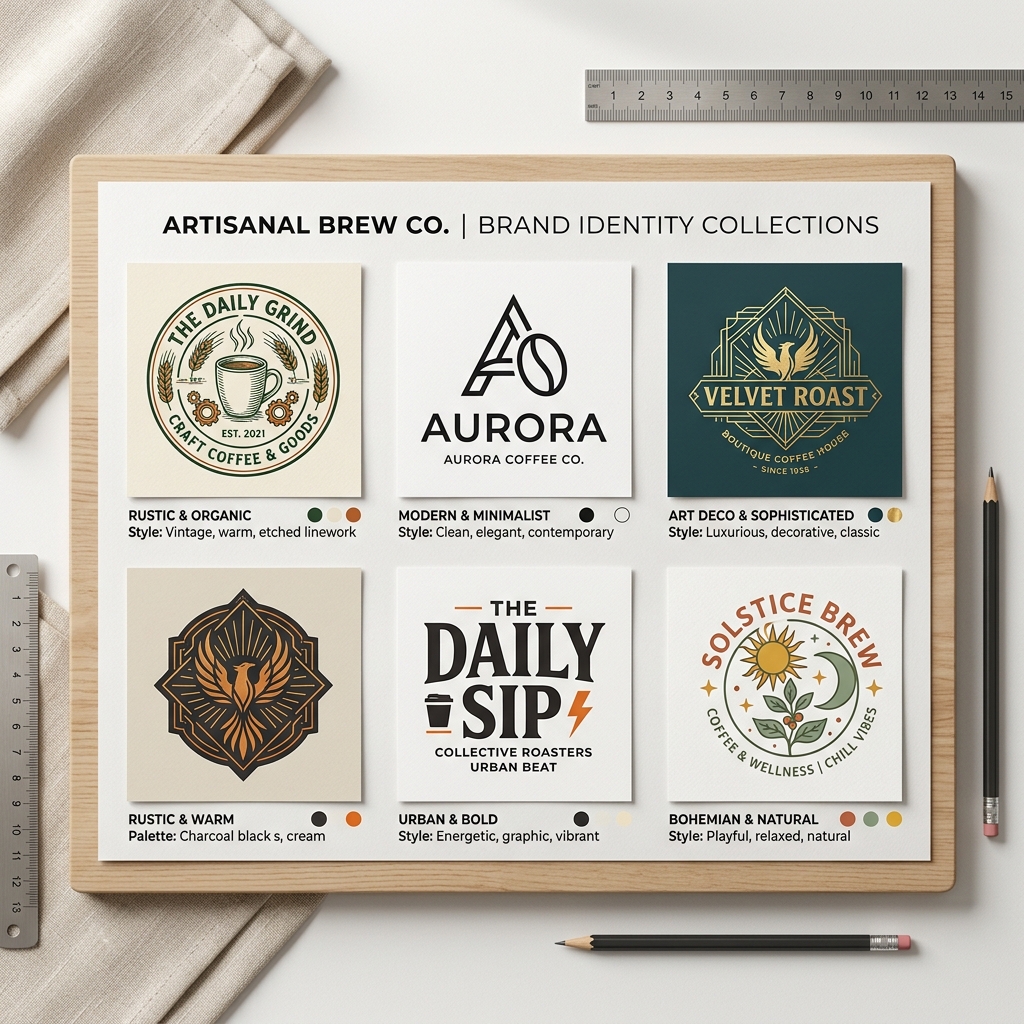
Imagine you run a small coffee shop and want a fresh new logo without hiring an expensive designer. You turn to Lovart, an AI-powered design tool that uses a credit system to create custom visuals quickly and affordably. But how exactly does this Lovart credit system work? How can you manage your credits to maximize value and avoid running out?
In this guide, we'll break down everything you need to know about Lovart credits, how to manage them effectively, and how to get the most out of your Lovart pricing plan.
What is the Lovart Credit System?
Lovart credits are the currency you use to create designs with Lovart’s AI platform. Each design you generate costs a certain number of credits depending on complexity and style choices. Think of credits like tokens that grant you access to powerful AI design generation without the need for technical skills.
When you sign up or purchase a Lovart plan, you receive a set amount of credits. You spend these credits to generate logos, posters, social media graphics, and more using Lovart’s intuitive interface.
Why Managing Lovart Credits Matters
If you’re a business owner or marketer with no design skills, the Lovart credit system can save you time and money. But without proper credit management, you risk exhausting your credits prematurely or overspending.
Common Pain Points Lovart Credits Solve:
- •No design skills? Lovart’s AI handles the creative work.
- •Limited time? Generate professional designs in minutes.
- •Tight budget? Pay only for what you use, avoiding costly designers.
Understanding how to manage your Lovart credits ensures you get the most value from your investment.
Step-by-Step Guide to Using Lovart Credits
Step 1: Input Your Design Prompt
Start by entering a clear prompt describing your design. For example, "modern coffee shop logo minimalist" or "fitness poster vibrant and bold." The AI uses this to understand your vision.
Step 2: Choose Your Style
Select from Lovart’s style options like minimalist, vintage, or futuristic. Your style choice may affect the credit cost.
Step 3: Generate and Download
Click generate. The AI creates design options based on your input. Pick your favorite, download it, and your credits are deducted accordingly.

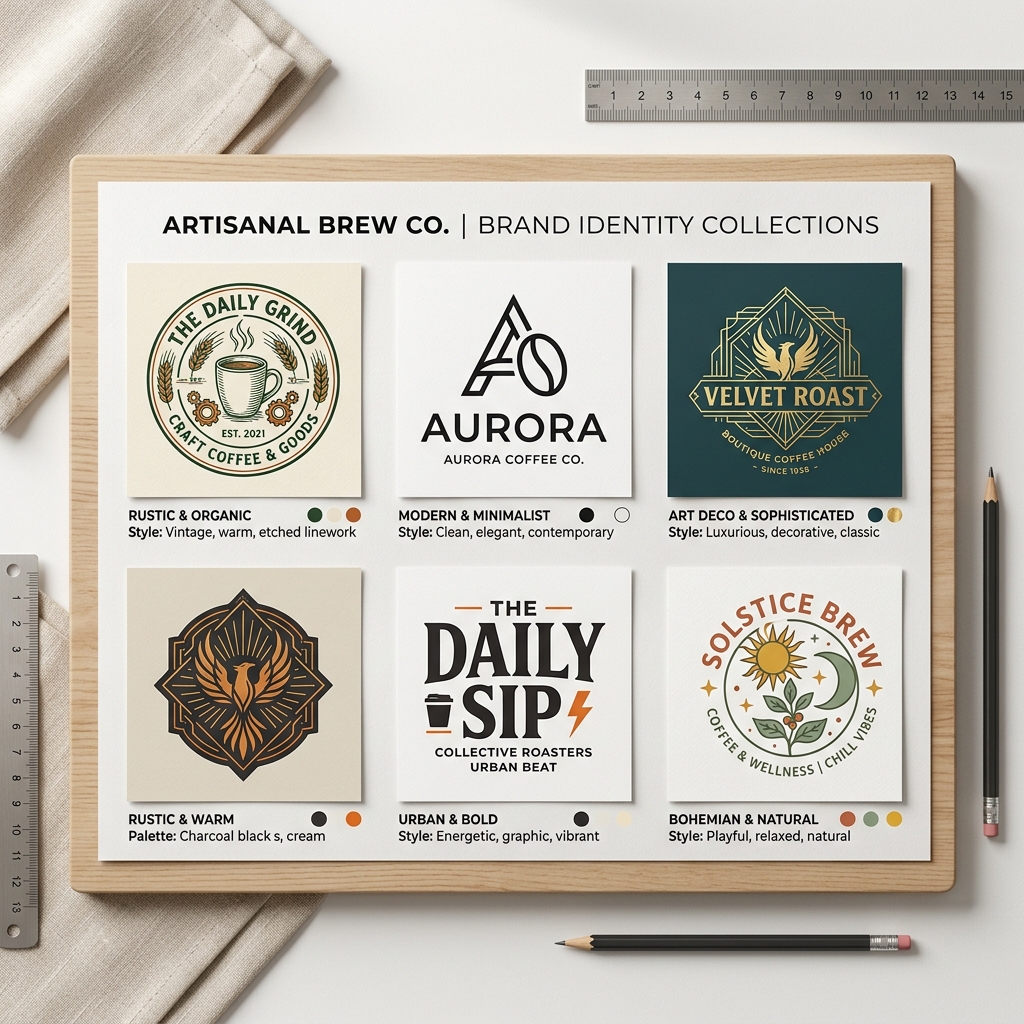
Real Example: Creating a Modern Coffee Shop Logo
Input: "modern coffee shop logo minimalist" Output: Lovart generates a sleek logo featuring a simple coffee cup icon with clean lines and muted earth tones. The font is sans-serif, giving a fresh, contemporary feel perfect for a trendy local café. You receive multiple variations, all ready for use on signage, menus, or social media.This example shows how Lovart credits translate into tangible design assets without needing a graphic designer.
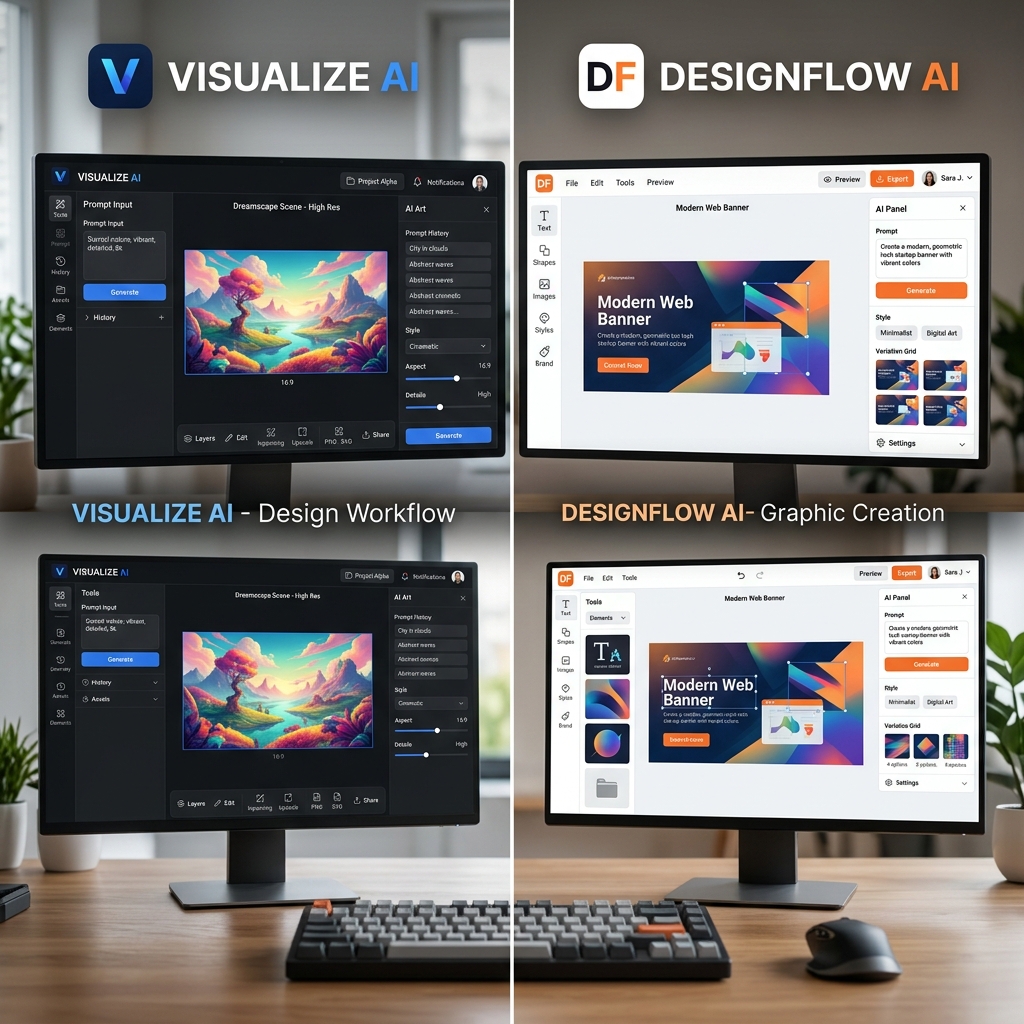
How Lovart Compares to Canva
While Canva offers many templates and design tools, it requires more manual effort and design sense. Canva's pricing is subscription-based with some free features but limited AI automation.
Lovart’s credit system focuses on AI-driven generation, meaning less time adjusting designs and fewer skills needed. You pay per design credit, which can be more cost-effective for occasional users.
Tips for Managing Lovart Credits Effectively
- Plan your designs ahead. Group your design needs to avoid multiple small credit spends.
- Choose styles wisely. Some styles may cost more credits; pick what fits your budget.
- Use prompts clearly. Specific prompts reduce trial and error, saving credits.
- Download immediately. Avoid losing credits on unused designs.
- Track your credit usage. Monitor to avoid unexpected depletion.
Common Mistakes to Avoid
- •Spending credits on vague or broad prompts leading to irrelevant results.
- •Ignoring pricing tiers and overspending.
- •Not using available tutorials and reviews to optimize usage.
FAQ
What are Lovart credits used for?
Lovart credits are used to generate AI-powered designs like logos, posters, and social media graphics on the Lovart platform.
How can I manage my Lovart credits?
Manage credits by planning your designs, using clear prompts, selecting appropriate styles, and tracking your usage regularly.
Does Lovart offer different pricing plans?
Yes, Lovart pricing varies by credit packages and subscription plans to fit different user needs.
Can I get refunds for unused credits?
Typically, Lovart credits are non-refundable but check the latest terms on Lovart pricing.
How do Lovart credits compare to Canva subscriptions?
Lovart uses a pay-per-credit model focused on AI generation, while Canva offers subscription-based access to templates and manual design tools.
Ready to Create Stunning Designs?
Managing your Lovart credits smartly lets you unlock the full power of AI design without the hassle or high costs.
Try Lovart Now to create your design in seconds or View Pricing to find the best plan for your needs.Explore more tips and user reviews at Lovart tutorials and Lovart reviews to get started confidently.