Is Lovart Worth It? Honest Lovart AI Review with Pros and Cons
Introduction
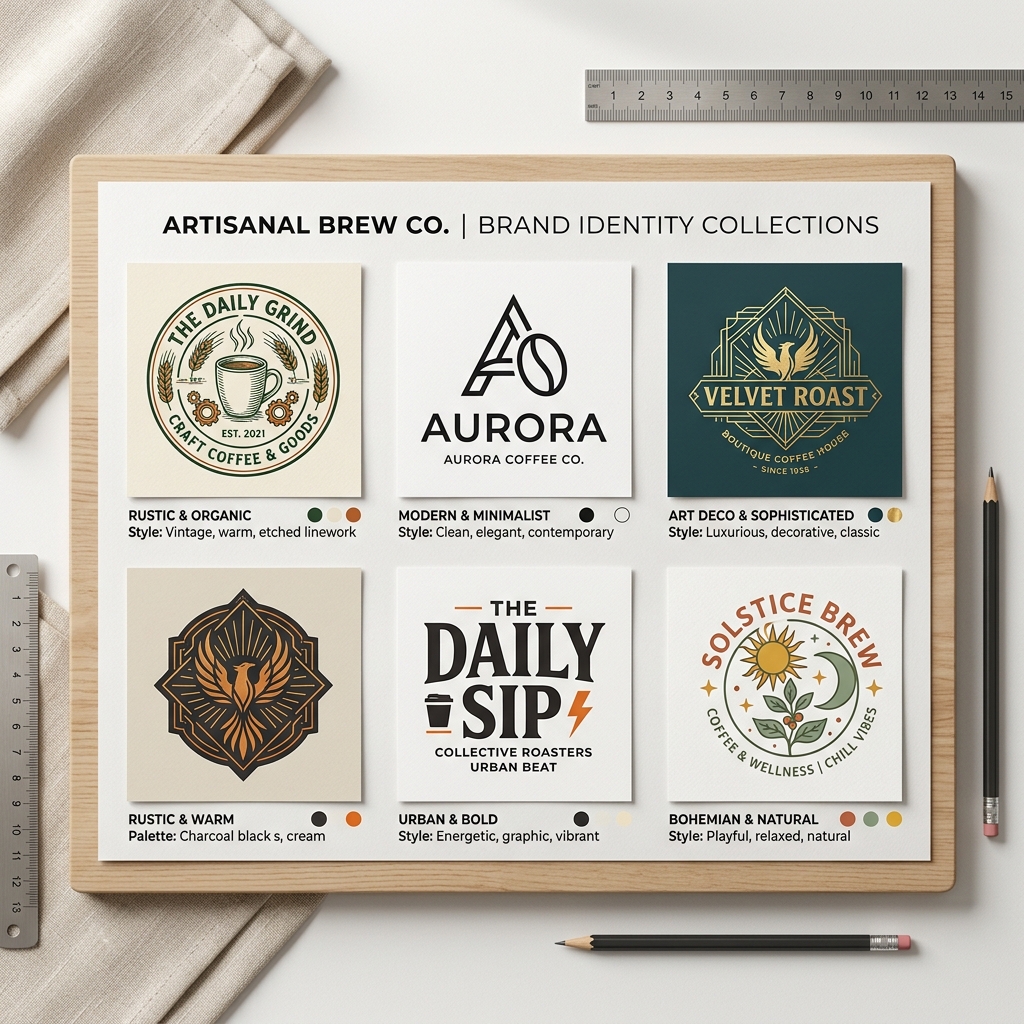
Imagine you're opening a small coffee shop and need a professional logo fast. You don’t have design skills or time to hire a designer. This is where AI design tools like Lovart come in. But is Lovart worth it? In this honest Lovart review, we'll explore if this AI-powered design tool can truly meet your needs.
What Is Lovart?
Lovart is an AI-driven graphic design platform that helps users create logos, posters, social media graphics, and more with minimal effort. By simply entering a text prompt and selecting a style, Lovart generates professional-quality designs instantly.
Unlike complex tools that require design expertise, Lovart uses artificial intelligence to automate creativity, making it accessible for startups, freelancers, and small business owners.
Why Lovart Matters
Many people struggle with design because of three main pain points:
- •No design skills: Not everyone has the know-how to use tools like Photoshop or Illustrator.
- •No time: Running a business or project leaves little time to create visuals.
- •Low budget: Hiring professional designers can be costly.
Lovart addresses these by providing easy, fast, and affordable design creation.
Step-by-Step Guide to Using Lovart
Step 1: Input Your Prompt
Type in a clear description of what you want. For example, "modern coffee shop logo minimalist".
Step 2: Choose Your Style
Select from various styles like minimalist, vintage, or futuristic to suit your brand identity.
Step 3: Generate & Download
Let Lovart generate multiple design options. Pick your favorite and download it instantly for use.

Real Example
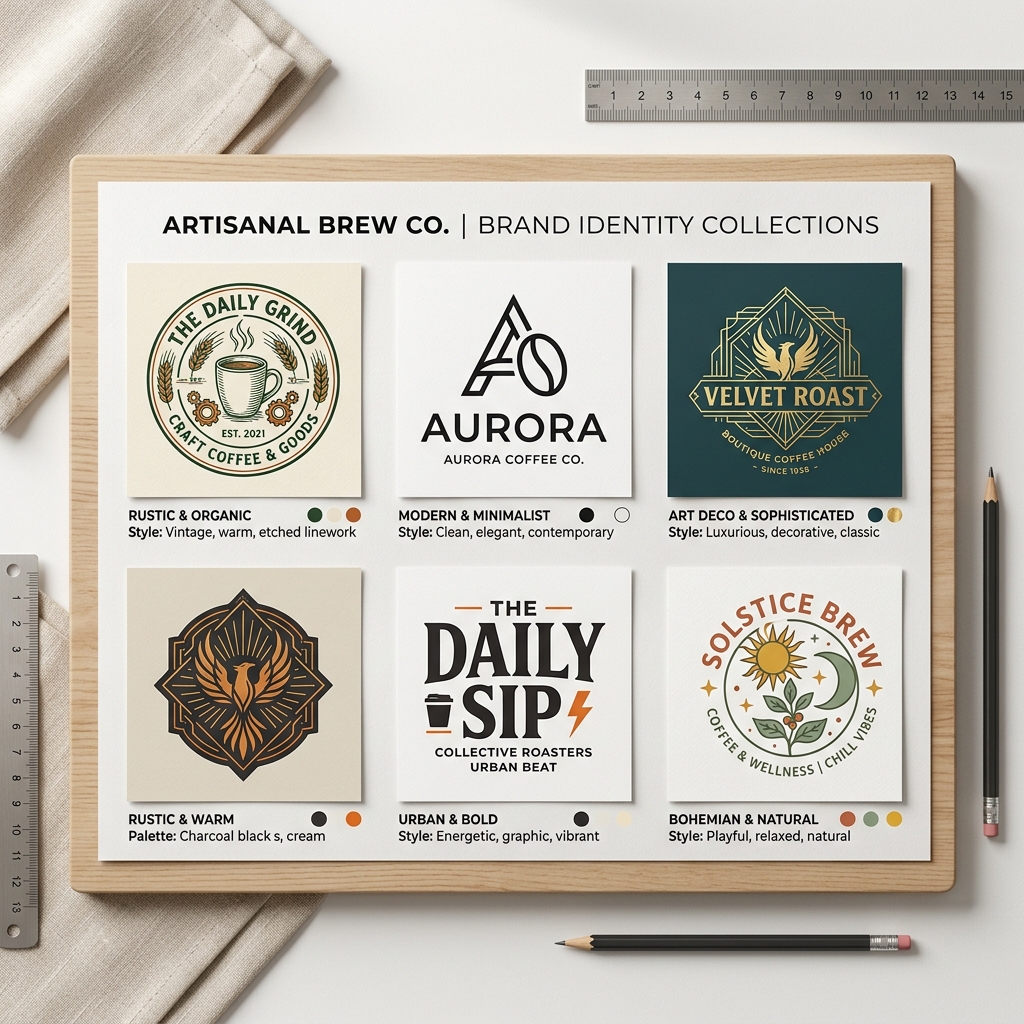
Input: "modern coffee shop logo minimalist" Output: Lovart generated a sleek logo featuring a stylized coffee cup with clean lines and neutral colors. The minimalist approach made it versatile for signage, menus, and social media profiles.This example shows how Lovart can quickly produce usable, professional branding materials without any design skills.
Comparison: Lovart vs Canva
| Feature | Lovart | Canva |
|---|---|---|
| Ease of Use | AI generates designs from prompts | Drag-and-drop editor with templates |
| Design Flexibility | Limited by AI styles | Highly customizable |
| Skill Required | None | Basic design skills helpful |
| Pricing | Affordable plans focused on AI design | Free tier + paid subscriptions |
| Speed | Instant design generation | Manual design creation |
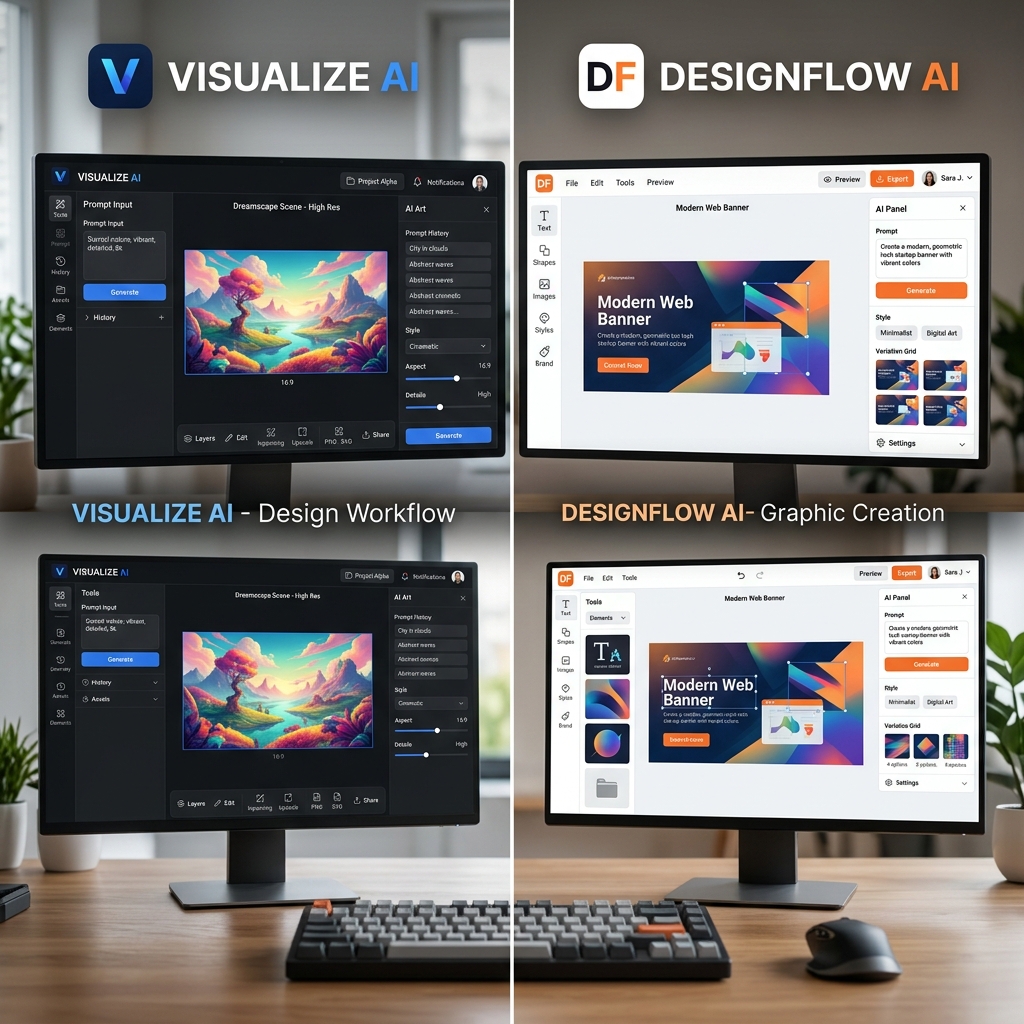
For users with limited time and design skills, Lovart offers a faster route to quality visuals. Canva is better for those wanting more control and customization.
Tips & Common Mistakes
Tips:
- Use clear, specific prompts to get better results.
- Experiment with different styles to find the best match.
- Review multiple generated options before choosing.
Mistakes to Avoid:
- •Being too vague with prompts, which yields generic designs.
- •Ignoring the style selection, limiting the design's appeal.
- •Overlooking the download quality settings.
FAQ
1. Is Lovart worth it for small businesses?
Yes, especially if you need quick, affordable designs without hiring a designer.
2. Can I customize Lovart designs after generation?
Lovart’s focus is on AI generation; for heavy customization, you might need another tool.
3. How does Lovart compare to traditional design software?
Lovart is faster and easier but less flexible than tools like Photoshop.
4. Is there a free trial available?
You can try Lovart's design features online; check their pricing page for details.
5. What kind of designs can I create with Lovart?
Logos, posters, social media graphics, and other branding materials.
For more detailed user experiences, visit the Lovart user reviews and tutorials.
Ready to Create?
Lovart simplifies design creation, saving you time and hassle. Whether you’re branding a new business or making a quick poster, Lovart can help.
Try Lovart Now - Create your design in seconds.Want to know the costs? View Pricing and find the right plan for you.
Explore alternatives to see how Lovart stacks up: Lovart alternatives.
Start designing smarter today!