How to Optimize Your Lovart AI Workflow for Faster Design Creation
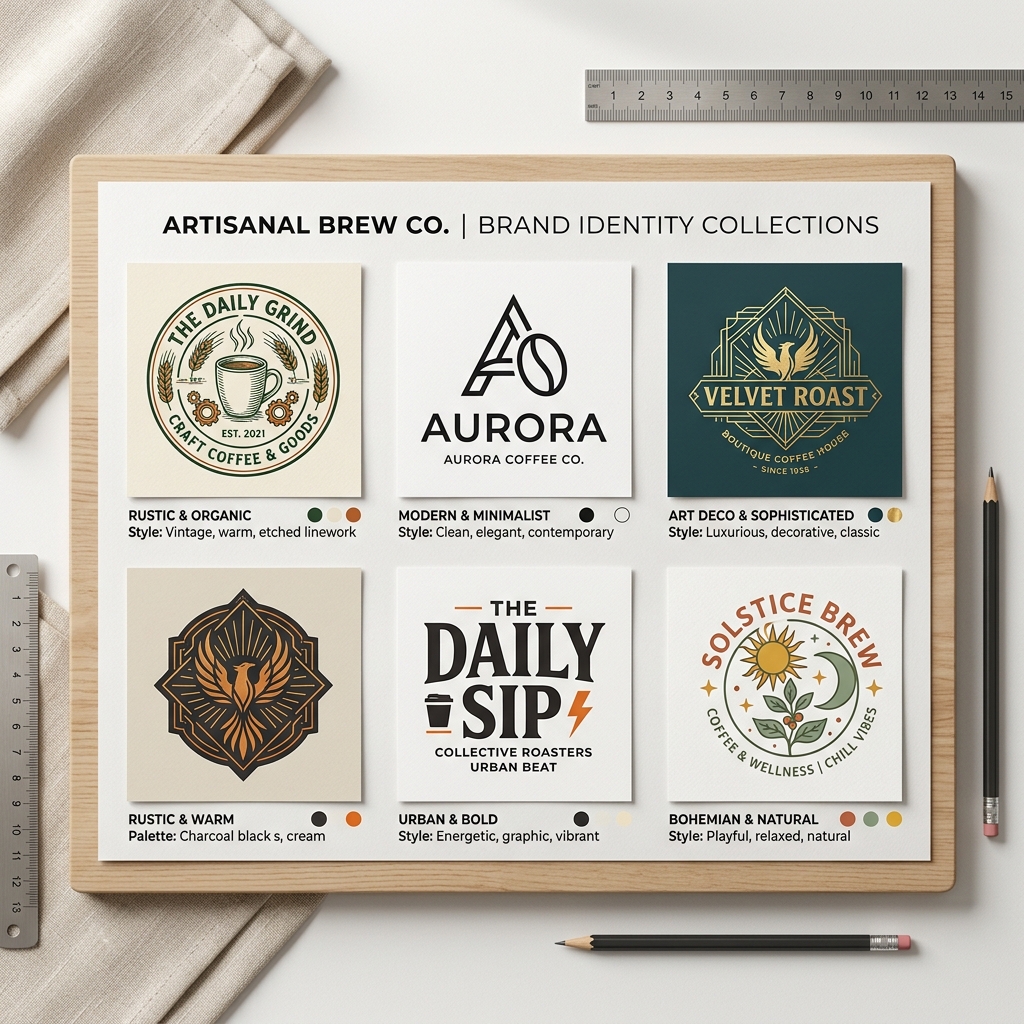
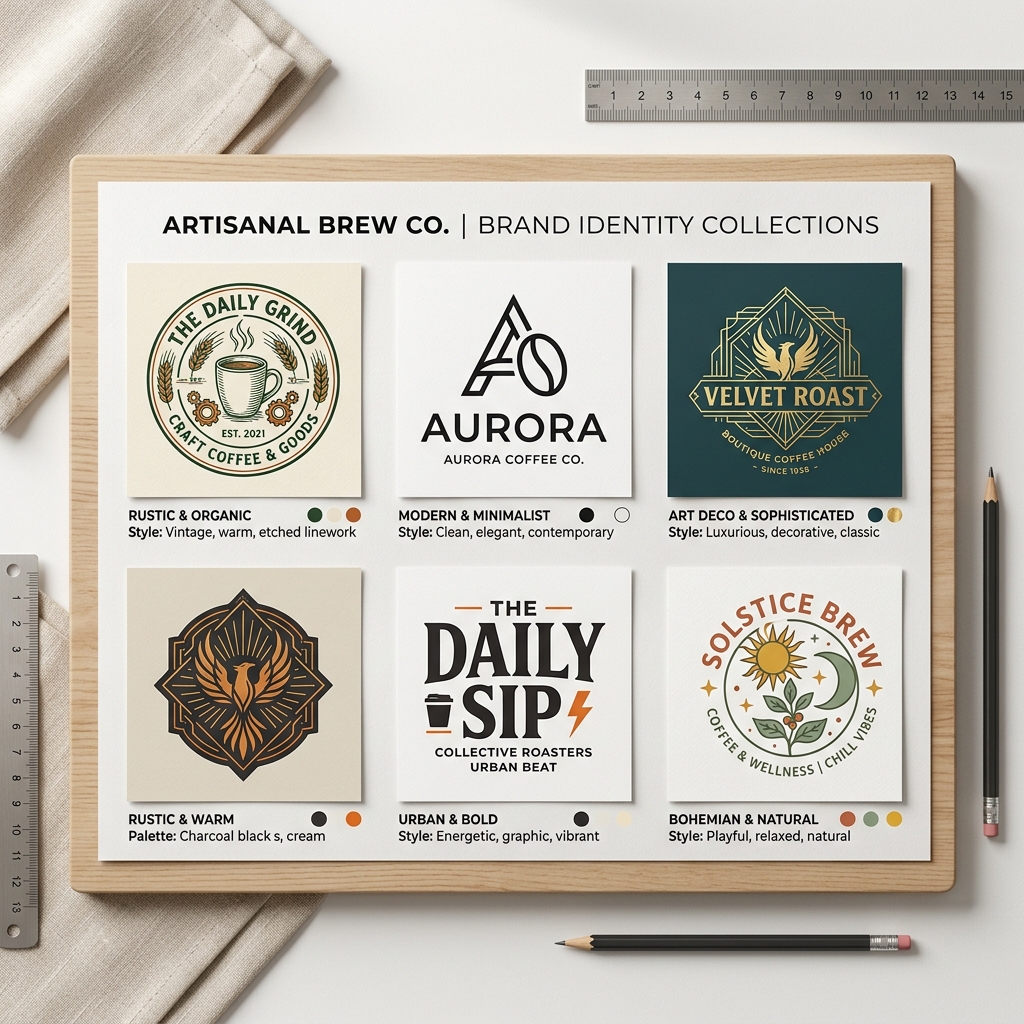
Imagine you're launching a new coffee shop and need a sleek, modern logo fast. You don’t have design skills or time to hire a designer. This is where optimizing your Lovart workflow can transform your process, letting you create stunning designs quickly and efficiently.
What is Lovart Workflow?
Lovart is an AI-powered design tool that simplifies creating logos, posters, and other visual content. The Lovart workflow refers to the steps and strategies you use within Lovart to produce your designs. Optimizing this workflow means making each step faster and more effective, saving you time and effort.
Why Optimizing Lovart Matters
Many small business owners and marketers struggle with design because:
- •They lack professional design skills.
- •They don’t have enough time to create visuals.
- •They have tight budgets limiting hiring designers.
Lovart’s AI-driven platform solves these pain points, but knowing how to optimize your workflow ensures you get the best results in the shortest time.
Step-by-Step Guide to Optimizing Your Lovart Workflow
Step 1: Input a Clear, Detailed Prompt
Start with a precise description of what you want. For example, "modern coffee shop logo minimalist style with warm colors". The more specific your prompt, the better Lovart AI tailors the design.
Step 2: Choose the Right Style
Lovart offers various styles like minimalist, vintage, or futuristic. Select the style that matches your brand identity to reduce unnecessary revisions.
Step 3: Generate and Download
After generating, review the design quickly. Use Lovart’s options to make minor tweaks if necessary, then download your final design ready for use.

Real Example: Modern Coffee Shop Logo
Input: "modern coffee shop logo minimalist style with warm brown and cream colors"
Output: Lovart generated a clean, circular logo featuring a stylized coffee cup with steam lines that subtly form a leaf. The warm brown tones give a cozy, inviting feel, while the minimalist style keeps it sleek and professional—perfect for storefront signs and social media.
Comparison: Lovart vs Canva
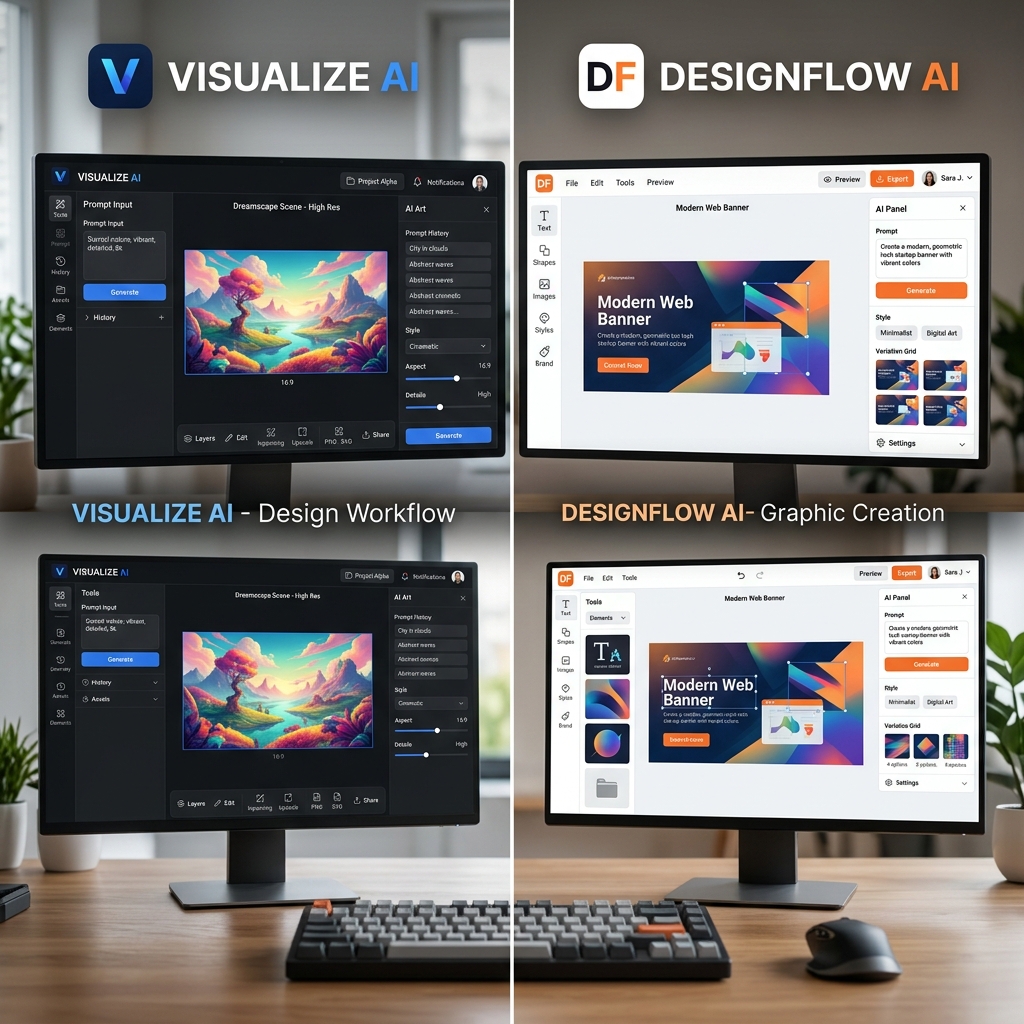
While Canva offers a wide range of templates and manual customization, Lovart’s AI workflow focuses on speed and automation. Lovart excels when you need a professional design quickly without spending time on manual adjustments. Canva might be better if you want full manual control, but Lovart saves you hours when optimizing your prompt and style selection.
Tips & Common Mistakes to Avoid
- •Tip 1: Use specific keywords in your prompt to get relevant designs.
- •Tip 2: Experiment with different styles to find the best match.
- •Tip 3: Review generated designs promptly to avoid delays.
- •Tip 4: Save your favorite prompts for future projects.
- •Tip 5: Leverage Lovart’s batch generation to get multiple options at once.
Common Mistakes
- •Using vague prompts like "nice logo" results in generic designs.
- •Ignoring style selection slows down the process.
- •Over-editing can defeat the purpose of AI efficiency.
Frequently Asked Questions
1. How can I improve my Lovart design results?
Be specific in your prompts and choose styles that align with your brand.
2. Is Lovart suitable for beginners with no design skills?
Yes, Lovart is designed to help users without any design background create professional visuals.
3. Can I use Lovart designs for commercial purposes?
Yes, Lovart designs can be used commercially, but check specific licensing terms.
4. How fast can I get a design using Lovart?
Typically, designs generate within seconds after submitting your prompt.
5. What if I don’t like the first design?
You can regenerate with tweaks to your prompt or style to get better results.
Ready to Speed Up Your Design Process?
Optimize your Lovart workflow today and create professional designs in seconds. Whether you’re launching a new brand or refreshing your visuals, Lovart makes it easy.
Try Lovart Now | View PricingCreate your design in seconds and save time with Lovart's AI-powered efficiency.