How to Make Custom T-shirt Designs with AI Graphic Tools
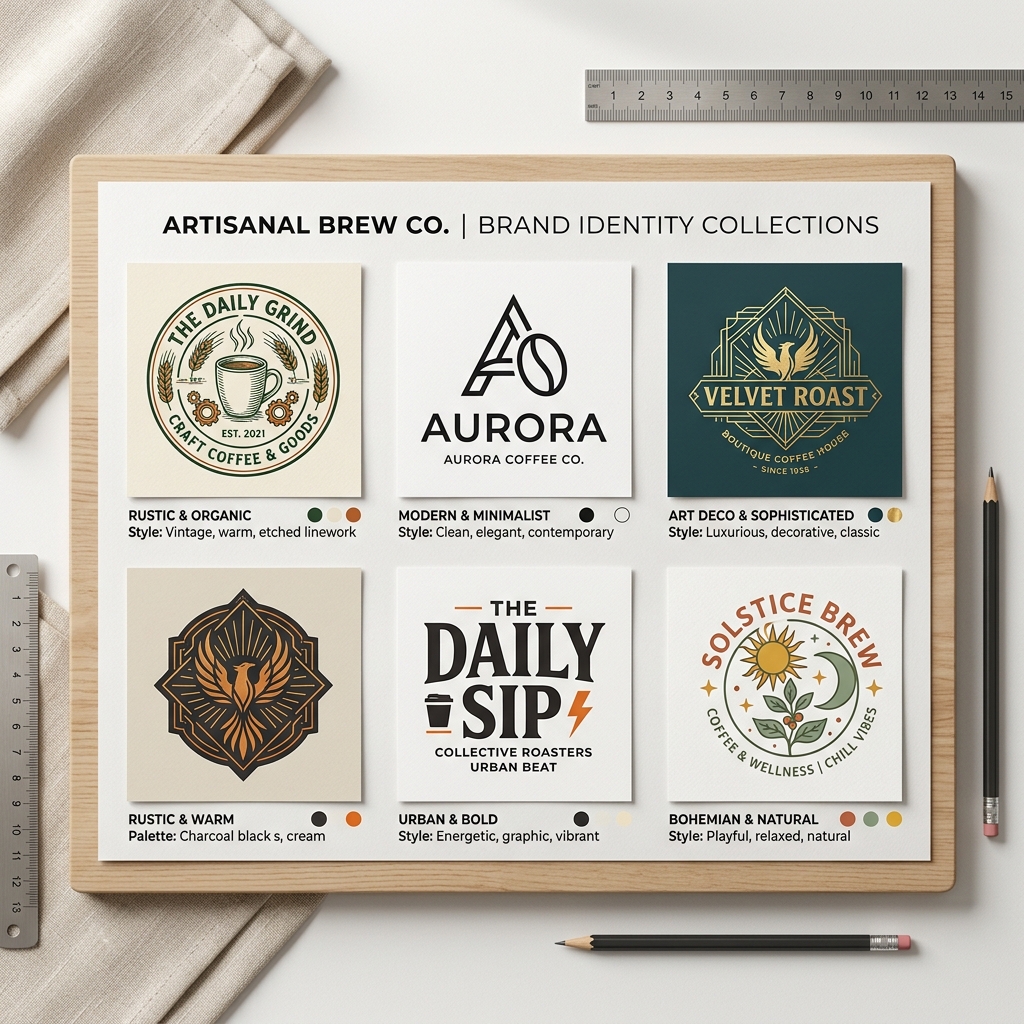
Creating custom t-shirt designs can feel overwhelming if you don't have graphic design skills or much time. Imagine you run a local coffee shop and want unique staff shirts or merchandise to build your brand. Using AI graphic tools for custom t-shirt design AI can save you hours and money.
What is an AI T-shirt Design Maker?
AI t-shirt design makers are online tools that generate custom graphics based on your text prompts and style preferences. You simply input keywords like "vintage coffee cup" or "modern minimalist logo," and the AI creates unique images ready for printing.
These tools use machine learning models trained on thousands of designs to provide fresh, professional results fast.
Why AI Custom T-shirt Design Matters
Many small business owners or hobbyists face common problems:
- •No design skills to create professional graphics
- •Limited time to learn complex software
- •Tight budgets that restrict hiring designers
AI t-shirt design tools solve these by automating the creative process, allowing anyone to generate unique, high-quality designs in minutes.
Step-by-Step Guide to Making Custom T-shirt Designs with AI
Step 1: Input Your Design Prompt
Start by describing what you want. For example, type "modern coffee shop logo minimalist" or "retro fitness club emblem." Be specific about style or elements.
Step 2: Choose Your Style
Pick from options like vintage, minimalist, cartoon, or abstract. This guides the AI's artistic direction.
Step 3: Generate and Download
Click generate to see design options. Select your favorite and download the high-res file for printing.
["AI poster design modern style"]
Real-Life Example
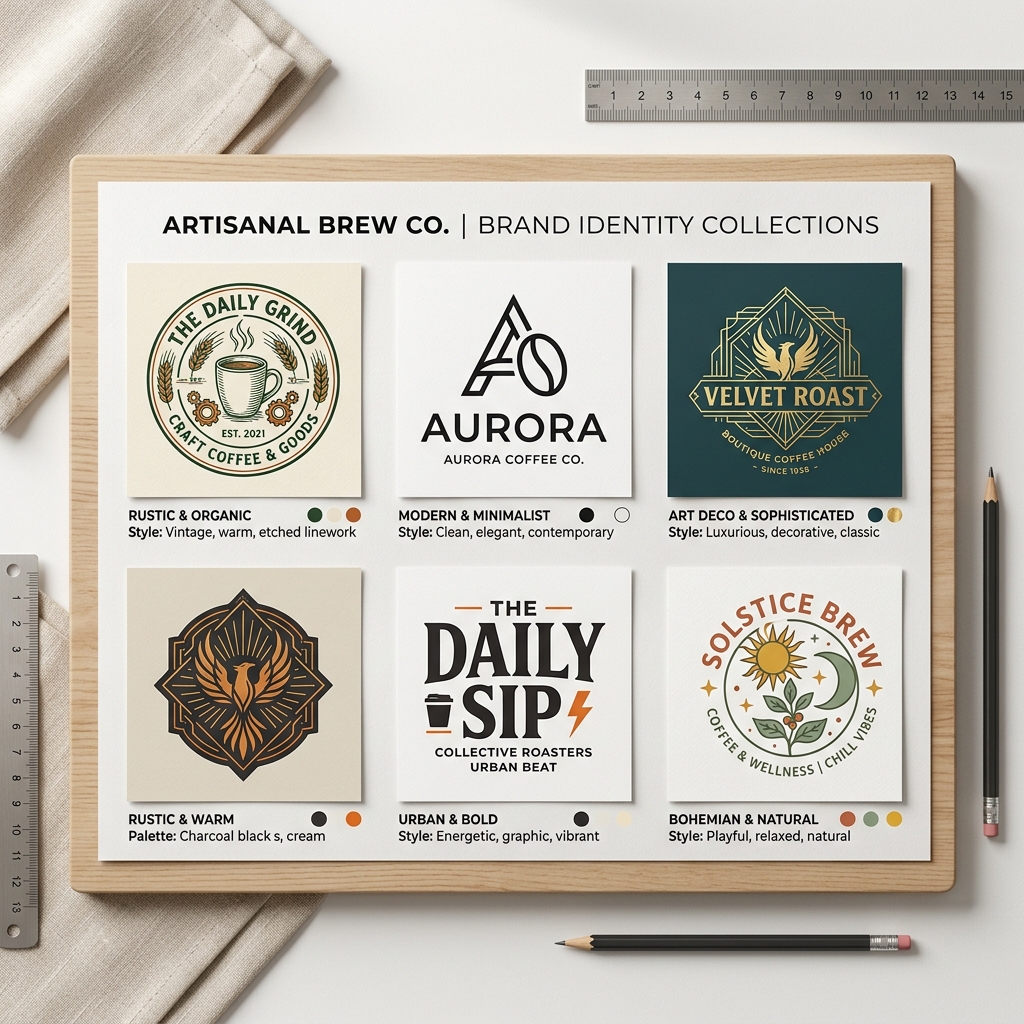
Input: "modern coffee shop logo minimalist"
Output: A sleek, circular logo featuring a simple coffee cup icon with clean lines and muted earth tones. The font is sans-serif, bold but elegant, perfect for staff t-shirts or mugs.
This design looks professional without needing a graphic designer.
How AI T-shirt Design Makers Compare to Canva
Canva offers templates and manual editing but requires some design sense and more time.
AI t-shirt design makers automate creativity: you get unique images instantly without starting from scratch.
Both have their place, but for quick, original designs with minimal effort, AI tools excel.
["comparison AI design tools interface"]
Tips and Common Mistakes
- •Be specific with prompts to get better results.
- •Experiment with different styles.
- •Avoid overly complex prompts that confuse the AI.
- •Check image resolution before printing.
- •Don’t rely solely on AI; tweak designs if possible for branding consistency.
FAQ
1. Can I use AI-designed graphics commercially?
Yes, most AI tools grant commercial use rights, but check each platform’s policy.
2. Do I need design skills to use AI t-shirt design makers?
No, they’re built for users without any design background.
3. How long does it take to create a design?
Typically under 5 minutes from prompt to download.
4. Are the designs unique?
AI generates fresh variations each time, so designs are unique.
5. Can I edit the AI-generated designs?
Some platforms allow basic edits; otherwise, you can use other software for tweaks.
Ready to Create Your Custom T-shirt Design?
Save time and money with AI-powered design tools. Whether you run a fitness studio, coffee shop, or just want personalized apparel, AI t-shirt design makers make it easy.
Try Lovart Now and create your design in seconds. View Pricing to find the best plan for your needs!["AI t-shirt design maker interface"]