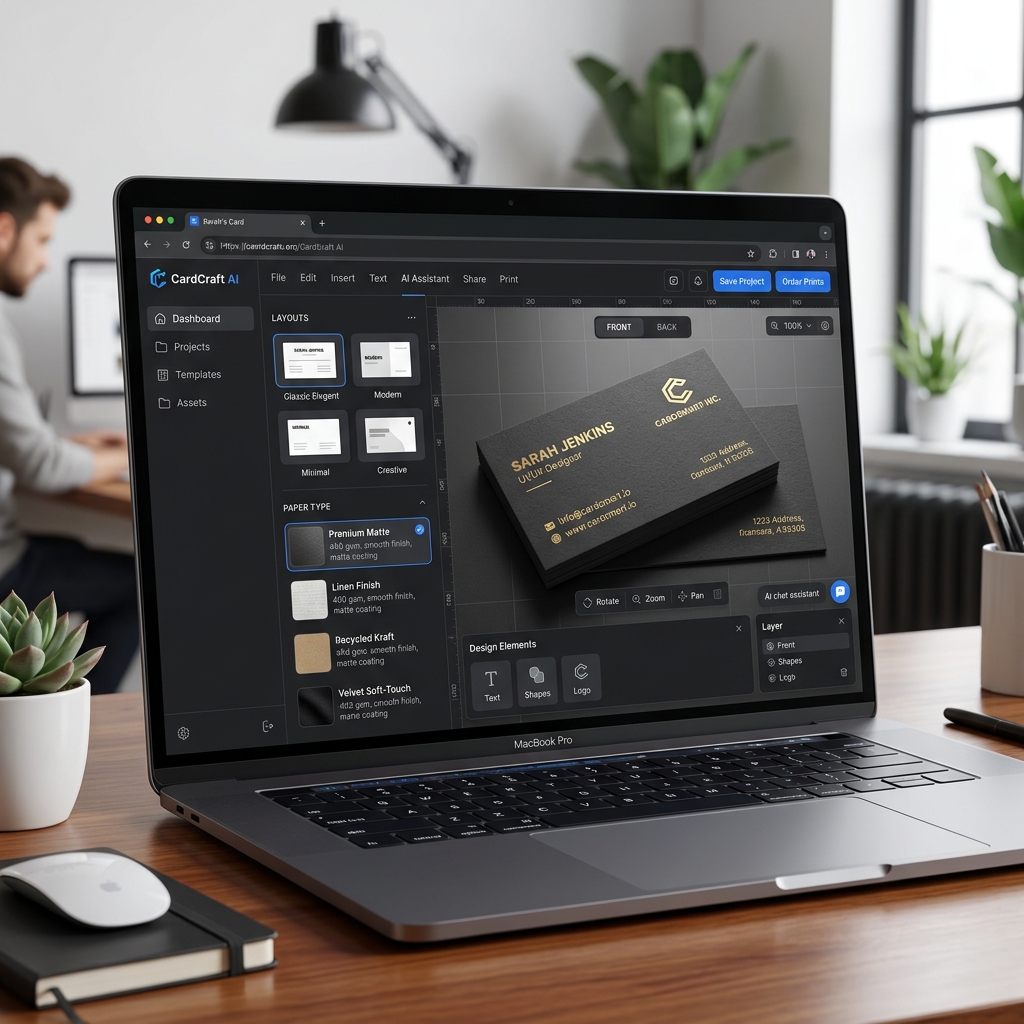
How Small Businesses Can Use AI Tools to Create Marketing Flyers
Introduction
Imagine you own a local coffee shop and want to promote your new seasonal drinks. You need a marketing flyer that looks professional but don’t have the time or design skills to create one. This is where AI tools for marketing flyer design come in handy. Small businesses like yours can now create stunning flyers quickly and affordably using AI flyer makers.
["AI logo generator coffee shop example"]
What Are AI Flyer Makers for Small Business?
AI flyer makers are online tools that use artificial intelligence to help you design marketing flyers. Instead of starting from scratch or hiring a designer, these tools generate flyer layouts, select fonts, and suggest images based on your input. You simply provide details like your business type, message, and style preferences, and the AI creates a polished design.
This technology combines automation with creativity, allowing small businesses to produce marketing materials without the need for graphic design expertise.
["AI poster design modern style"]
Why AI Tools Matter for Small Business Marketing Flyers
Creating marketing flyers traditionally requires design skills, time, and often a budget for professionals. Many small business owners face these pain points:
- •No design skills: You might not know how to use complex design software.
- •No time: Running a business leaves little time for marketing tasks.
- •Low budget: Hiring designers can be expensive.
AI flyer makers remove these barriers by automating design processes. They help you produce eye-catching flyers quickly and at a fraction of the cost.
Step-by-Step Guide to Design Flyers with AI
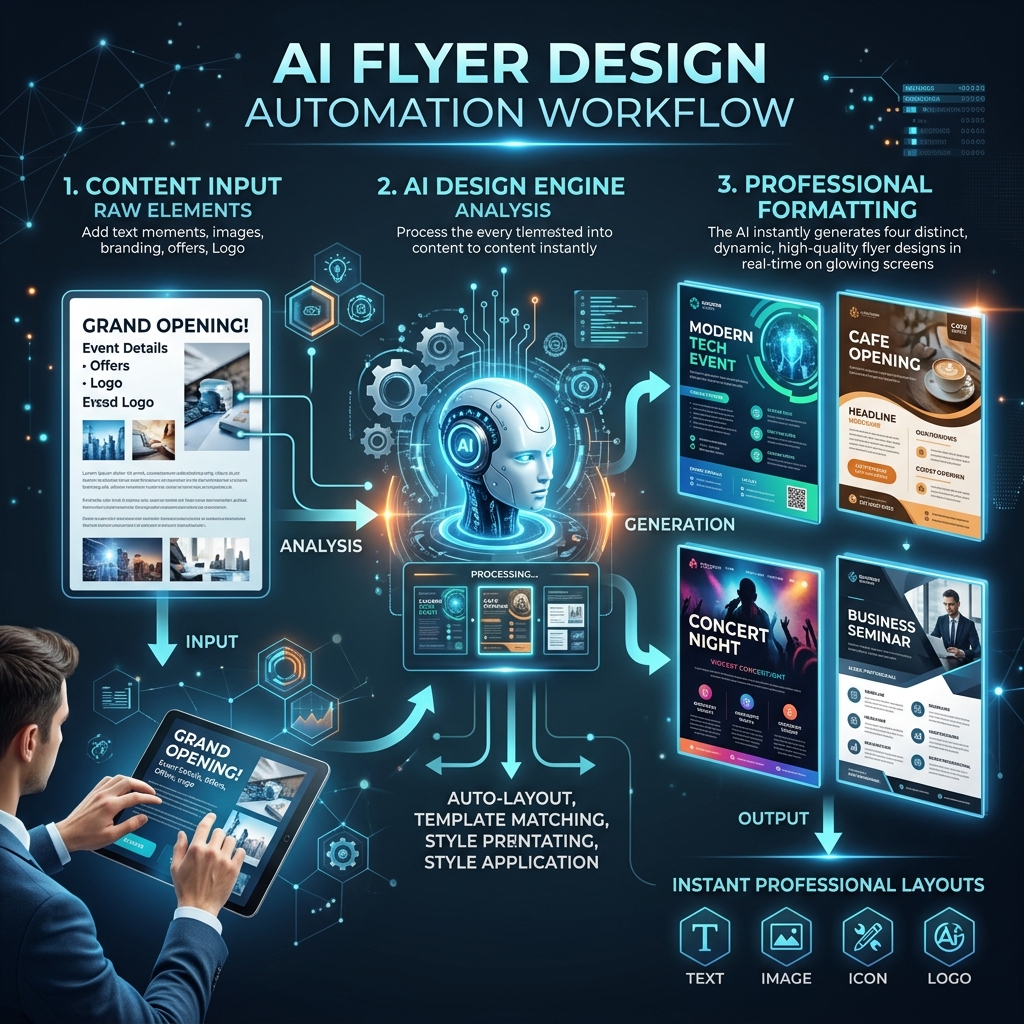
Step 1: Input Your Flyer Details
Start by entering information about your flyer’s purpose. For example, if you run a fitness studio, input details like "summer yoga class promotion" or "new member discount."
Step 2: Choose Your Style
Select a design style that fits your brand—minimalist, modern, vintage, or bold. The AI will tailor layouts and color palettes accordingly.
Step 3: Generate and Download
The AI generates several flyer options. Review them, make any tweaks if needed, then download the final flyer ready for print or digital sharing.
Real Example: Designing a Flyer for a Local Bakery
Input: "modern bakery flyer minimalist style with fresh bread photos" Output: The AI produces a clean flyer featuring a simple white background with warm tones. It highlights fresh bread images on the right, with bold, easy-to-read text announcing a "Grand Opening Sale" on the left. The flyer includes contact details and a small map icon for location, all balanced with ample white space.This design looks professional and inviting without requiring any manual layout work.
Comparison: AI Flyer Makers vs. Traditional Tools Like Canva
Canva is popular for flyer design but still requires manual effort to pick templates, adjust fonts, and arrange elements. AI flyer makers automate much of this process, saving time for busy small business owners.
| Feature | AI Flyer Maker | Canva |
|---|---|---|
| Design Automation | High - Generates complete designs | Moderate - Template-based with manual edits |
| Time Required | Minutes | Longer due to manual setup |
| Design Skill Needed | None | Basic design sense helpful |
| Cost | Often lower or free tiers | Free and paid plans |
AI flyer makers are ideal for quick, professional results without learning design tools.
["comparison AI design tools interface"]
Tips and Common Mistakes When Using AI Flyer Makers
- •Tip 1: Be specific with your input prompts to get relevant designs.
- •Tip 2: Choose styles that match your brand identity for consistency.
- •Tip 3: Always review generated designs carefully for text accuracy.
- •Mistake 1: Avoid vague prompts like "nice flyer"; the AI needs details.
- •Mistake 2: Don’t overload the flyer with too much information; keep it clear.
FAQ
1. Can I customize AI-generated flyers?
Yes, most AI flyer makers allow you to tweak text, colors, and images after generation.
2. Are AI flyer makers expensive?
Many offer free basic versions with paid upgrades for advanced features.
3. Do I need any design experience to use these tools?
No, AI tools are designed for users without any design skills.
4. Can I use AI flyers for print and digital marketing?
Absolutely, you can download files suitable for both print and online sharing.
5. How long does it take to create a flyer with AI?
Typically, under 10 minutes from input to final design.
Ready to Create Your Marketing Flyers?
Save time and money by designing professional flyers with AI tools tailored for small businesses. Whether promoting a new product or announcing an event, you can create eye-catching marketing materials without any design skills.
Try Lovart Now to experience fast, easy flyer creation. Create your design in seconds and start attracting more customers today!