
Beginner’s Guide to Lovart AI: Creating Your First Social Media Graphic
Creating eye-catching social media graphics can be a challenge, especially if you don’t have design skills or much time. Imagine you're running a small coffee shop and want to promote your new seasonal drinks on Instagram. You need a quick, professional-looking graphic but don't have a designer on hand. This is exactly where Lovart AI shines.
What is Lovart AI?
Lovart AI is a smart design tool that helps beginners create professional social media graphics quickly. It uses artificial intelligence to generate custom designs based on your input, making it easy for anyone to produce stunning visuals without prior design experience.

Why Lovart AI Matters for Beginners
Many people struggle with:
- •No design skills: Creating attractive graphics can feel overwhelming without training.
- •No time: Busy schedules leave little room for learning complex software.
- •Low budget: Hiring designers or buying expensive tools isn’t always an option.
Lovart AI solves these problems by providing an intuitive platform where you can create beautiful social media posts in minutes, saving you time and money.
Step-by-Step Lovart Beginner Tutorial
Step 1: Input Your Prompt
Start by describing what you want. For example, type “modern coffee shop Instagram post minimalist style.” Lovart’s AI understands your prompt and begins creating designs that fit your description.
Step 2: Choose Your Style
Select from several design styles like minimalist, vintage, or bold. This lets you tailor the look to your brand’s personality.
Step 3: Generate & Download
After selecting your style, click generate. Lovart will create several options. Pick your favorite and download it ready to post on social media.
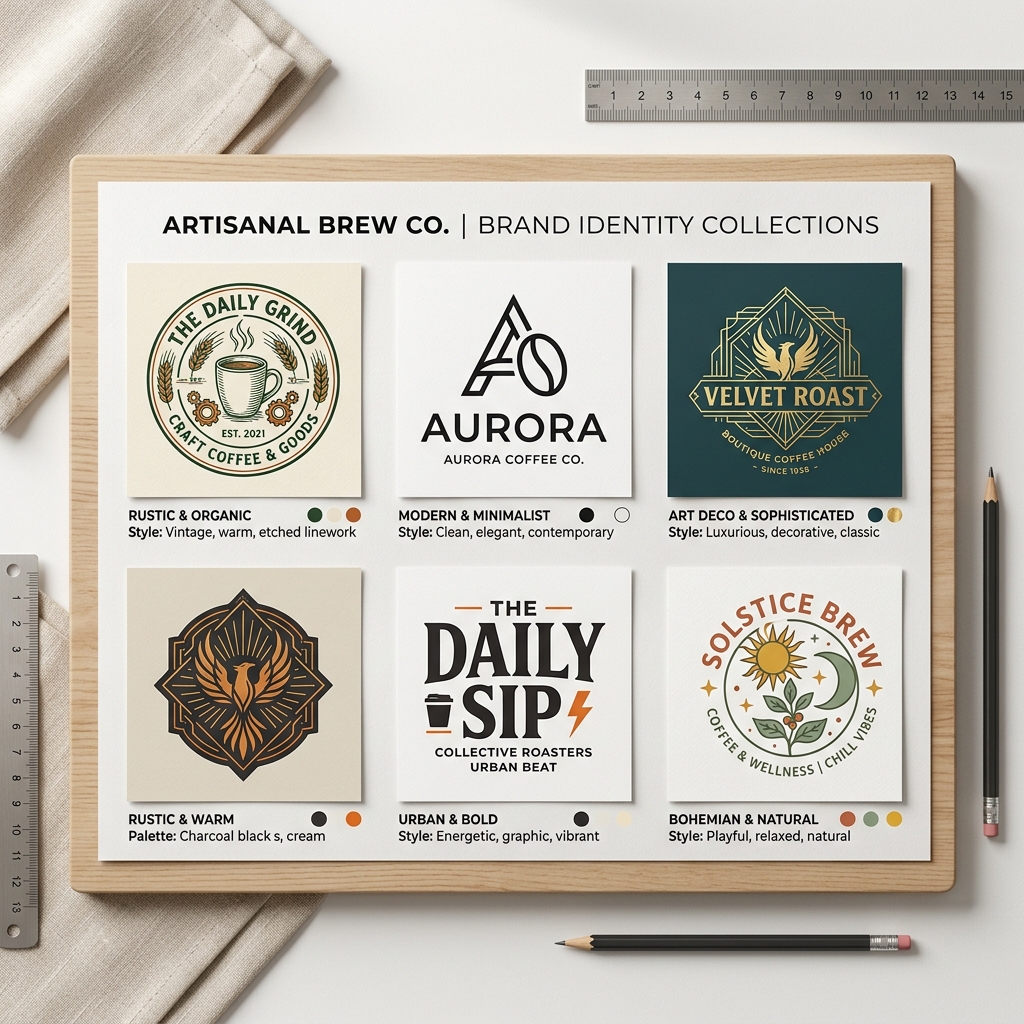
Real Example: Creating a Social Media Graphic
Input: “modern coffee shop Instagram post minimalist style with warm tones.”
Output Description: The AI generated a clean design featuring a coffee cup icon with steam lines, set on a light beige background. The text “Seasonal Specials” appeared in a sleek sans-serif font, with a subtle coffee bean pattern in the corner. This graphic looks professional and inviting, perfect for Instagram.
How Lovart AI Compares to Canva
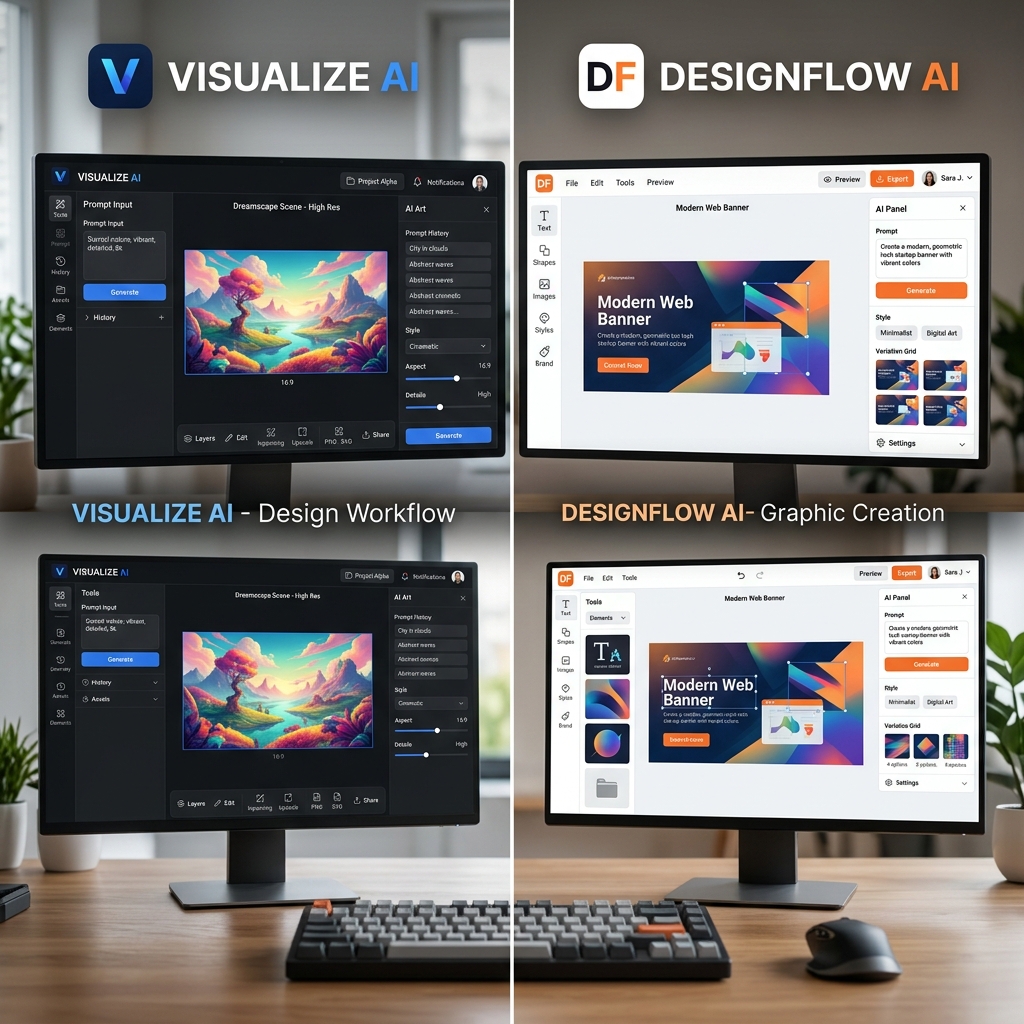
While Canva offers many templates and manual editing tools, it often requires some design know-how and time to customize. Lovart AI automates the creative process using your prompt, making it faster and simpler for beginners.
Canva is great for users who want full control over every element, but Lovart is ideal for those who want quick, high-quality designs without the learning curve.
Tips & Common Mistakes to Avoid
- •Be specific with prompts: The clearer your input, the better the AI results.
- •Experiment with styles: Don’t hesitate to try different design styles to find what fits your brand.
- •Review before downloading: Sometimes minor tweaks are needed for perfect results.
- •Avoid overly complex prompts: Keep descriptions simple for best AI understanding.
- •Don’t rely solely on AI: Use Lovart as a starting point and customize if needed.
FAQ
1. Can I use Lovart AI without any design experience?
Absolutely. Lovart is designed for beginners and requires no prior design skills.
2. Is Lovart AI free to try?
You can explore design creation with a free trial, but full features require a subscription. See View Pricing for details.
3. What social media platforms does Lovart support?
Lovart creates graphics suitable for Instagram, Facebook, Twitter, LinkedIn, and more.
4. Can I customize the AI-generated designs?
Yes, you can make adjustments after generation to fit your exact needs.
5. How long does it take to create a design?
Typically, it takes less than 5 minutes from prompt to download.
Ready to Create Your First Social Media Graphic?
Start your design journey with Lovart AI today. Whether you’re promoting a coffee shop, gym, or personal brand, Lovart helps you craft stunning visuals fast.
Try Lovart Now to create your design in seconds.Want to learn more about pricing options? View Pricing and choose the plan that fits your needs.