Advanced Lovart Prompts: How to Get the Best AI-Generated Designs Every Time
Introduction
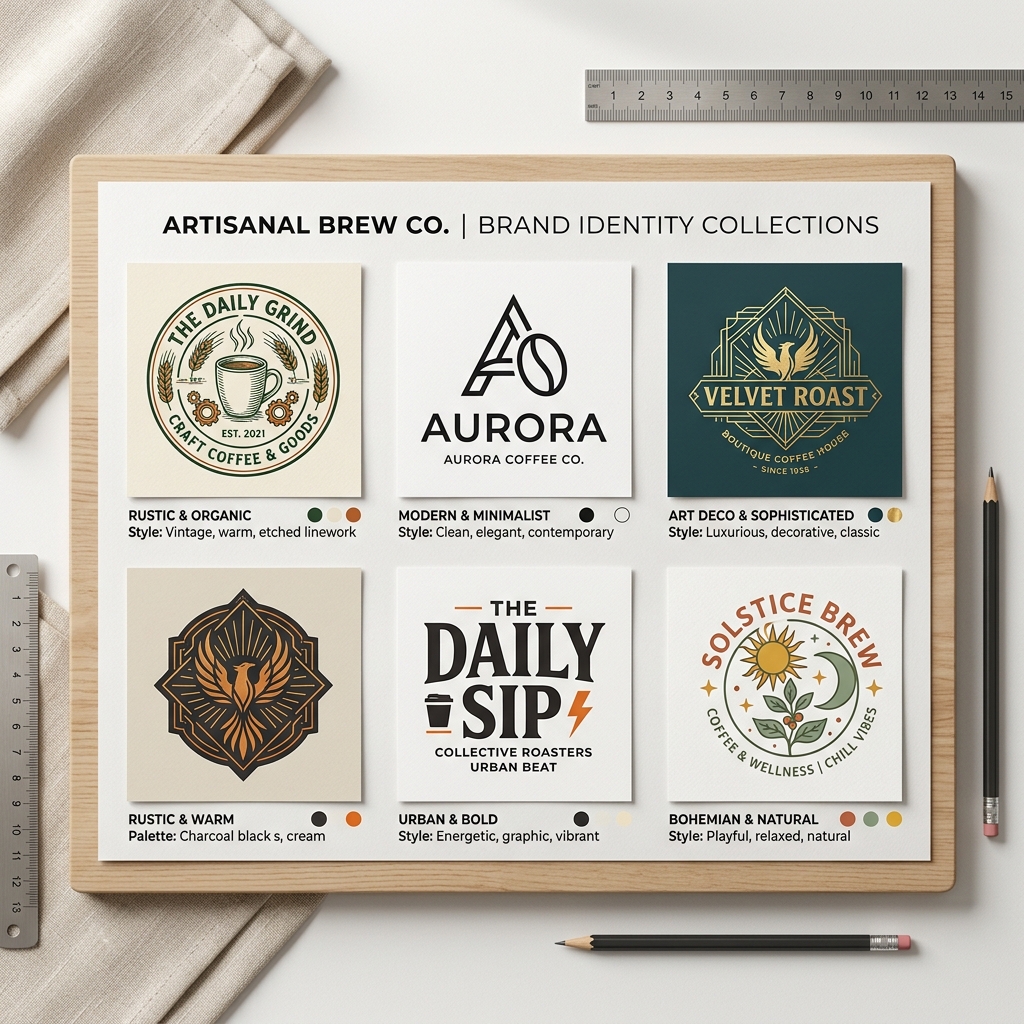
Imagine you’re launching a new coffee shop and need a standout logo fast. You have no design skills, a tight budget, and no time to hire a professional. This is where advanced Lovart prompts come in. With the right input and workflow, you can generate stunning AI designs in minutes, perfectly tailored to your brand.
What Is Advanced Lovart Prompting?
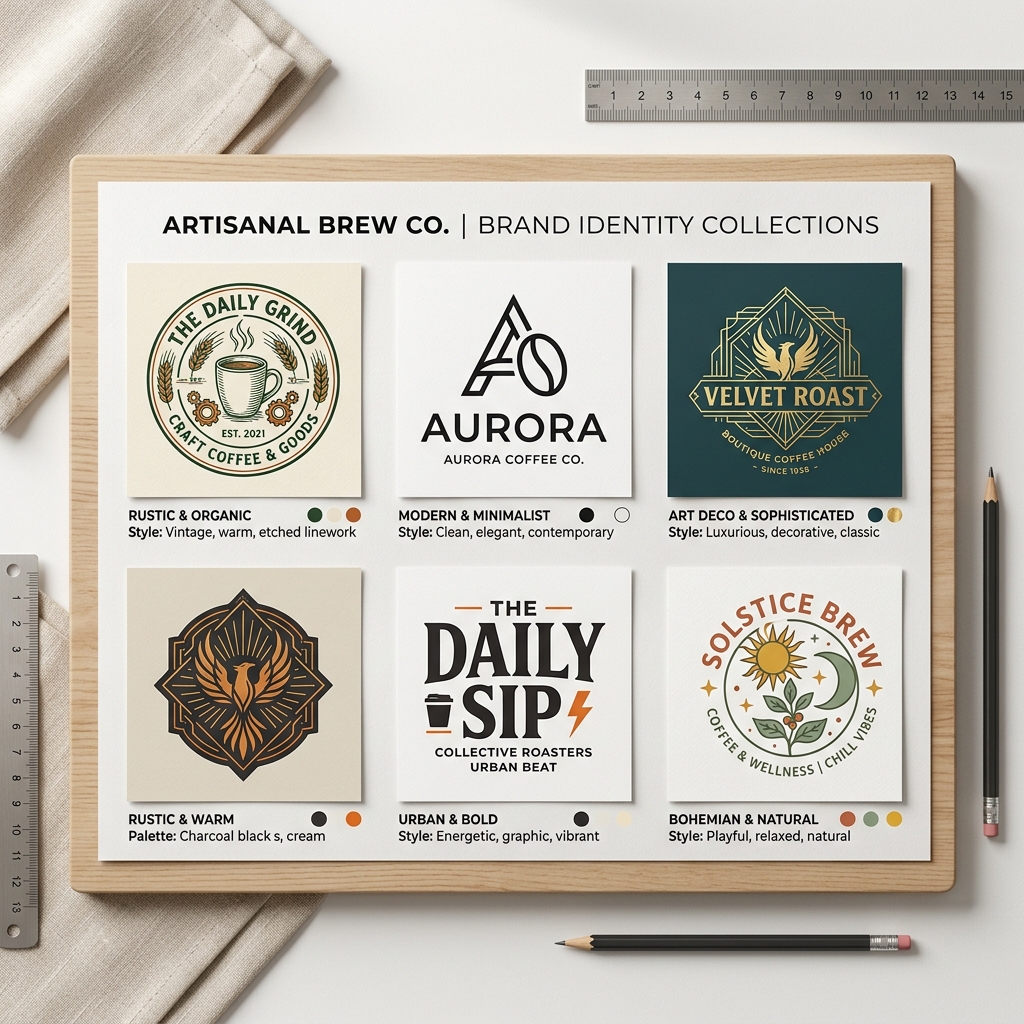
Lovart is an AI-powered design tool that generates graphics from text prompts. Advanced Lovart prompts are carefully crafted input phrases that guide the AI to produce more precise, creative, and high-quality designs. Unlike basic prompts, these use detailed descriptions, style choices, and contextual keywords to unlock the full potential of Lovart’s AI.
Why Advanced Lovart Prompts Matter
Many small business owners, marketers, and creators face common challenges:
- •No design skills: Not everyone knows how to use complex graphic tools.
- •No time: Tight schedules demand quick design solutions.
- •Low budget: Hiring designers or agencies isn’t always affordable.
Advanced Lovart prompts solve these by enabling anyone to generate professional designs quickly and affordably. They save time and money without sacrificing quality.
Step-by-Step Guide to Using Advanced Lovart Prompts
Step 1: Input Your Detailed Prompt
Start with a clear description of what you want. Include the subject, style, color preferences, and mood. For example, "modern coffee shop logo minimalist, warm colors, friendly vibe."
Step 2: Choose Your Design Style
Select from Lovart’s styles like minimalist, vintage, futuristic, or hand-drawn. This helps the AI understand your aesthetic.
Step 3: Generate and Download
Click generate and review the results. You can tweak your prompt for variations. Once satisfied, download your design ready for use.
Real Example: Modern Coffee Shop Logo
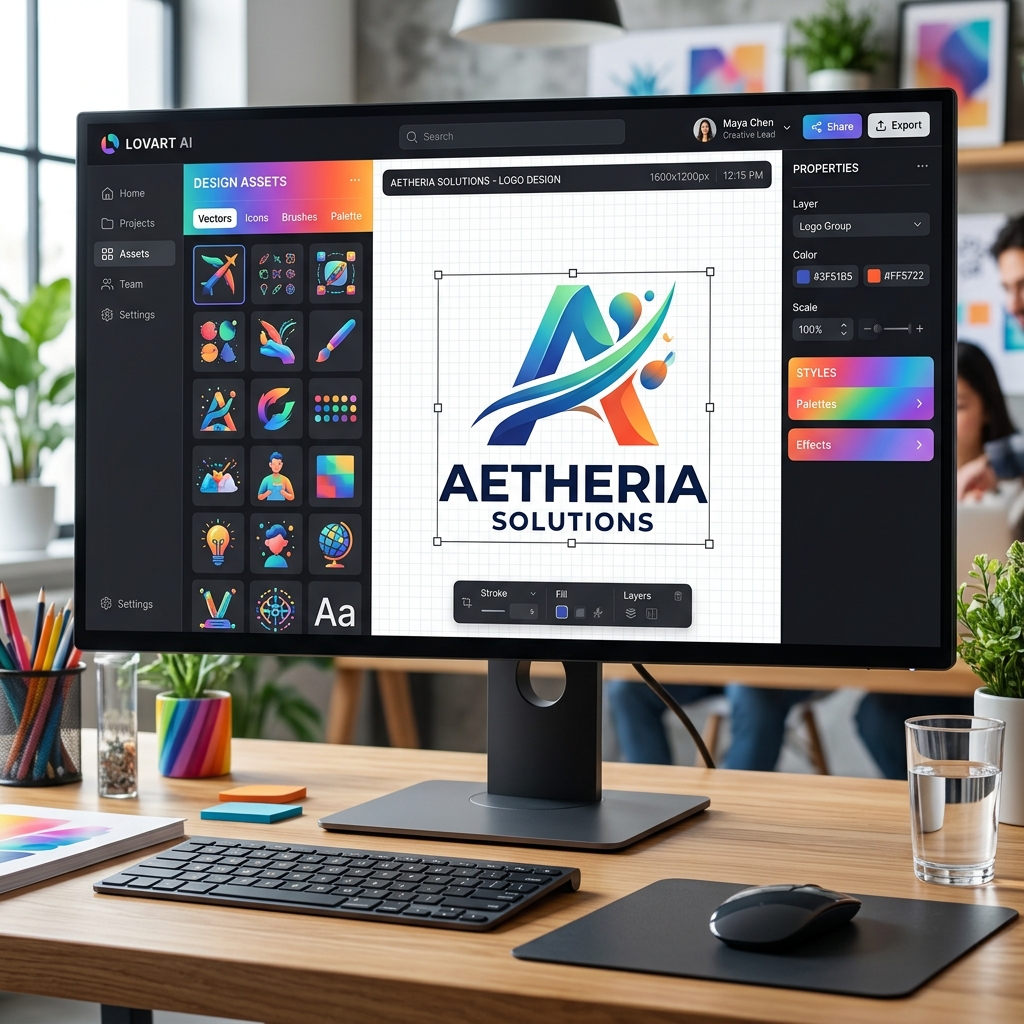
Input Prompt: "modern coffee shop logo minimalist, warm brown and cream colors, simple icon of a steaming cup" Output Description: Lovart generated a sleek logo featuring a minimalist steaming cup icon. The warm brown and cream palette conveys coziness and approachability, perfect for attracting coffee lovers. The font is clean and sans-serif, reinforcing the modern style.This logo fits beautifully on signage, menus, and social media profiles.
Comparison: Lovart vs. Canva
| Feature | Lovart | Canva |
|---|---|---|
| AI-generated designs | Yes, from text prompts | Limited AI, mostly templates |
| Design customization | High, through prompts | High, manual adjustments |
| Skill level required | Low | Low to Medium |
| Speed | Very fast | Moderate |
| Cost | Flexible pricing | Free + subscription plans |
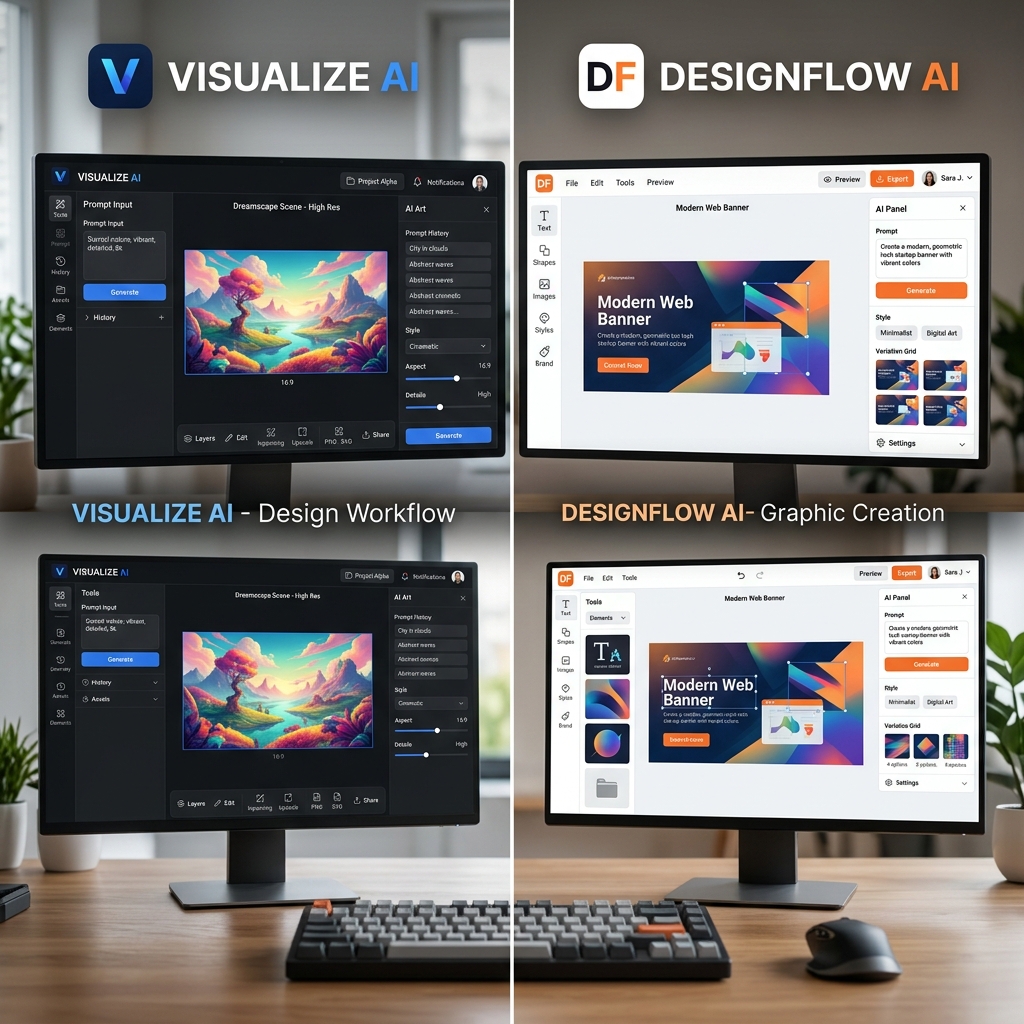
Lovart excels in quick, unique designs generated by AI with minimal effort. Canva is better for manual customization and template-based design.
Tips & Common Mistakes for Advanced Lovart Prompts
Tips:
- Be Specific: Include details like colors, shapes, and emotions.
- Use Style Keywords: Mention styles like "minimalist," "vintage," or "bold".
- Iterate Prompts: Slightly adjust prompts to explore variations.
- Combine Concepts: Mix ideas, e.g., "futuristic gym poster with neon colors".
- Leverage Examples: Use real-world references to guide the AI.
Common Mistakes:
- •Vague prompts like "nice logo" yield generic results.
- •Overloading prompts with too many conflicting details.
- •Ignoring style selection, which limits design quality.
- •Not iterating or refining prompts after the first try.
FAQ
1. What are Lovart prompts?
Lovart prompts are text inputs that guide the AI to create specific design outputs.
2. How do I improve my Lovart AI results?
Use detailed, clear, and style-specific prompts. Experiment and refine your input.
3. Can I use Lovart designs commercially?
Yes, Lovart allows commercial use depending on your subscription plan.
4. Is Lovart better than manual design tools?
Lovart is faster for generating ideas and simple designs, while manual tools offer more control.
5. Where can I learn more about using Lovart?
Check out the Lovart tutorial and reviews for in-depth guides.
Ready to Create Stunning Designs?
Don’t let lack of design skills slow you down. With advanced Lovart prompts, you can create professional, unique designs in seconds.
Try Lovart Now and see how easy it is to bring your ideas to life.Want to explore pricing options? View Pricing and choose the plan that fits your needs.
Create your design in seconds with Lovart!